Infraforge is private email infrastructure built on dedicated IP addresses. This article explains what that means, how IPs relate to your workspaces and domains, and how IPs are billed.
The IP addresses assigned to your Infraforge account are assigned to you only. No other customer sends from them. Your IP reputation therefore depends entirely on your own email activity: good sending practices build it, and poor ones damage it without any other sender being involved.
Infraforge is not a shared IP product. Shared IP infrastructure is what Mailforge and Primeforge use. For a comparison, see Choosing Between Mailforge vs Infraforge vs Primeforge, and for how to keep an IP healthy, see Infraforge: How to use it for maximum deliverability.
When you buy your first domain in your Infraforge account, you get one IP at no extra cost. By default, all your workspaces and domains in the account use that IP.
Every workspace uses one IP. All domains in a workspace share that workspace's IP. This sharing is only between your own domains in that workspace, never with other customers.
Workspaces are free. You can create as many workspaces as you want at no cost.
Additional IPs cost extra. If you want a workspace to have its own IP instead of the one from your first domain, buy a new IP and attach it to that workspace. See How to buy an additional IP in Infraforge.
Spread your risk. We recommend no more than 40 mailboxes per IP. If you need more, buy additional IPs and distribute your mailboxes across them. See How many mailboxes I can create per domain.
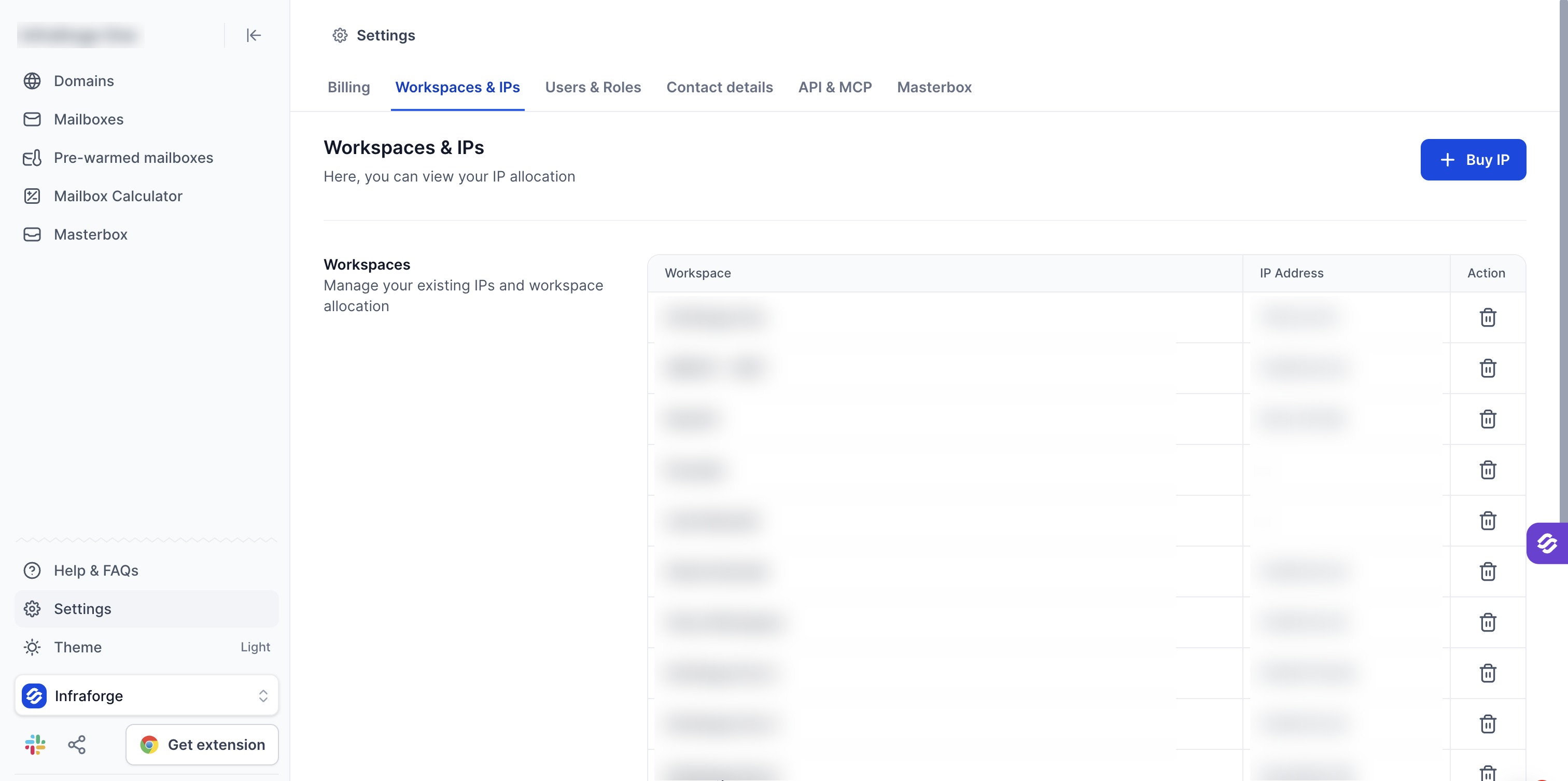
To see which IP each workspace uses, go to Settings > Workspaces & IPs. The Workspaces table lists each workspace with its IP address. All domains in a workspace use that workspace's IP.
Each IP is hosted on a core domain. One IP has one core domain, and the IP is stored there as an A record. All other domains using the same IP reference that core domain, and they also include the IP in their SPF record.
The IP addresses table on the same Settings page shows each IP with its core domain. When you buy an IP you choose its core domain, and you can change it later. For where to find the IP of a domain, see How to find your dedicated IP in Infraforge.
An additional IP is an add-on on top of your Infraforge mailbox slots subscription. Its billing follows that subscription, so the IP is billed together with your Infraforge subscription as a whole and uses the same billing interval (monthly or yearly). For how renewals and cancellations work, see Cancellation Process, Subscription Renewals, Invoices & Refunds.