Primeforge is infrastructure for creating domains and mailboxes on Google Workspace or Microsoft 365 — ideal when you want the reliability and deliverability benefits of major enterprise email ecosystems.
Connecting an existing domain means transferring its DNS hosting to Primeforge. Your original registrar (where you purchased the domain) remains unchanged — only the DNS management moves to Primeforge.
Note: Connecting a domain is free.
Navigate to Domains from the left sidebar.
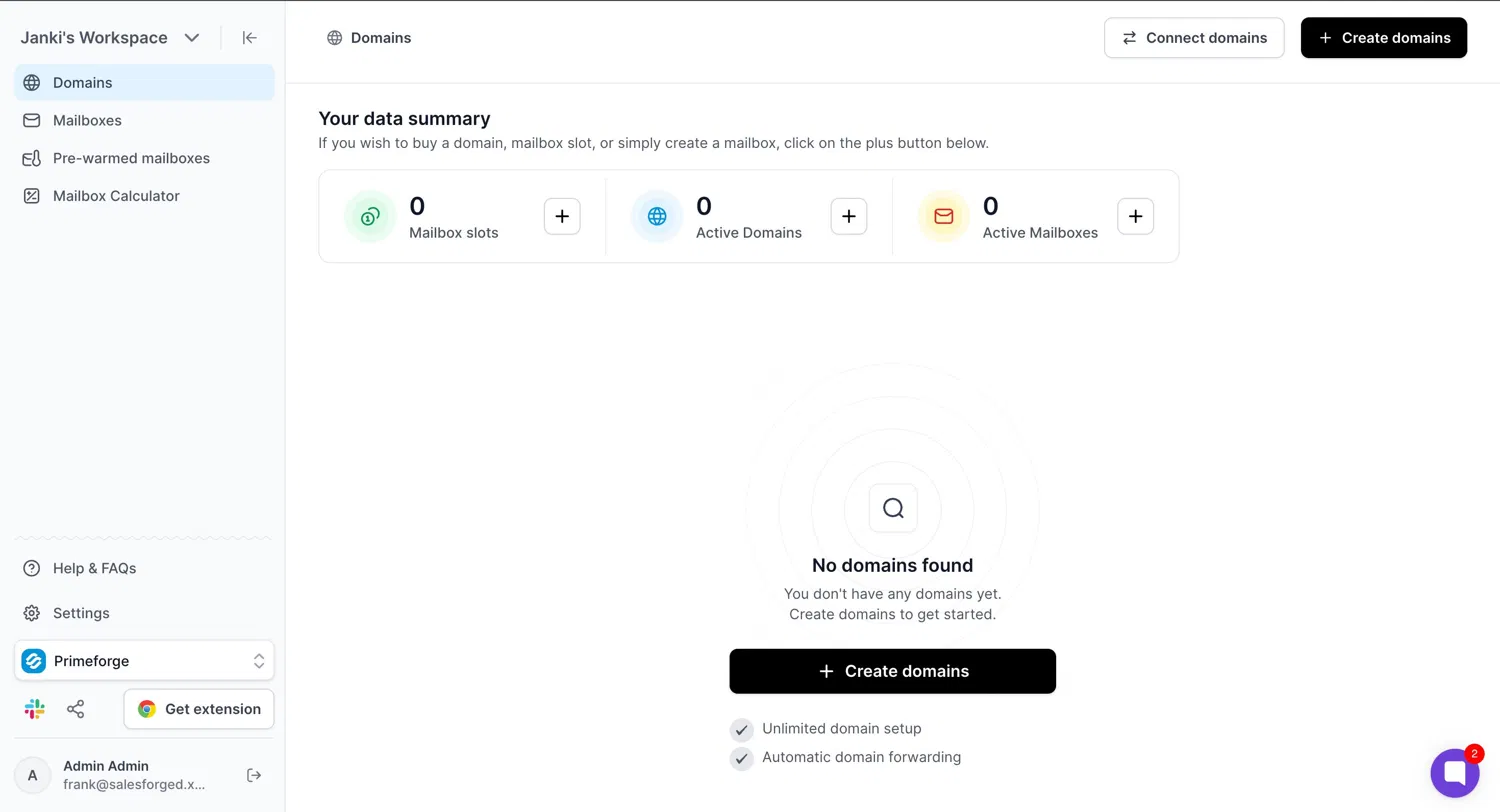
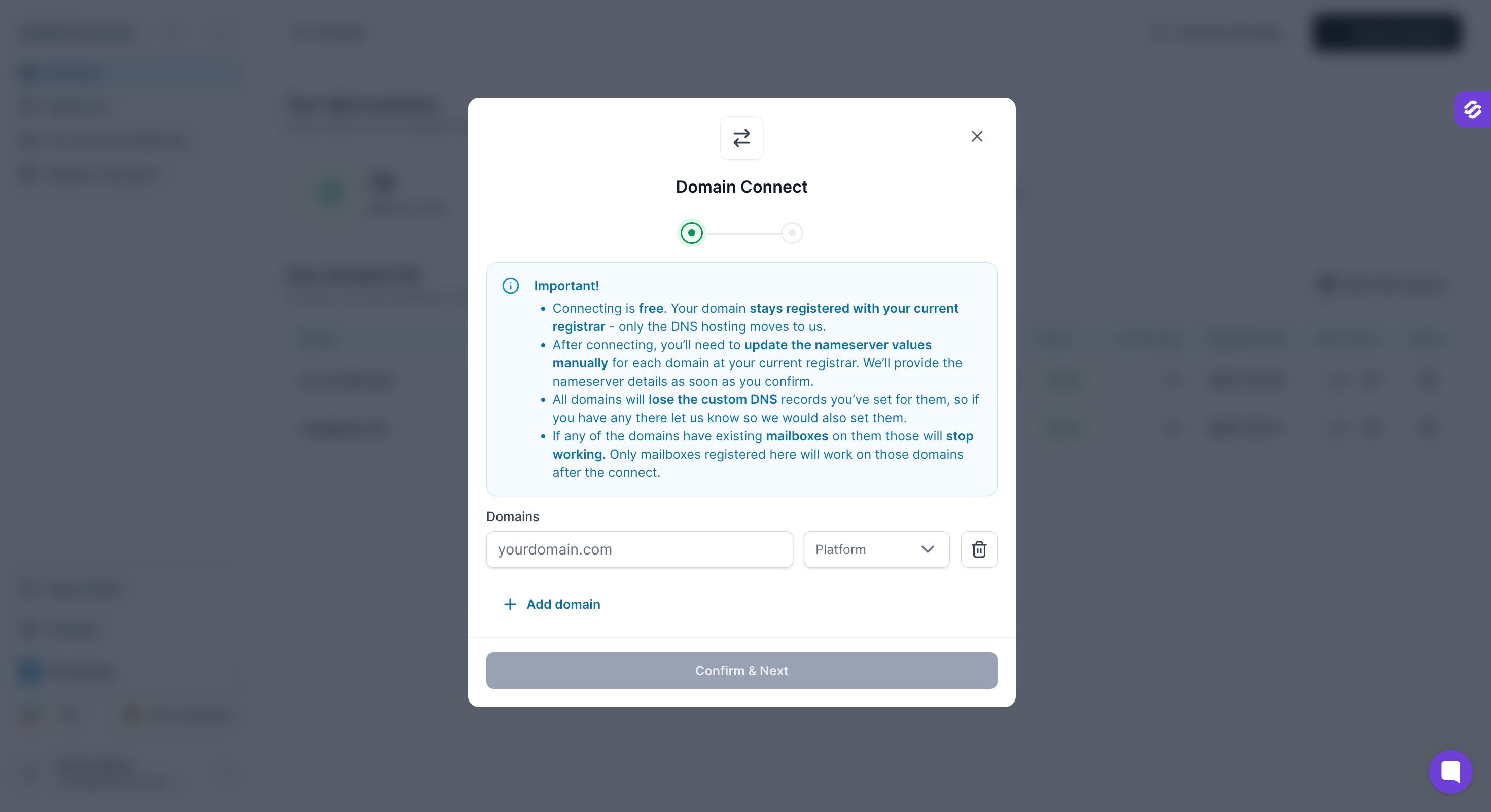
A pop-up will open. Read all the instructions carefully before proceeding. Key things to note:
After connecting, you'll need to manually update the nameserver values at your current registrar.
All domains will lose their existing custom DNS records — contact support if you need those preserved.
Any existing mailboxes on those domains will stop working. Only mailboxes registered on Primeforge will work after the connection.
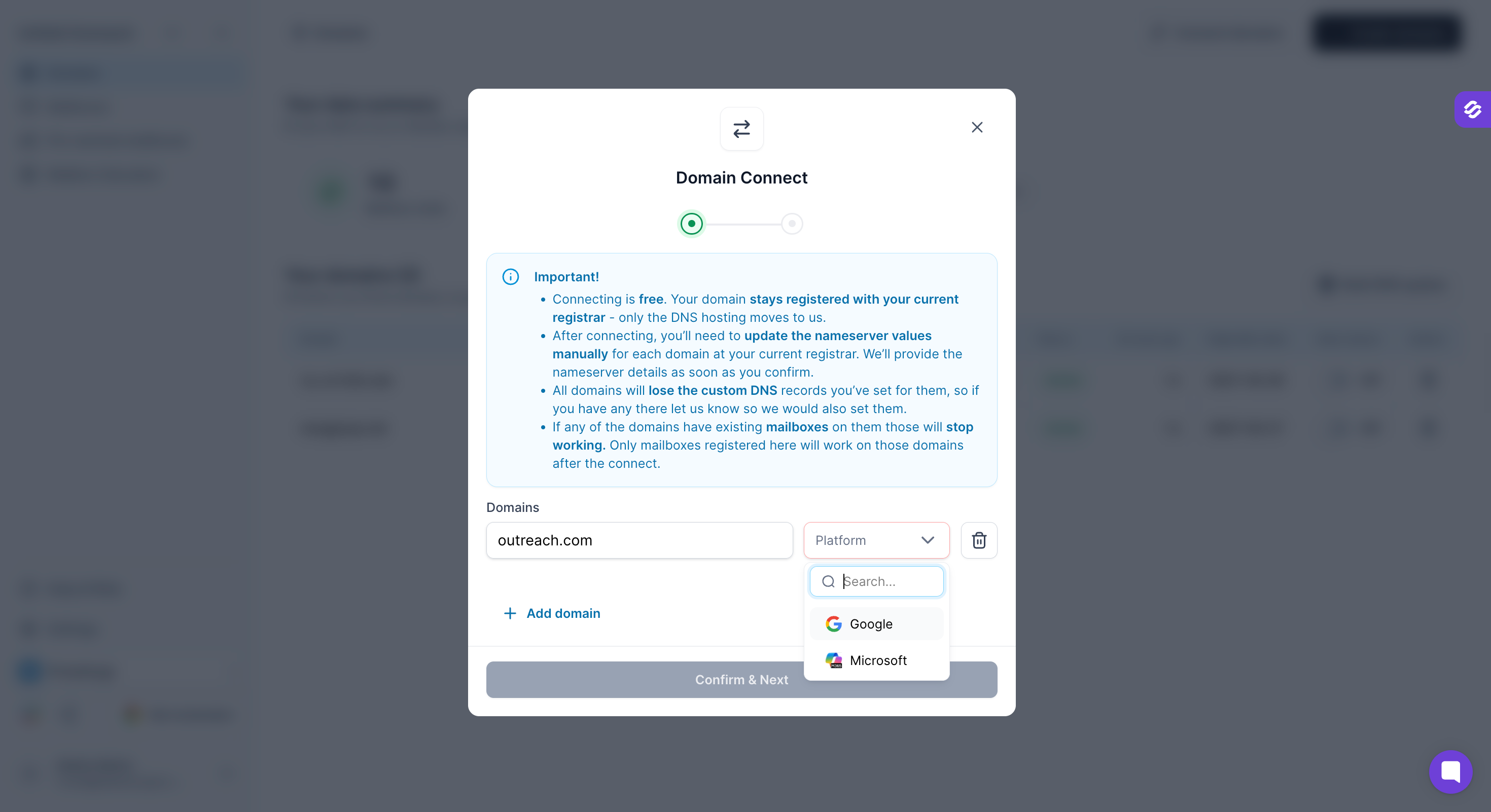
Type your existing domain name and choose the email platform — Google (Google Workspace) or Microsoft (Microsoft 365).
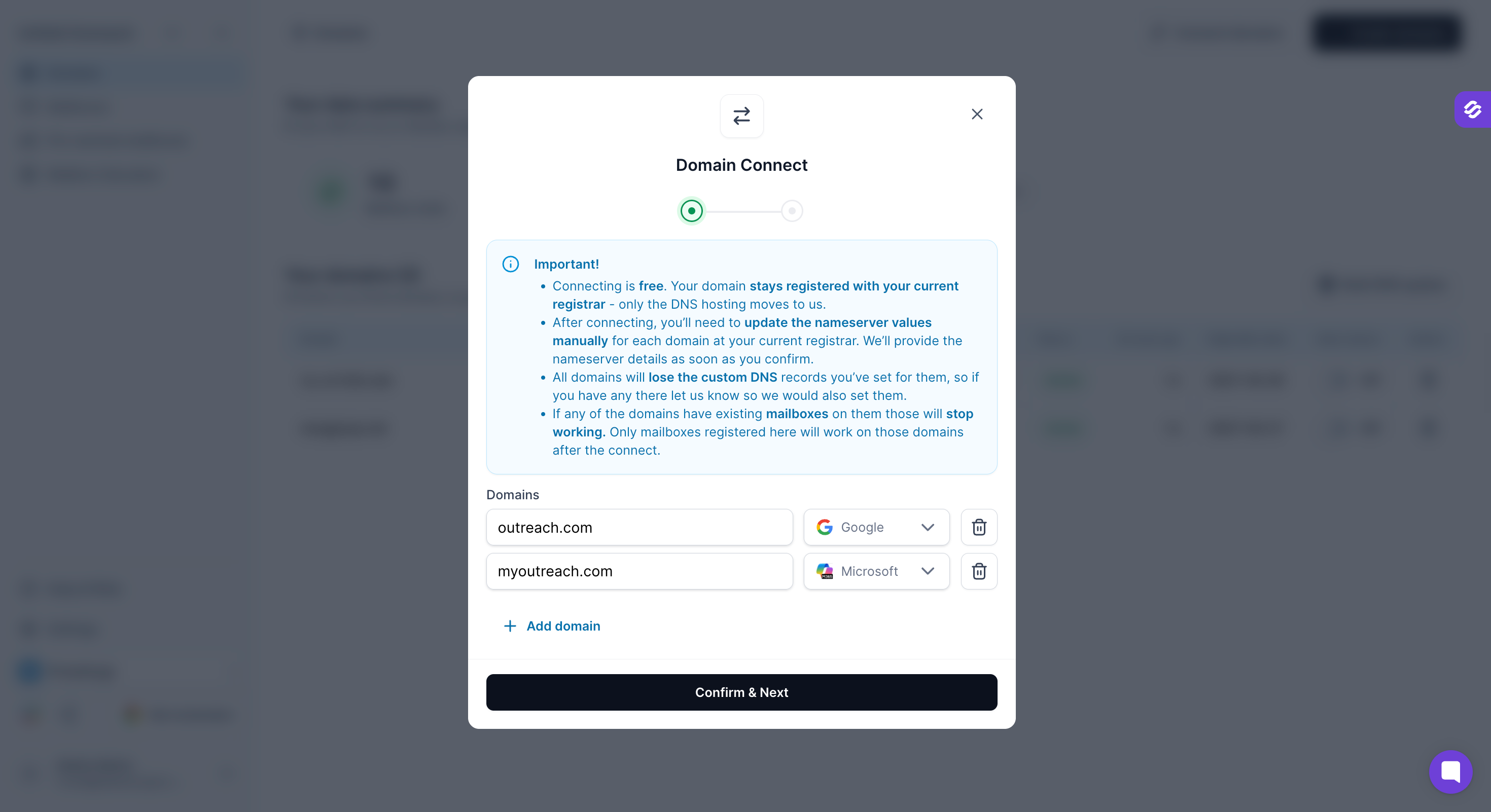
Click "+ Add domain" to connect multiple domains in one go.
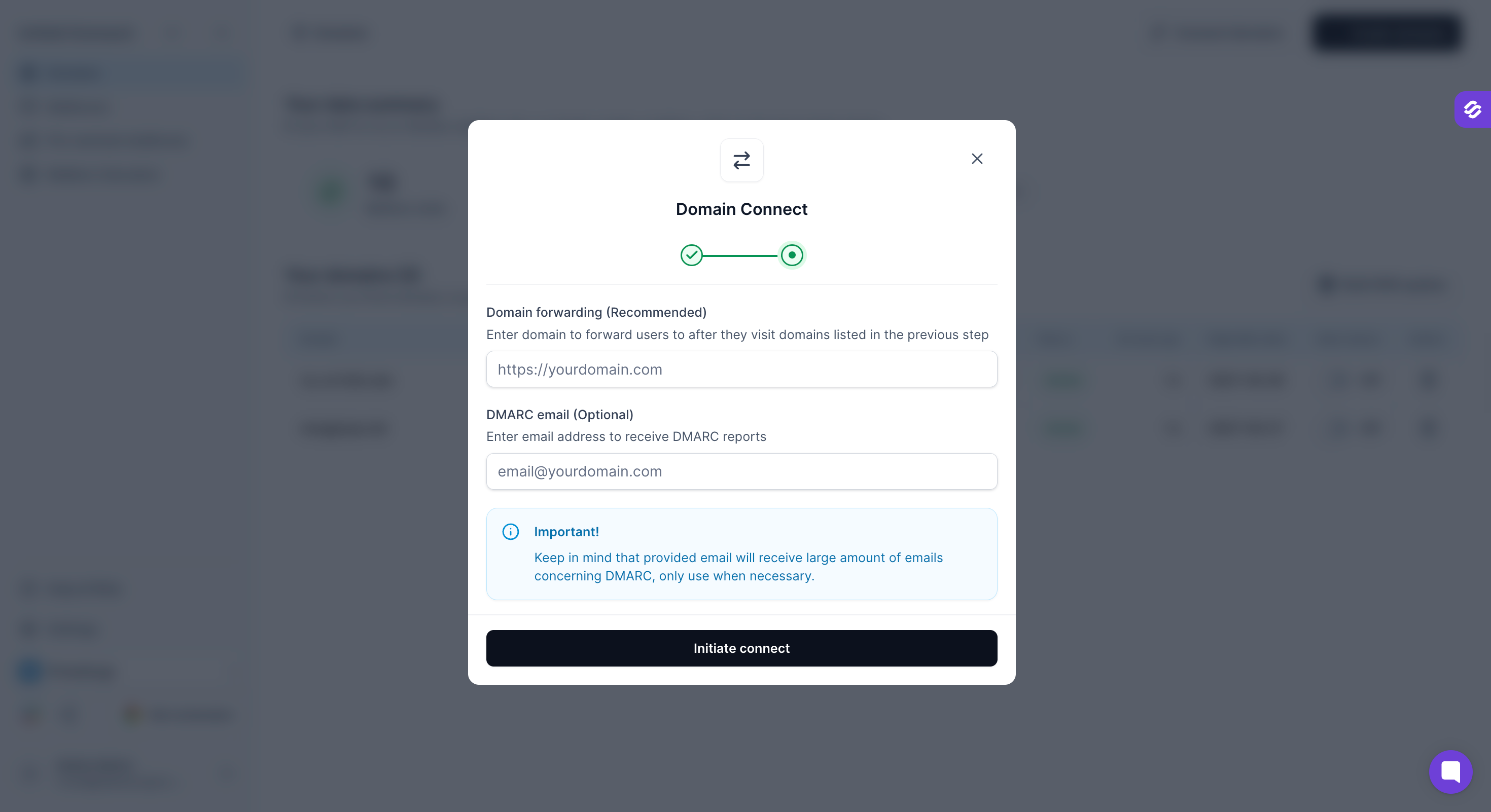
Once the domain connection initiated:
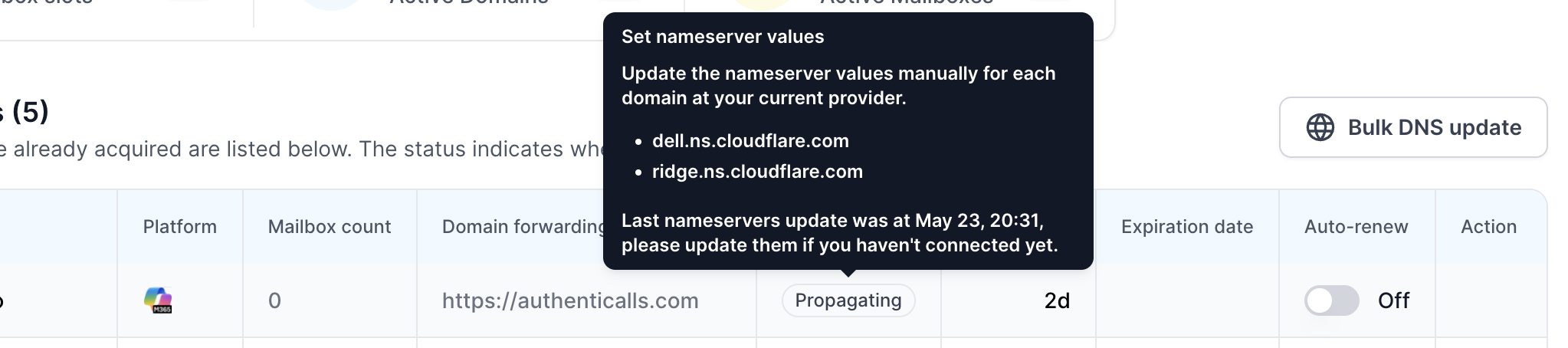
The domain will appear with status "Propagating". At this point:
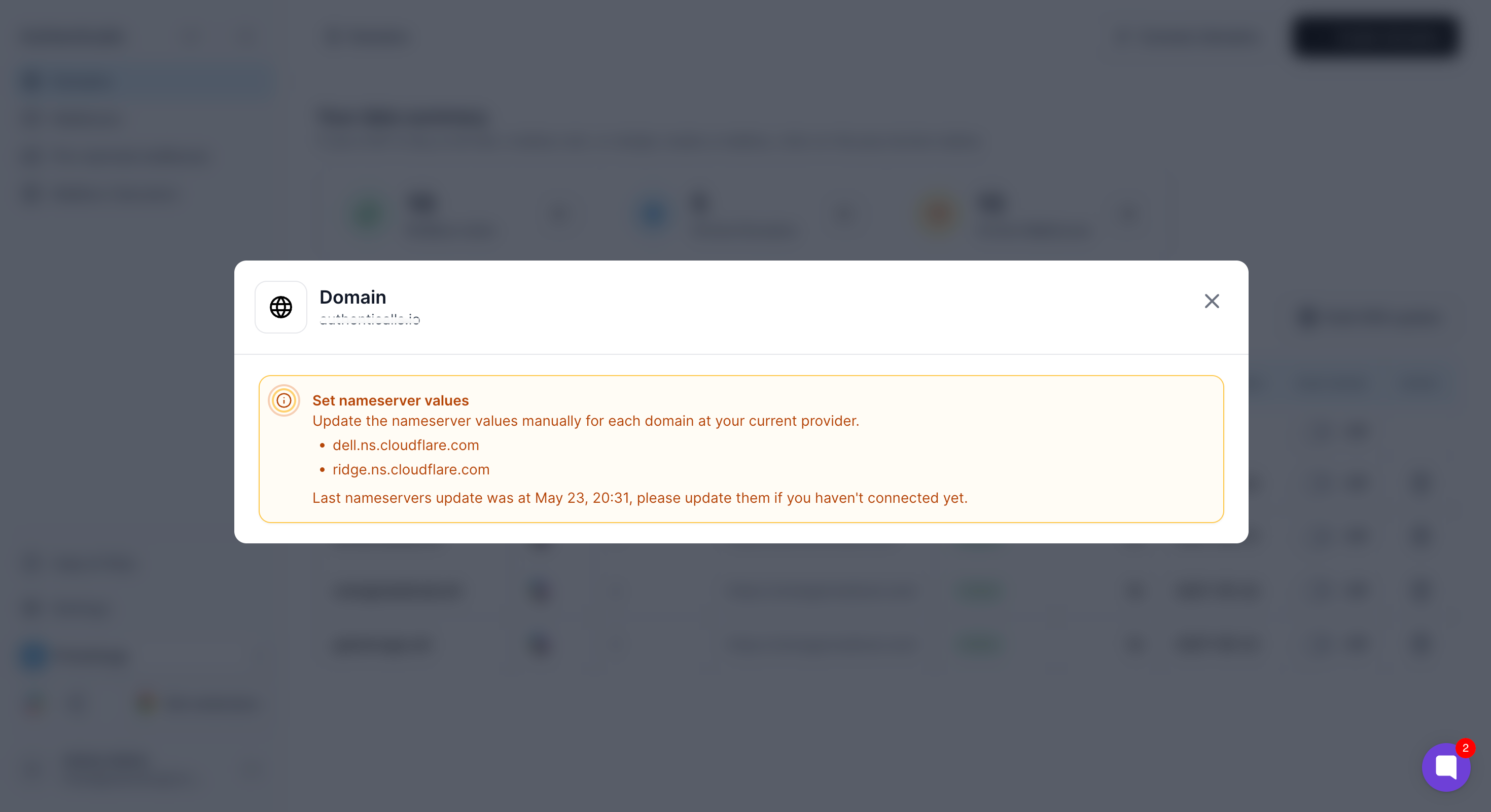
Find your nameservers — hover over the "Propagating" status badge, or click on the domain to see the two nameservers assigned specifically to your domain.
Update nameservers at your registrar — log in to your original domain registrar and replace the existing nameservers with the two provided by Primeforge.
Wait for propagation — once the nameservers propagate, the domain status will update to "Active".
Your domain is now successfully connected to Primeforge! 🎉
DNS records and domain forwarding will automatically update on the domain once mailboxes are created and their status becomes "Active."
Auto-renew for domains is off by default — you can enable it from the Domains page if needed.
