Every Infraforge account includes one dedicated IP. If you want a separate IP for a specific workspace, you can buy an additional one. This article explains how billing works and the two ways to buy it. To understand how dedicated IPs work in general, see How dedicated IPs work in Infraforge.
Additional IPs are billed together with your Infraforge Mailbox Slots subscription, as an add-on on top of it. They follow the same billing interval (monthly or yearly) as your mailbox slots.
The price is shown in the purchase window before you confirm. It is per IP, per month, and can be different for monthly and yearly billing.
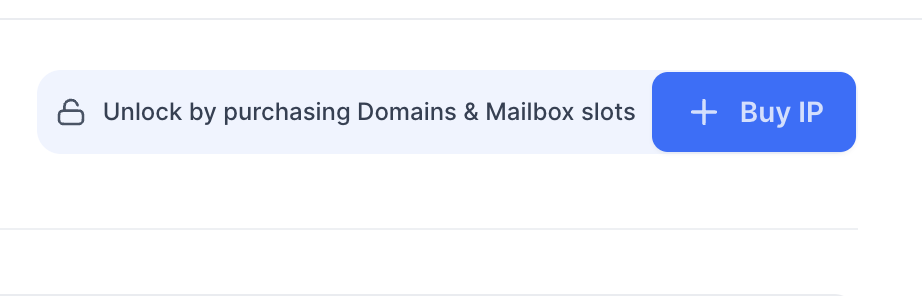
The Buy IP button is locked until you have purchased domains and mailbox slots. You will see the message "Unlock by purchasing Domains & Mailbox slots" until then.
Creating a workspace is free. Only attaching a new IP to a workspace costs extra.
Log in to your Infraforge account at infraforge.ai.
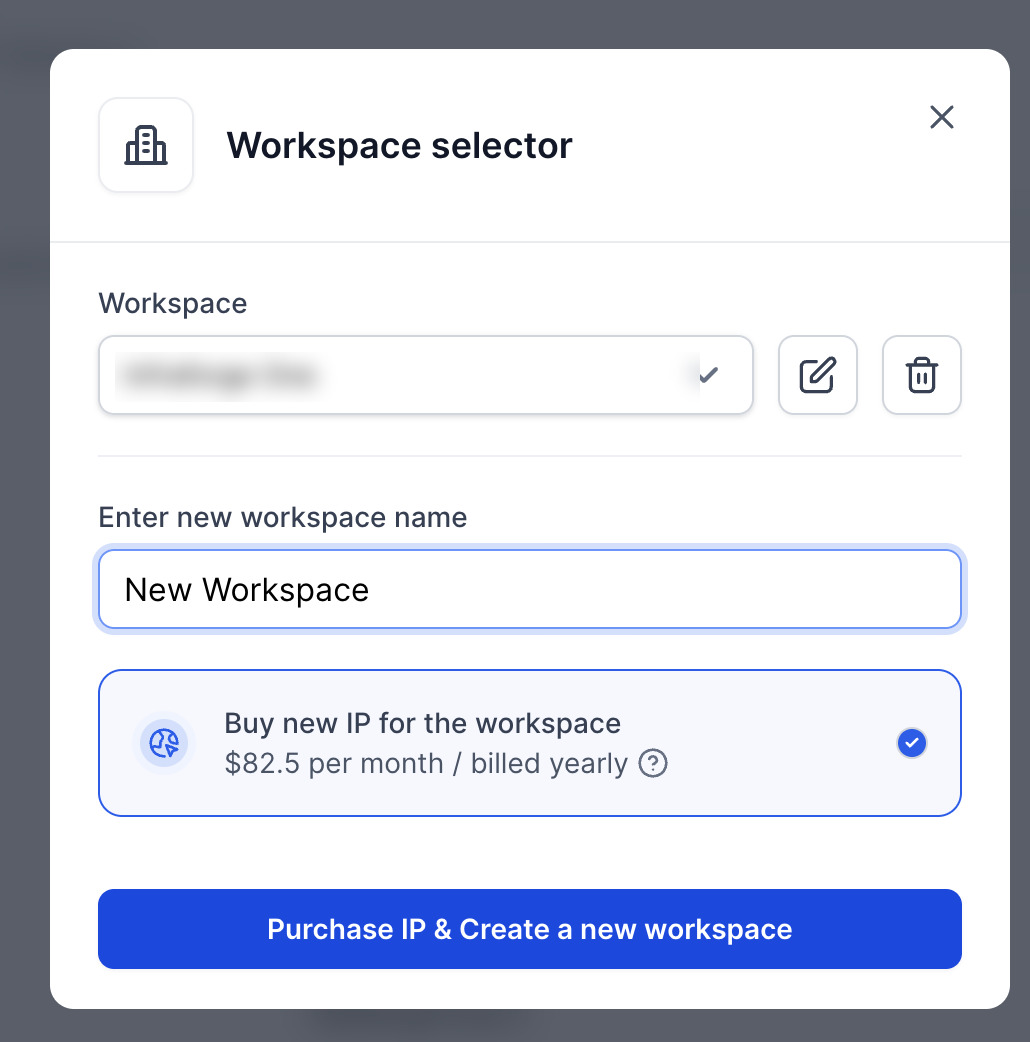
Click the workspace name in the sidebar to open the workspace selector.
Choose "Buy new IP for the workspace", enter a name for the new workspace, and click "Purchase IP & Create a new workspace".
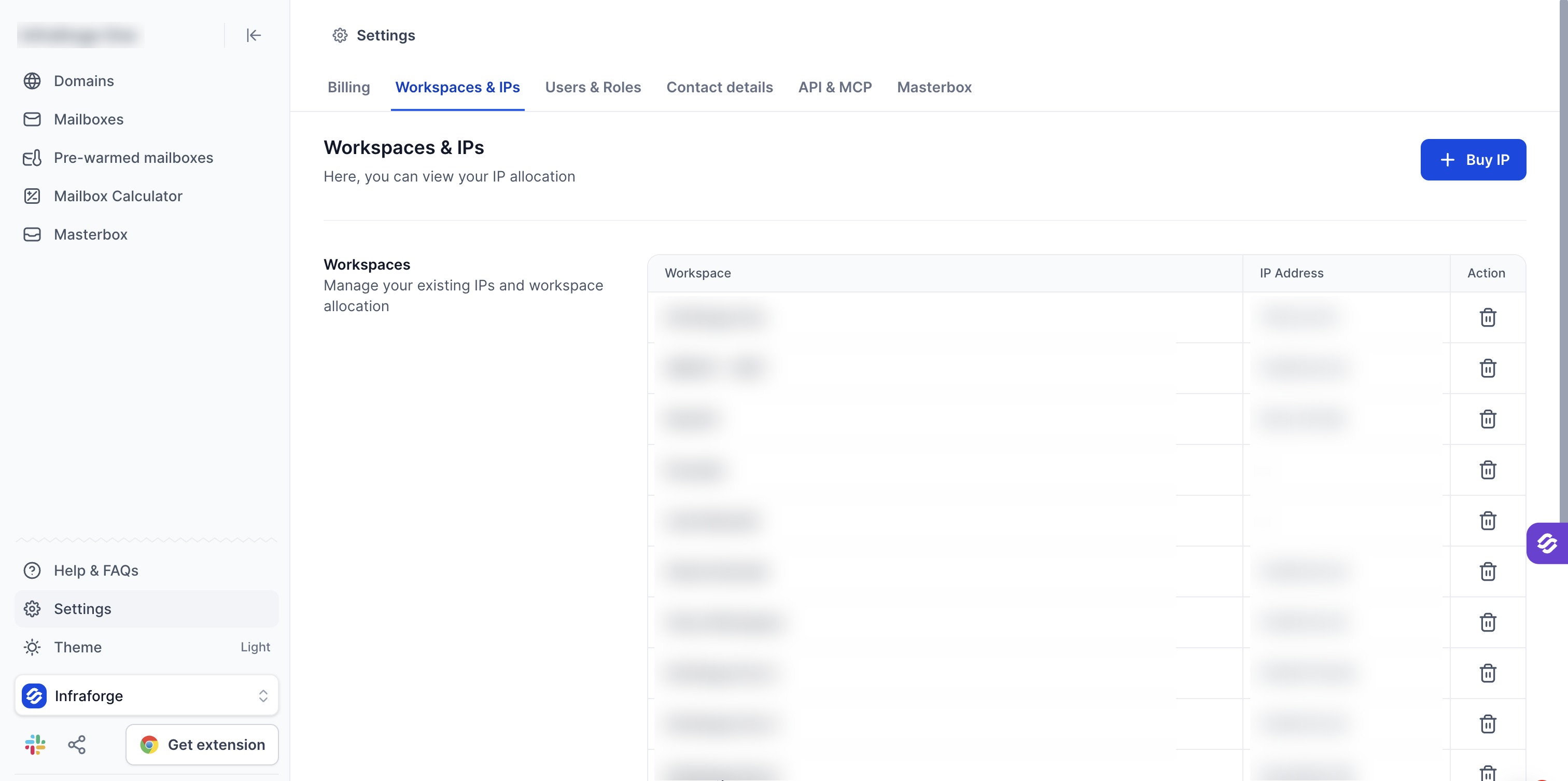
In Infraforge, go to Settings > Workspaces & IPs.
Click "+ Buy IP".
Fill in the purchase window (see below) and confirm.
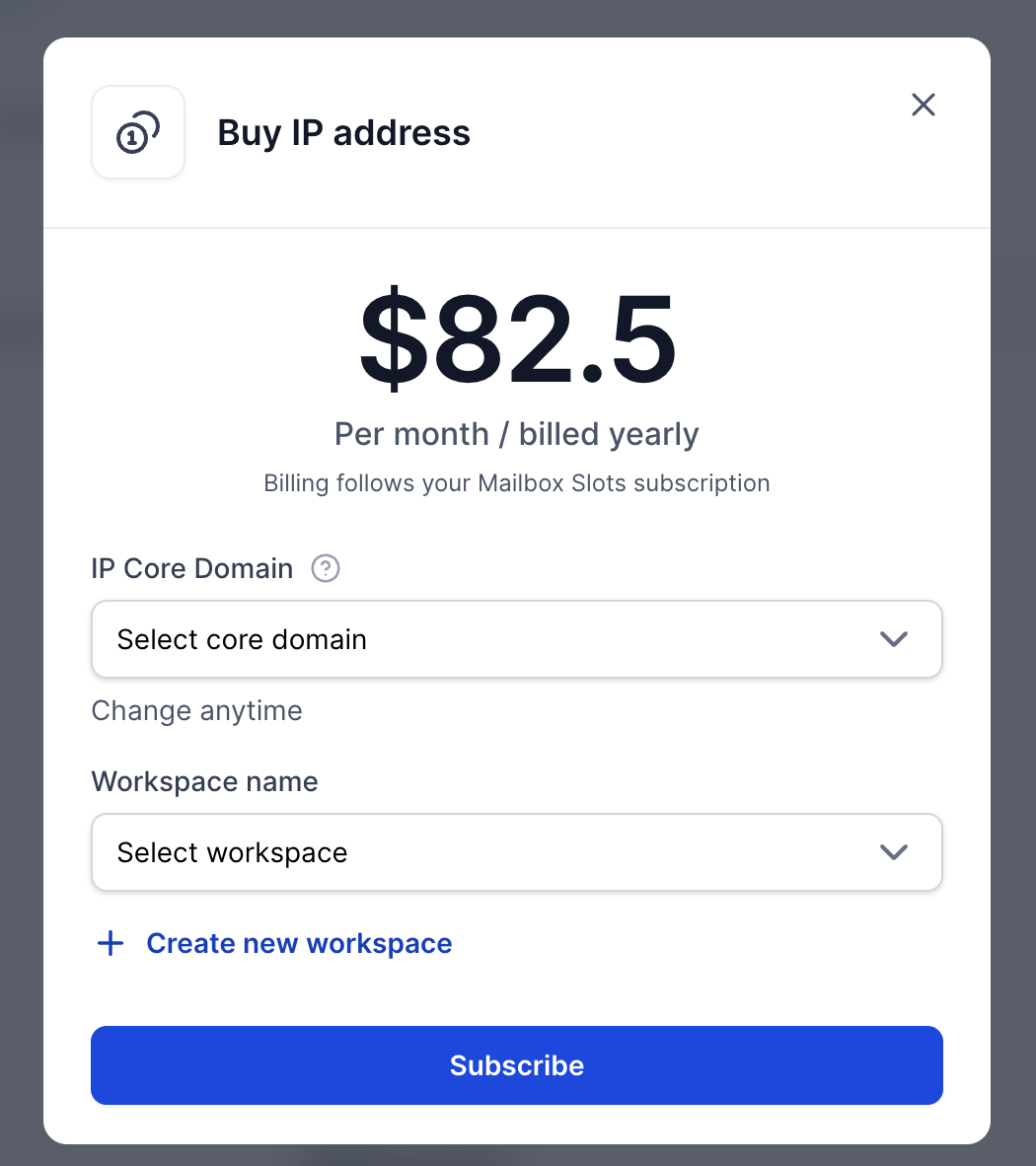
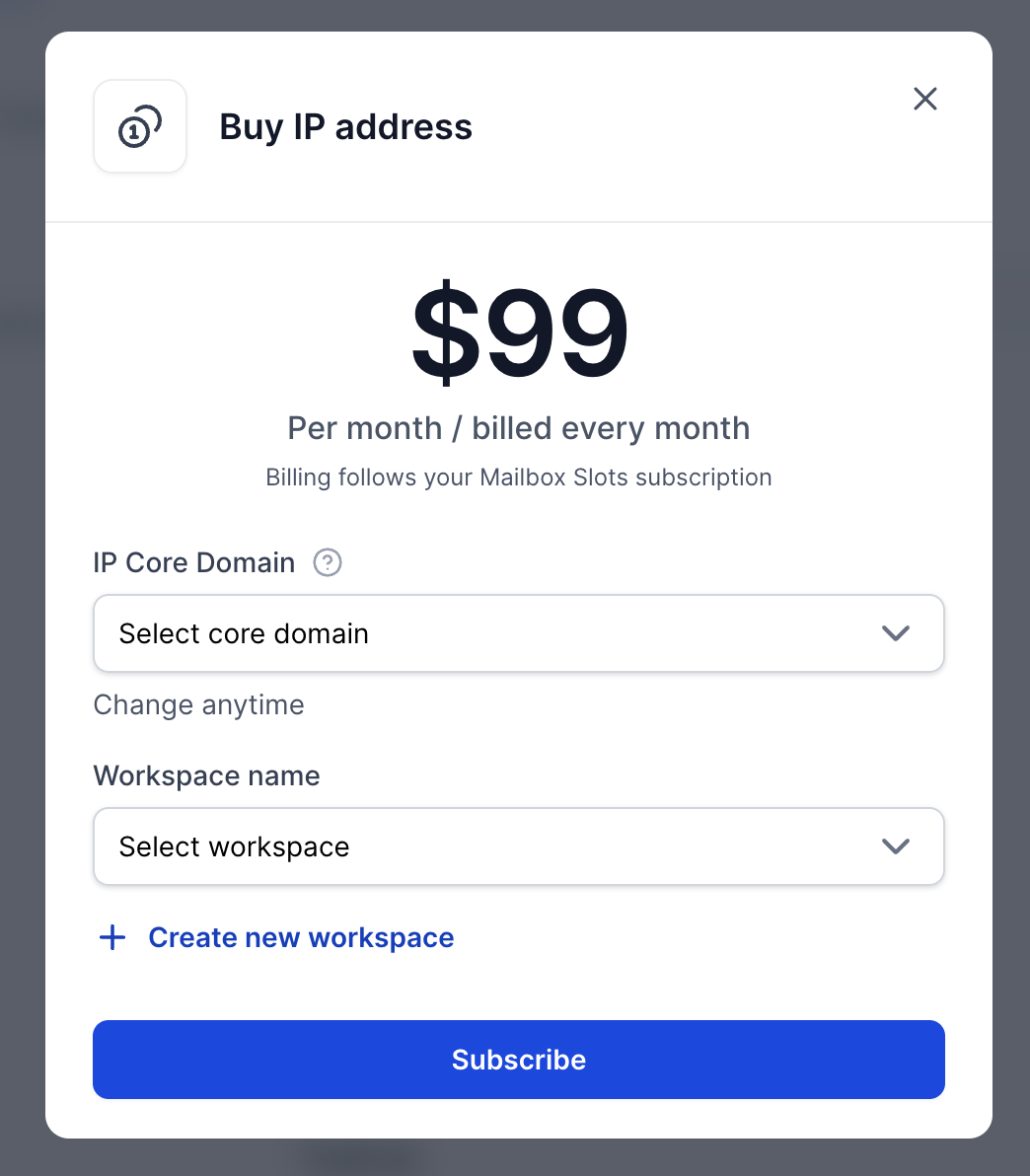
The Buy IP address window shows the price and billing interval, which follow your Mailbox Slots subscription. You will fill in two things:
IP Core Domain: the domain where the IP is stored as an A record. One IP uses one core domain. You can change it later.
Workspace name: choose an existing workspace, or create a new one. All domains in that workspace will use this IP.
With monthly billing, the same window shows the monthly price instead.
The core domain is the main domain of the IP. The IP address is stored there as an A record, and all other domains using the same IP reference the core domain and include the IP in their SPF records.
A new IP applies to the workspace you attach it to. To use it for domains you already have, move them to that workspace. Moving a domain moves its whole setup, as described in How to move domains to different workspace. To see which IP each workspace uses, follow How to find your dedicated IP in Infraforge.