Leadsforge now offers two additional company filters: Company Niches and Business Models. These filters help you build more targeted prospect lists by identifying what a company specializes in and who it sells to.
You can combine these filters with existing industry filters to create more precise searches and find companies that better match your ideal customer profile (ICP).
Company Niches allow you to narrow your search beyond broad industry categories.
While industries identify the general sector a company operates in, niches provide a more specific classification of its business activities.
For example, within the Financial Services industry, you can target companies specializing in:
FinTech
Payments
Lending
Wealth Management
Leadsforge currently supports 183 company niches across 25 domains.
Some examples include:
Category | Available niches |
|---|---|
Technology | SaaS, AI & Machine Learning, Cybersecurity, DevOps & Developer Tools, MarTech, HR Tech |
Finance | FinTech, Payments, Lending, Wealth Management, Crypto & Blockchain |
Healthcare | HealthTech, Medical Devices, Biotech & Life Sciences, Clinical Research |
Retail & Consumer | E-commerce & Marketplaces, Fashion & Apparel, Beauty & Personal Care |
Other | PropTech, EdTech, Legal Tech, AgTech, Gaming & Esports, Renewable & Clean Energy |
Important: A company can belong to multiple niches. For example, a payments startup may be classified under both FinTech and Payments.
Some niches, such as AI & Machine Learning, Cybersecurity, and E-commerce & Marketplaces, can apply across multiple industries. This allows you to find relevant companies regardless of their primary industry.
Open Company Search in Leadsforge.
Locate the Company Niches filter.
Expand the filter to view the available niches.
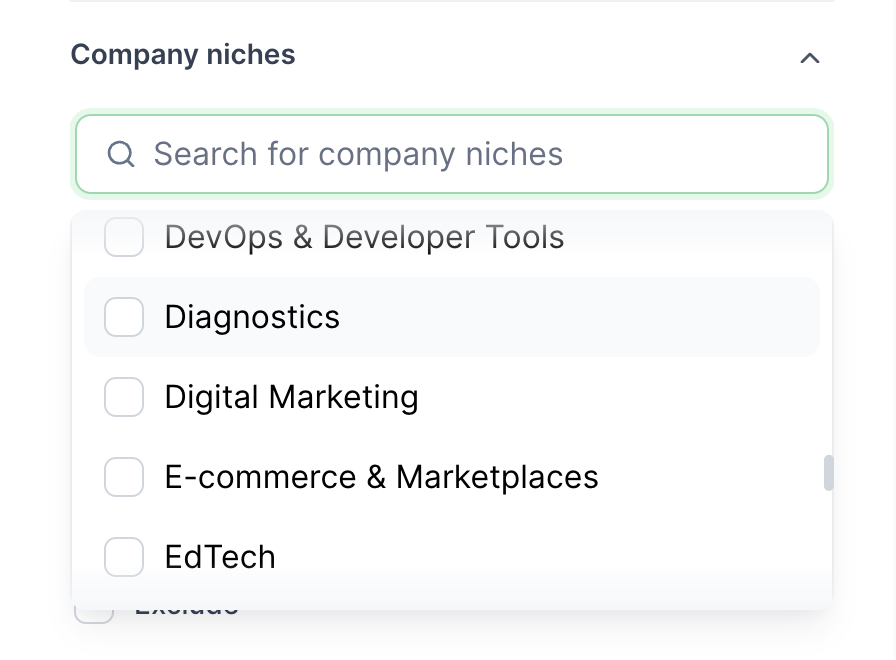
Select one or more niches relevant to your target audience.
Run your search to find matching companies.
You can also use the Exclude option to remove specific niches from your results.
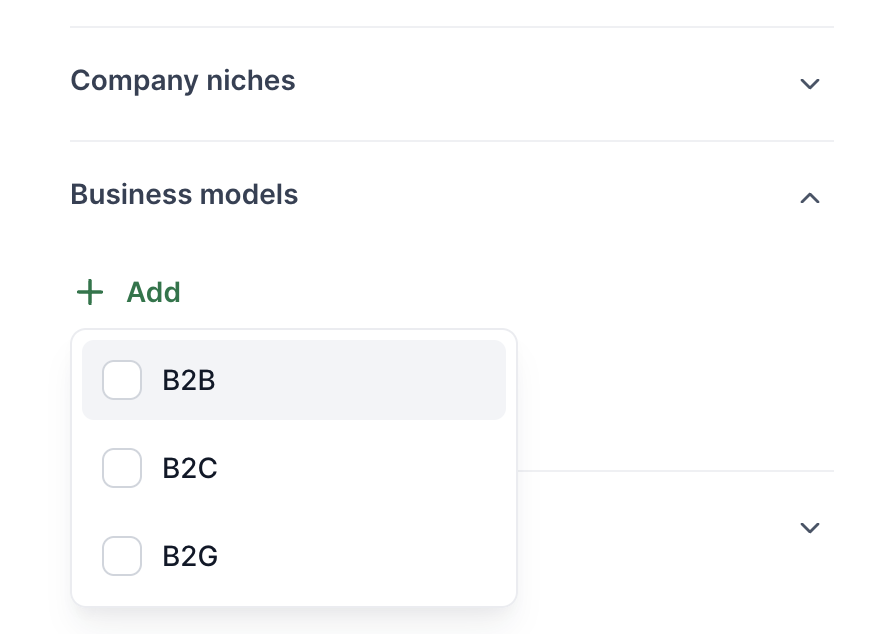
The Business Models filter allows you to segment companies based on who they sell to.
You can choose from three business models:
B2B (Business-to-Business): Companies that sell products or services to other businesses.
B2C (Business-to-Consumer): Companies that sell products or services directly to individual consumers.
B2G (Business-to-Government): Companies that sell products or services to government organizations.
This is particularly useful when targeting companies with different customer acquisition strategies.
For example, if you are looking for SaaS companies, you can use this filter to distinguish between B2B SaaS providers and B2C SaaS providers.
Open Company Search in Leadsforge.
Locate and expand the Business Models filter.
Click Add.
Select the business models you want to include (B2B, B2C, or B2G).
Run your search to retrieve matching companies.
You can select multiple business models or use Exclude to remove specific business models from your search.
You can combine Company Niches, Business Models, and Industries to build highly targeted company lists.
For example:
Example 1: Find B2B cybersecurity companies
Company Niche: Cybersecurity
Business Model: B2B
Example 2: Find beauty and e-commerce companies
Company Niches: E-commerce & Marketplaces, Beauty & Personal Care
Business Model: Exclude B2B
Example 3: Find B2B FinTech companies
Industry: Financial Services
Company Niche: FinTech
Business Model: B2B
You can also exclude specific industries, niches, or business models to further refine your results and remove companies that don't match your targeting criteria.
Company niches and business models are assigned using an AI-powered classification system that analyzes company descriptions and categorizes businesses using a predefined taxonomy.
This approach goes beyond relying solely on LinkedIn company tags, helping identify companies that may not explicitly use traditional industry or niche labels.
LinkedIn tags are also used as an additional classification and validation signal. For e-commerce companies, a dedicated online-store dataset provides another source of classification data.
Newly added companies are classified automatically, allowing coverage to expand as the database grows.
Can a company belong to multiple niches?
Yes. A company can be assigned multiple niches based on its business activities. For example, a company operating in the payments space may belong to both FinTech and Payments.
Can I combine Company Niches with Industries?
Yes. You can combine industries, company niches, and business models to create more specific company searches.
Can I exclude specific niches or business models?
Yes. Use the Exclude option to remove unwanted segments from your search results.
Are niches limited to specific industries?
No. Some niches, including AI & Machine Learning, Cybersecurity, and E-commerce & Marketplaces, can apply across multiple industries.
Are newly added companies classified automatically?
Yes. Newly added companies are automatically classified using the same taxonomy, helping improve coverage over time.