
Primeforge sends two reminder emails so you know before a renewal or a mailbox cancellation takes effect. This article explains when each one is sent, who receives it, and how to turn them on or off.
Renewal reminder
We send this email the day before your Primeforge subscription renews.
Mailbox cancellation reminder
This email is sent when mailboxes are scheduled to be cancelled automatically because a subscription payment has not been resolved. It lists the mailboxes affected. It is sent the day before the cancellation, and if the payment issue is still unresolved, it can be sent each day until the mailboxes are cancelled or the payment is fixed.
This reminder does not cover mailboxes you delete yourself, so you won’t receive it for those. For how cancellation and deletion dates are set, see Deleting Mailboxes and Freeing Up Mailbox Slots in Primeforge.
Who receives these emails
Both reminders go to account admins. Each admin receives each email once, even if they manage several workspaces.
Turning reminders on or off
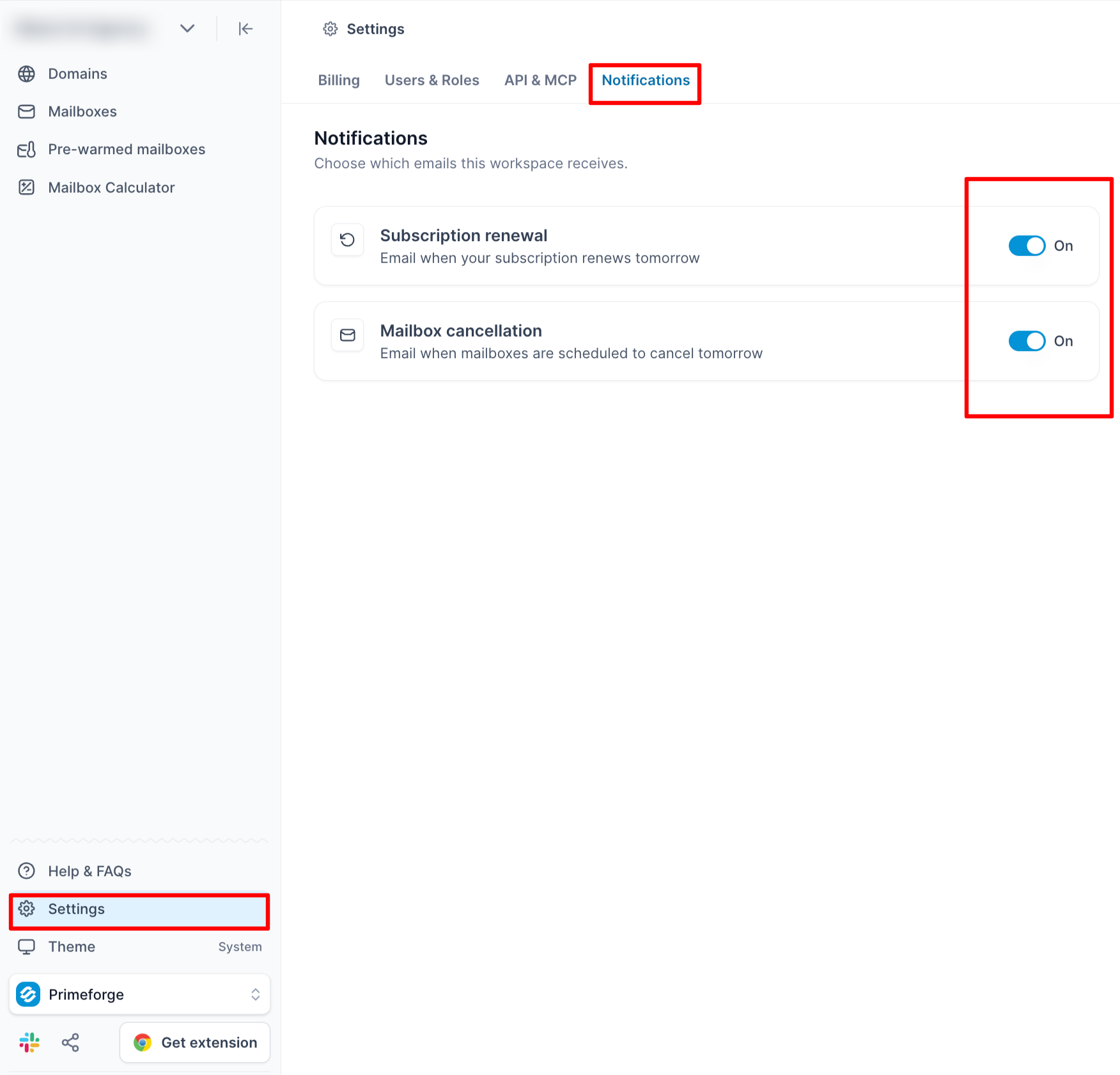
Both reminders are on by default. To change them, go to Settings > Notifications. Each admin manages their own preferences, and the setting applies to every workspace they have access to. Turning one reminder off does not affect the other.
What these emails don’t cover
Primeforge does not send a separate reminder before a domain expires. For how domain renewals work, see Domain Renewal.