You can now reduce your mailbox slots yourself, without contacting support. This article explains what mailbox slots are, what to do before reducing them, and the steps for Mailforge, Infraforge, and Primeforge.
Mailbox slots are purchased units that cover your mailboxes. They let you delete a mailbox and create a new one without changing your subscription.
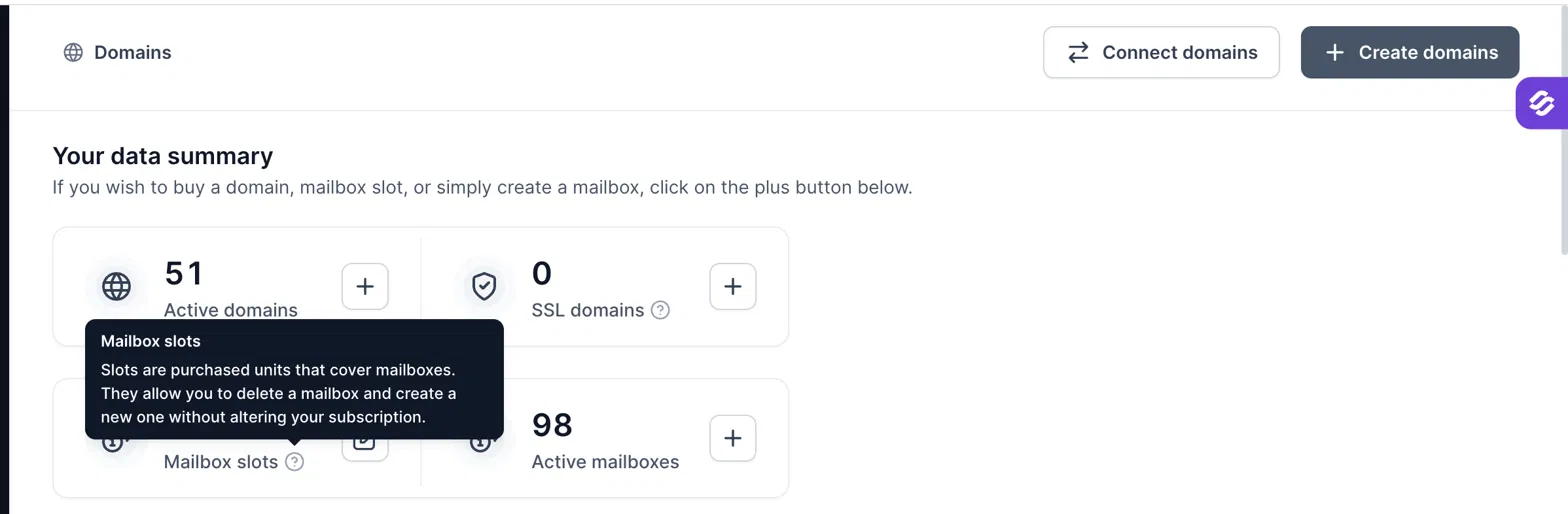
Reducing slots takes effect instantly and is removed from your billing right away. So you need to delete the mailboxes you no longer want first. Once they are deleted, their slots become vacant and you can remove those slots from your billing.
If you reduce slots without deleting mailboxes first, our system will automatically remove the same number of mailboxes at your next renewal. These are picked randomly from your available mailboxes, which means an important mailbox could be removed.
Delete the mailboxes you don’t want to keep.
Mailbox slots can only be reduced in quantities of 5.
The price shown at the top of the pop-up is your new subscription price. It will be charged from your next renewal onwards.
The steps are the same for all three products. Only the dashboard looks slightly different.
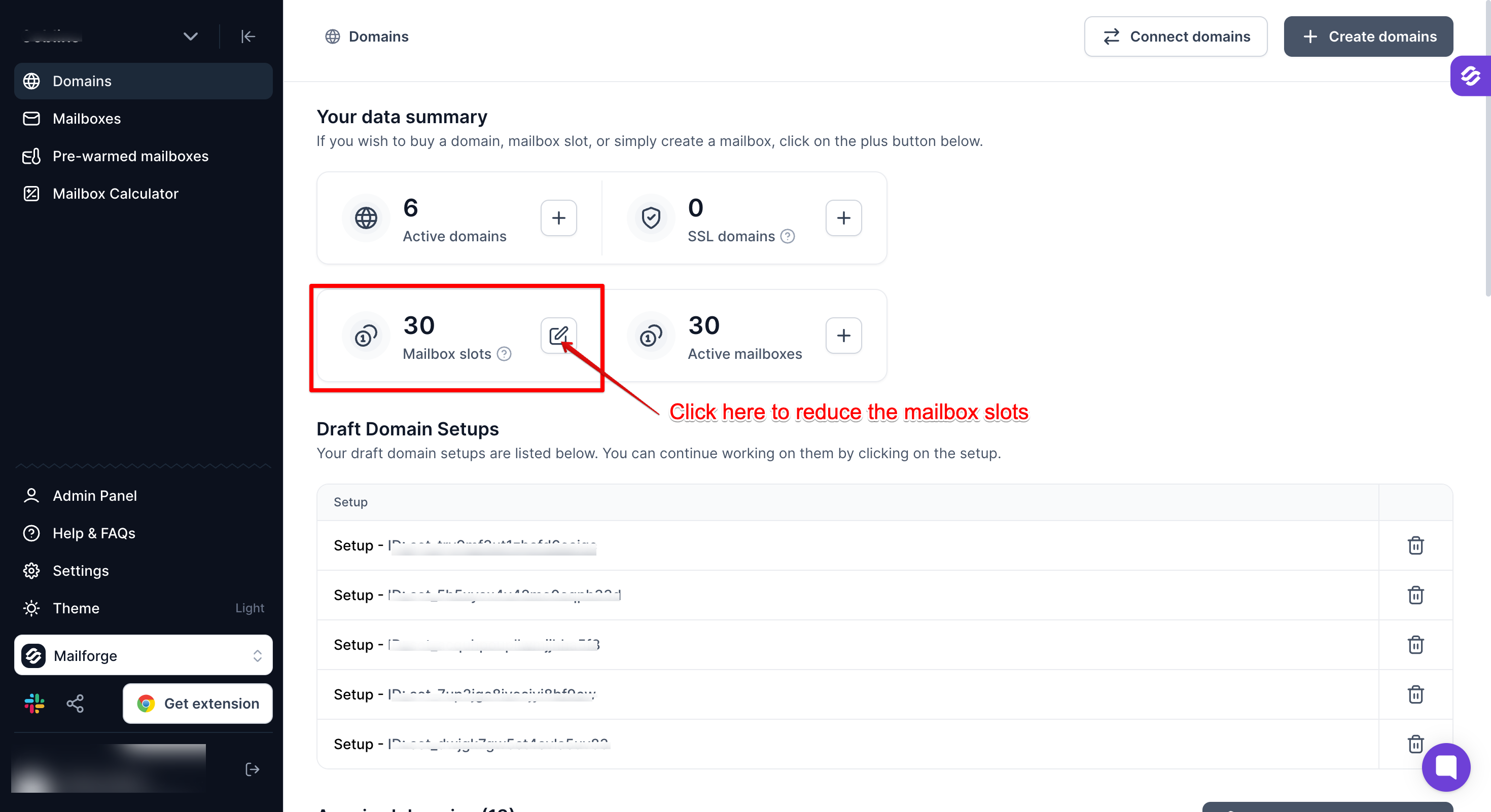
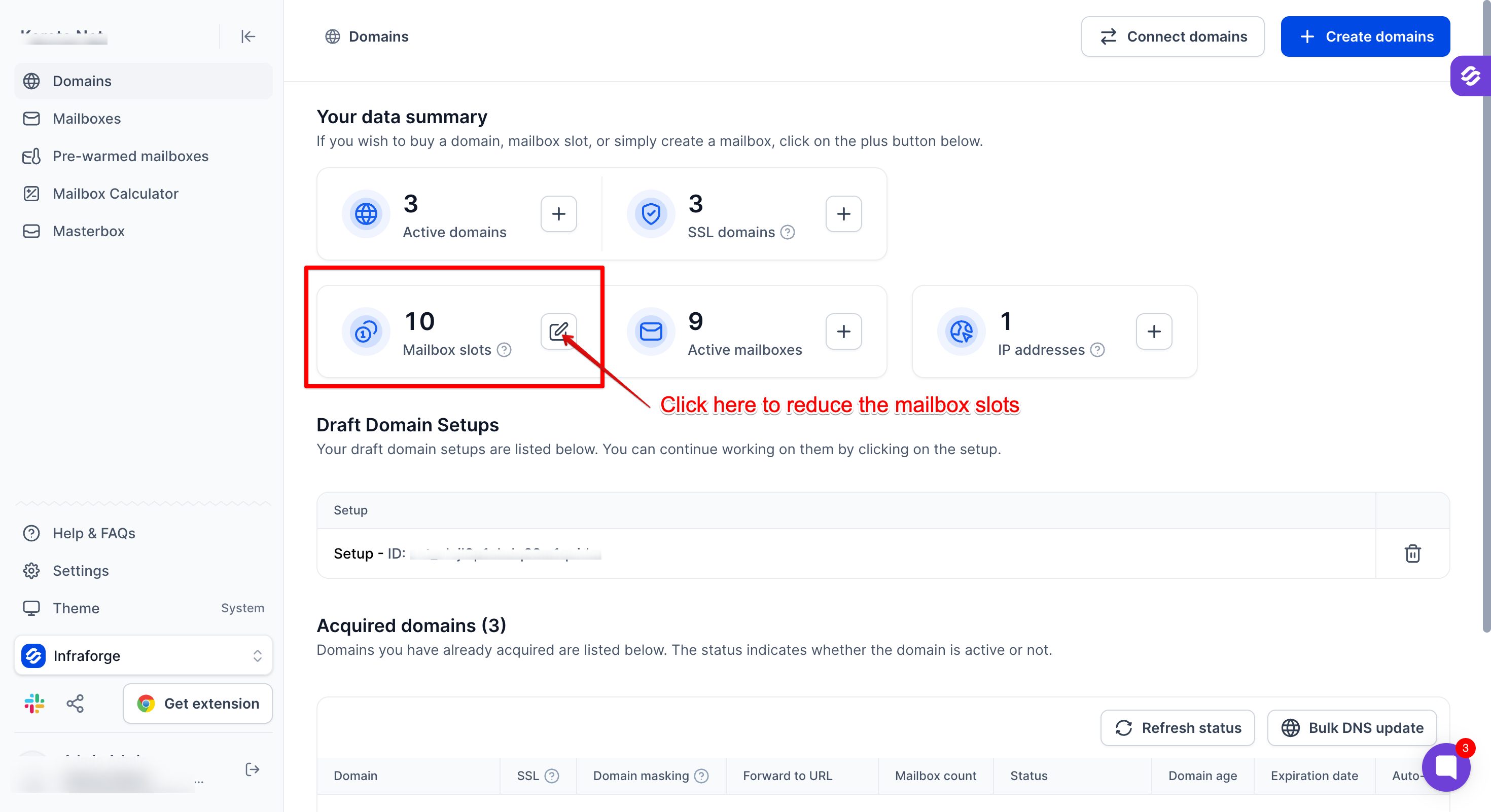
1. Open the Domains page and find the Mailbox slots card.
For Mailforge:
For Infraforge:
For Primeforge:
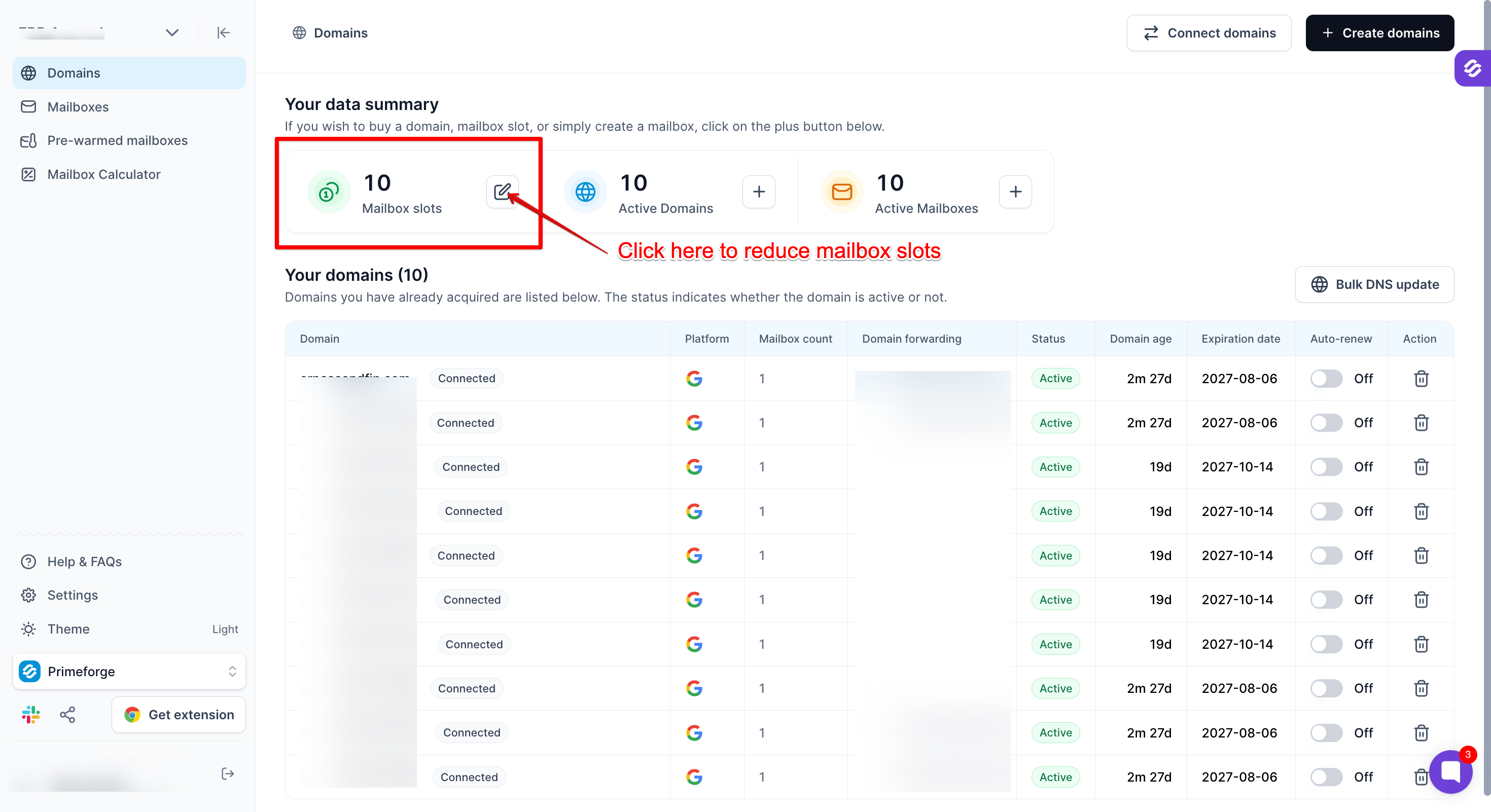
2. Click the edit icon on the Mailbox slots card.
This opens the “Buy mailbox slots” pop-up.
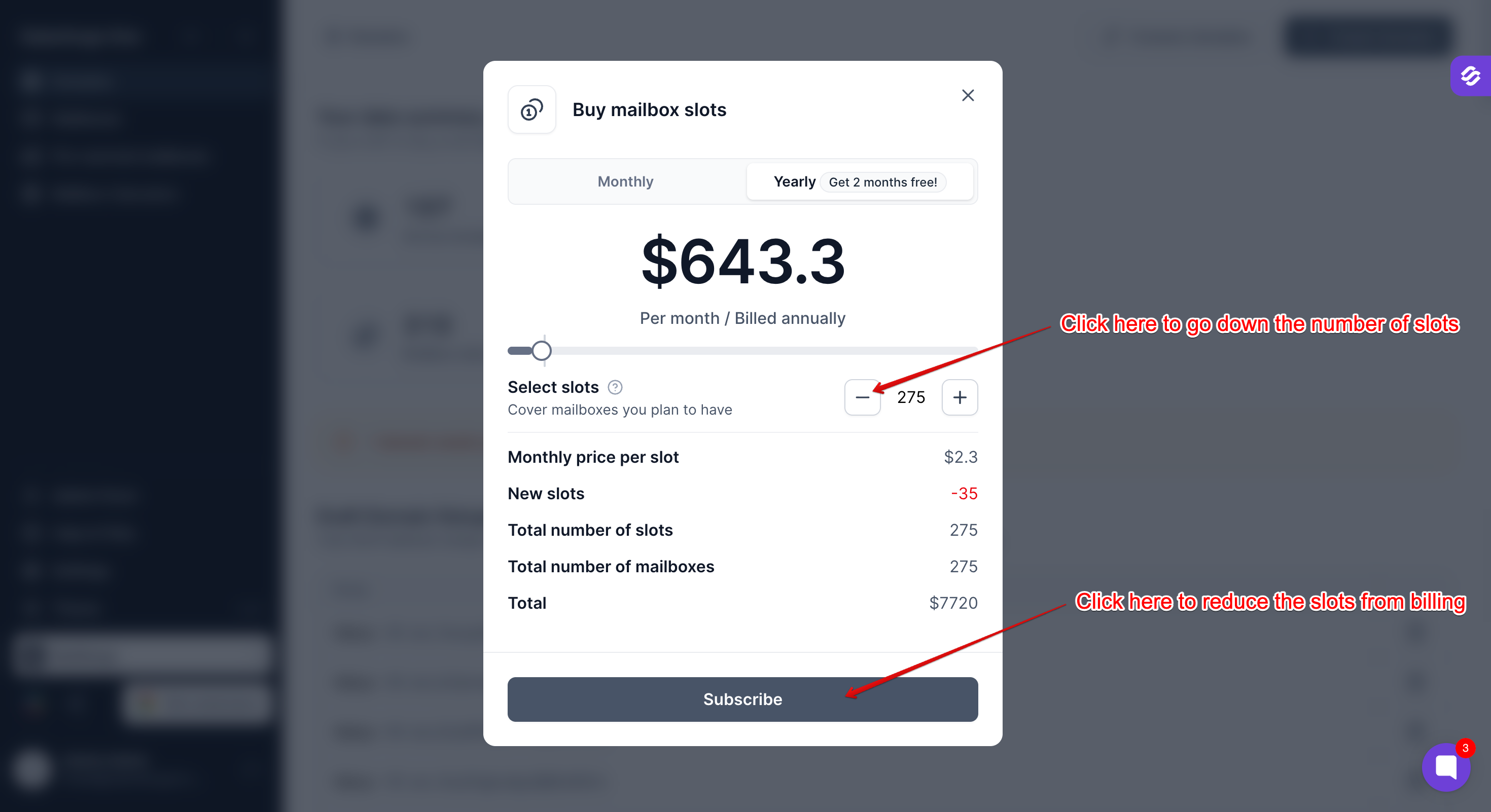
3. Use the minus (−) button to lower the number of slots.
Remember, slots can only be reduced in quantities of 5. The pop-up will show the new total number of slots and your updated price.
4. Click Subscribe.
Your slots are reduced and removed from your billing immediately. The new price applies from your next renewal.
If you run into any issue while reducing your slots, reach out to our support team through the chat widget and we will be happy to help.