Sequence Priority lets you choose which active multichannel sequences receive access to your connected mailboxes' and LinkedIn accounts' daily sending capacity first.
By default, all sequences have Regular priority. You can mark important sequences as High priority so they are served before Regular-priority sequences when sending capacity is limited.
Each active sequence has one of two priority levels:
High: These sequences receive access to available daily sending capacity first.
Regular: These sequences use the remaining capacity after High-priority sequences have been served.
Within each priority level, older pending actions are processed before newer ones.
Priority determines the order in which sequences are served. It does not reserve a fixed number or percentage of messages for any sequence. The actual number of messages sent still depends on available mailbox and LinkedIn account capacity.
Suppose you have three active sequences sharing the same sending resources:
Sequence A - High priority
Sequence B - Regular priority
Sequence C - Regular priority
Sequence A gets access to available capacity first. Sequences B and C then share the remaining capacity, with older pending actions taking precedence over newer ones within the Regular priority level.
If sending capacity is exhausted, some actions in Regular-priority sequences may be delayed.
You can change Sequence Priority in either of the following places.
Open Sequences in Salesforge.
Find the Sequence priority column.
Click the priority shown in the row to switch between High and Regular.
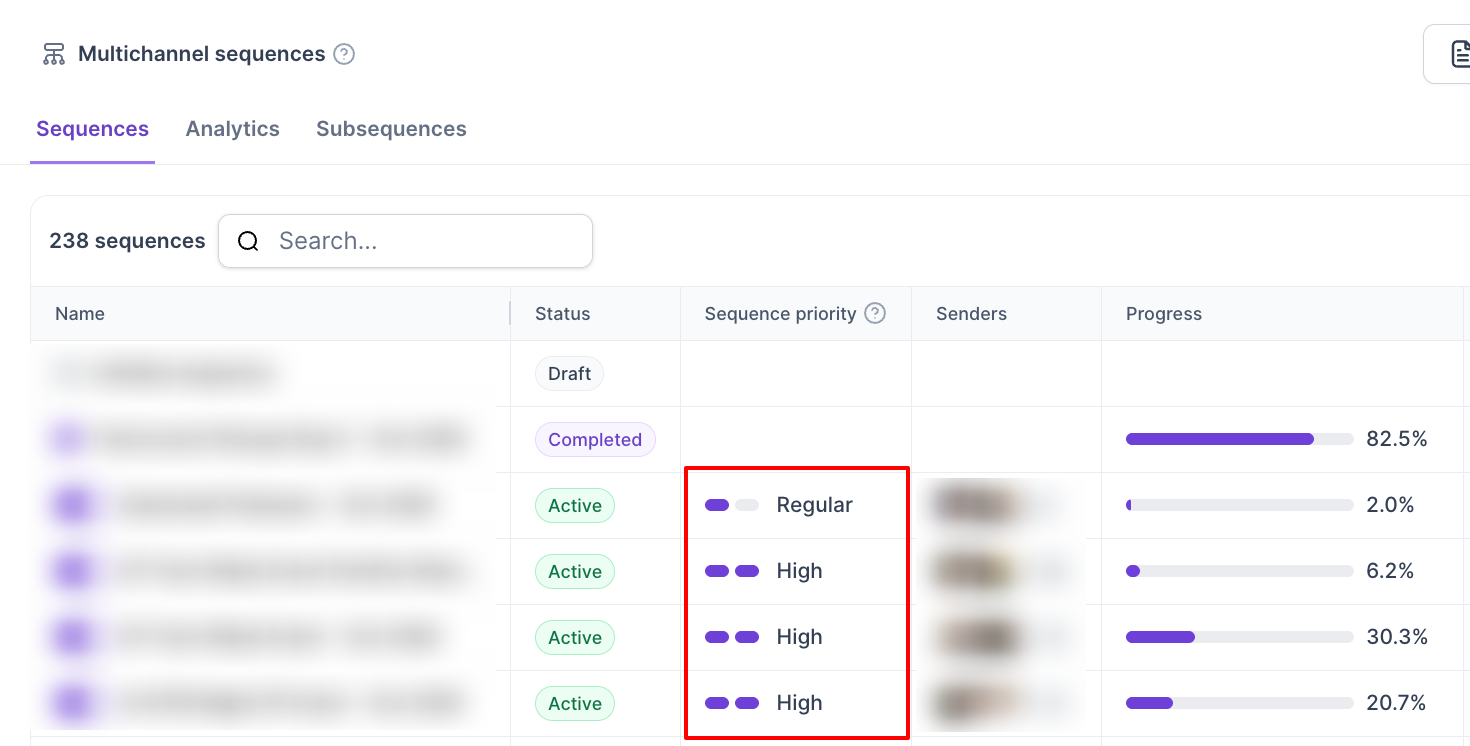
You can also customize the Sequences table to display or hide columns as needed. See Customize Columns in the Sequences Table.
Open the sequence you want to update.
Go to Settings.
Find Priority among your sequences.
Select High or Regular.
All sequences use Regular priority by default.
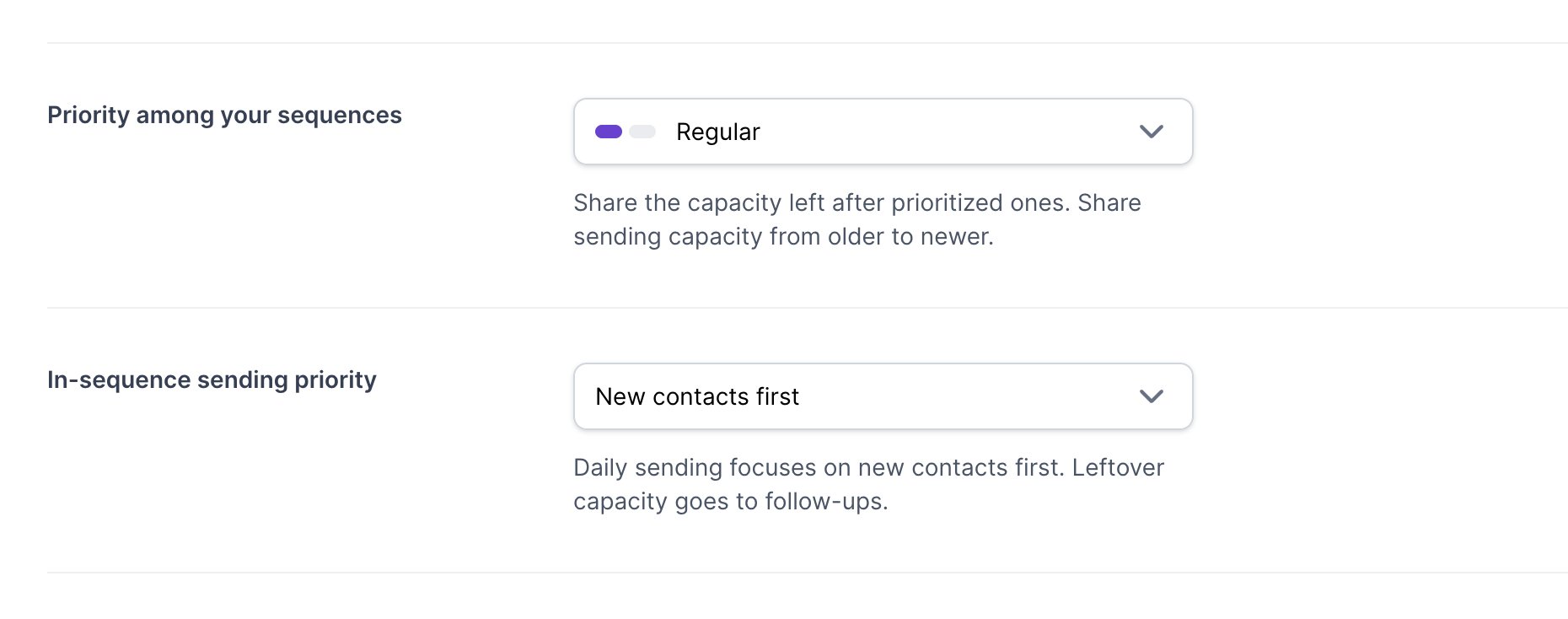
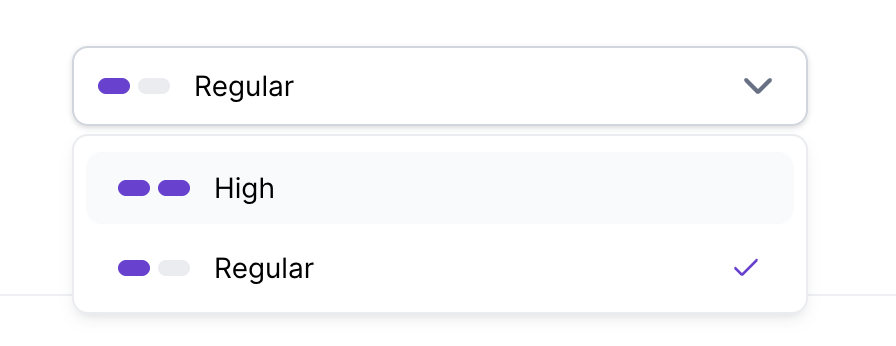
These are two separate settings:
Sequence Priority determines which sequence gets access to shared daily sending capacity first.
Sending Priority determines whether a sequence prioritizes New Contacts or Follow Ups.
For example, you can set an important sequence to High priority and configure it to prioritize Follow Ups. The first setting determines the sequence's priority relative to other sequences; the second controls whether new contacts or follow-ups are prioritized within that sequence.
For more information, see Sending Priority: New Contacts vs Follow Ups.
You can set sequence priority programmatically using the sendingPriority field:
high
regular
Refer to the Salesforge API documentation for the relevant endpoint and request format.
Sequence Priority is displayed for active sequences. Users with a Standard/Admin role can change the priority meanwhile users with the Primebox Only role can view the priority, but they won’t be able to change it.
