Want to change your Forge dashboard password? There is no change-password setting in the dashboard. Use Forgot password.
If you can't sign in to your Forge account, you can reset your login password from the login page in just a few clicks.
Open the login page for the product you want to sign in to:
Salesforge: app.salesforge.ai
Leadsforge: app.leadsforge.ai
Warmforge: app.warmforge.ai
Primeforge: app.primeforge.ai
Infraforge: app.infraforge.ai
Mailforge: app.mailforge.ai
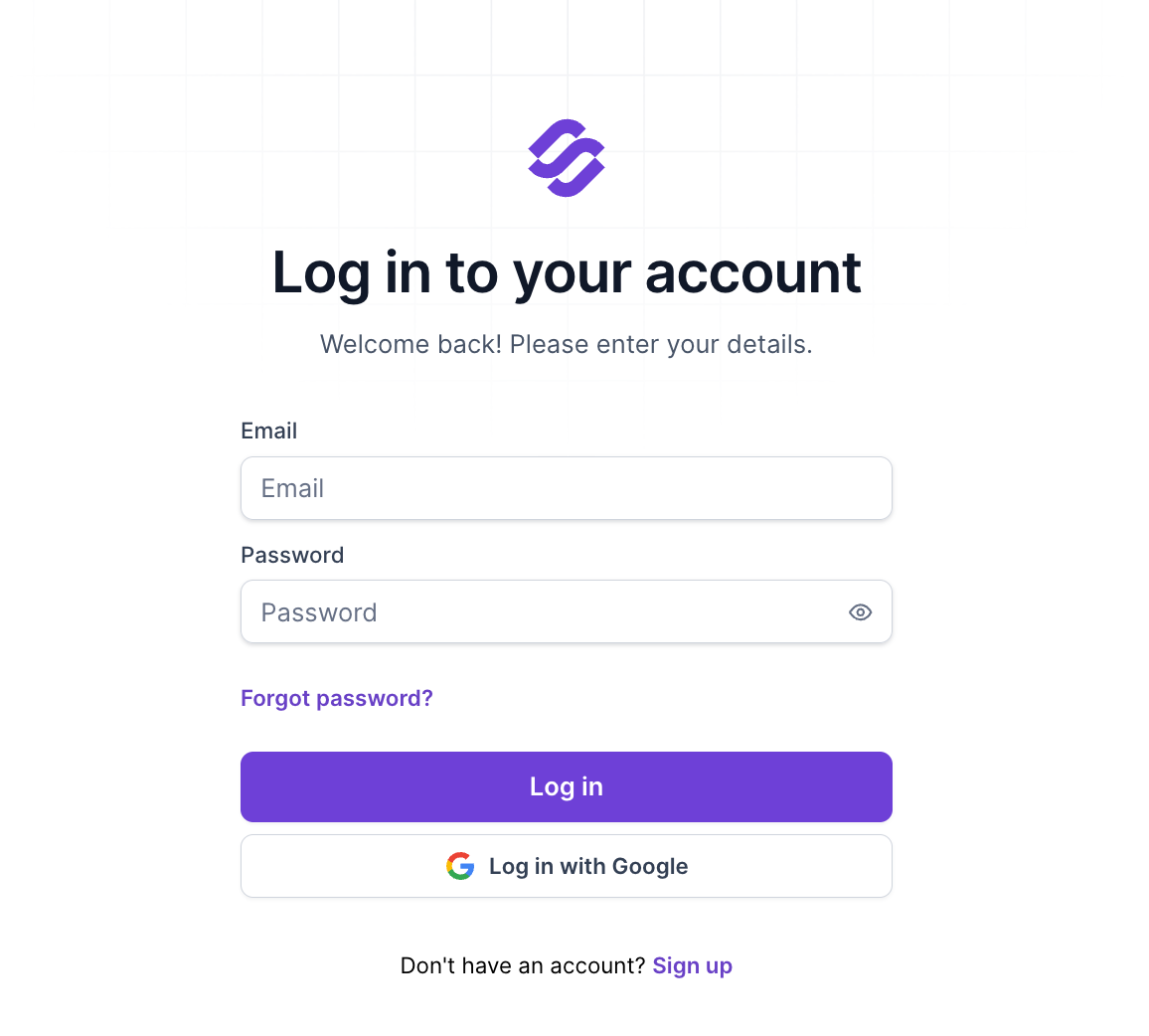
Click Forgot password? below the password field.
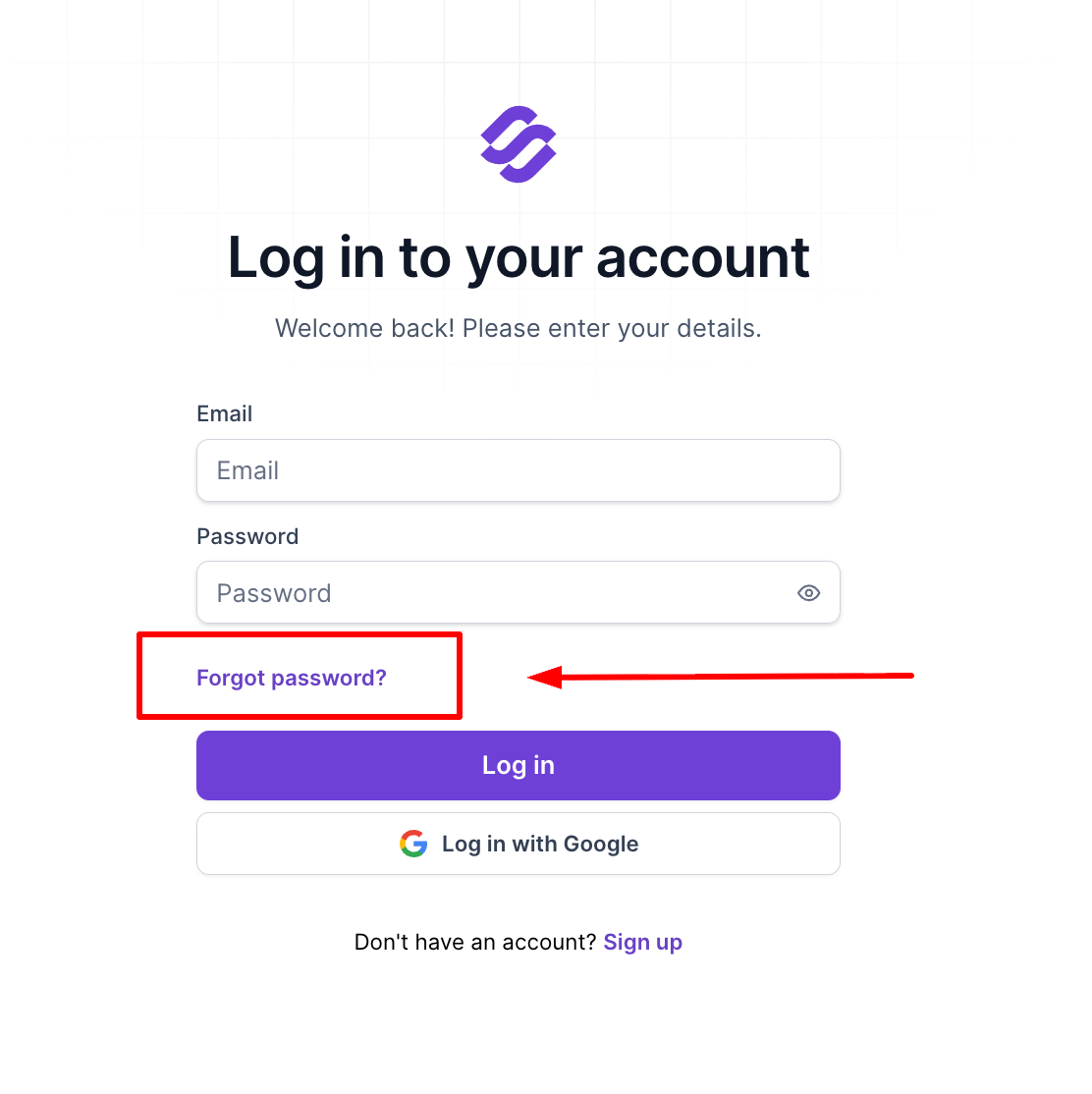
Enter the email address you used to sign up, then click Send Password Reset Link. Quick note: It’s very important to make sure to use the email address you use upon sign-up. Using a different email address may lead to creating a whole new account.
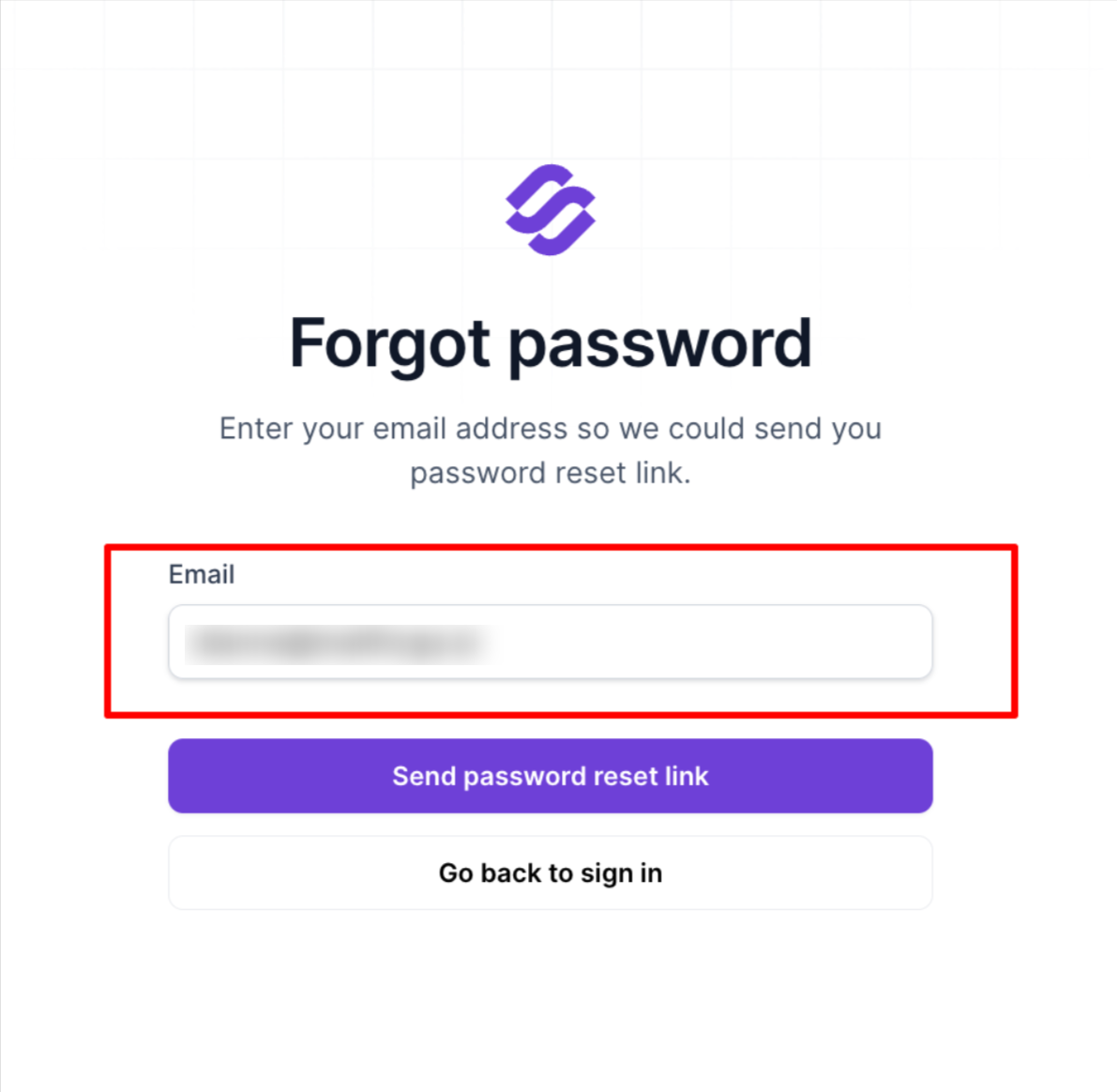
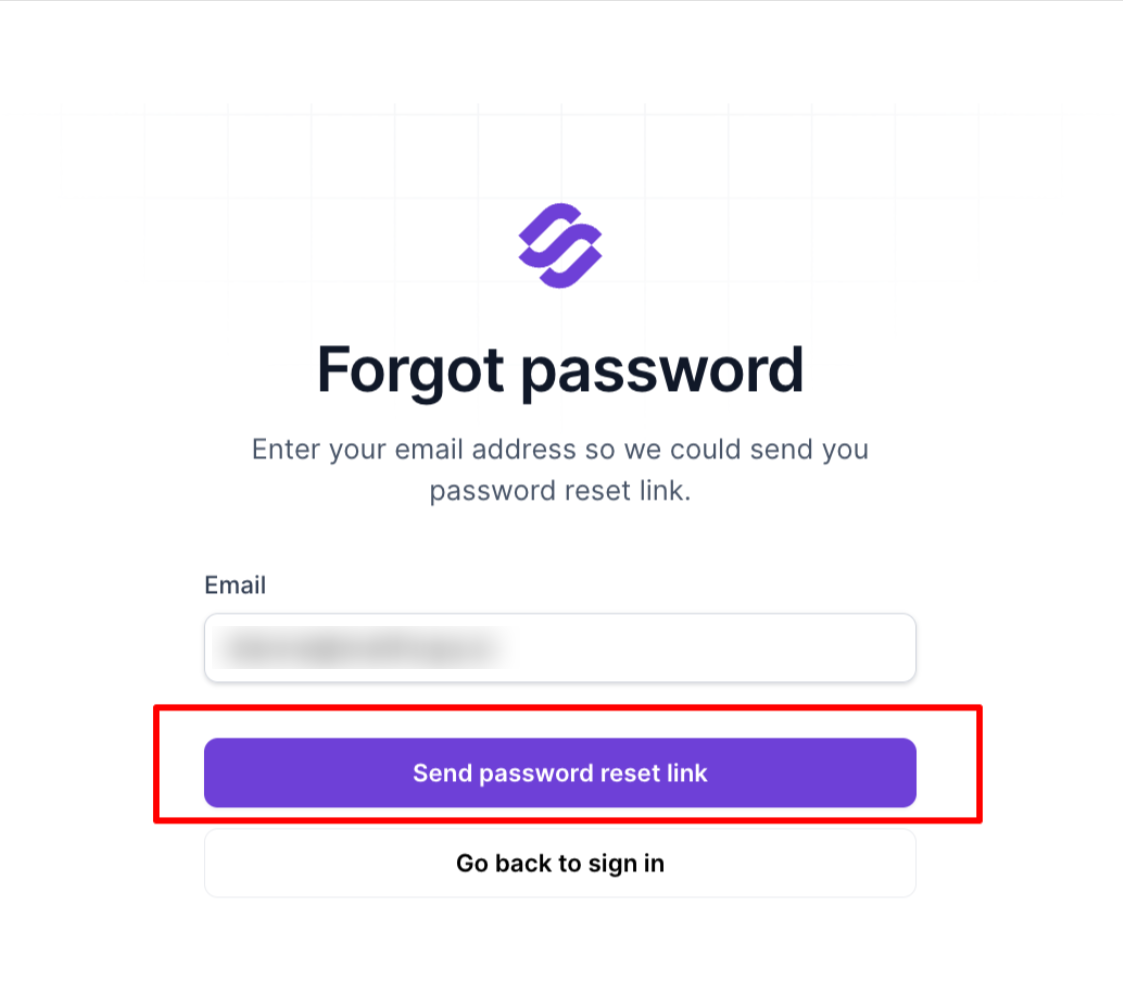
Open the reset email we send you. If you don't see it, check your spam or junk folder.
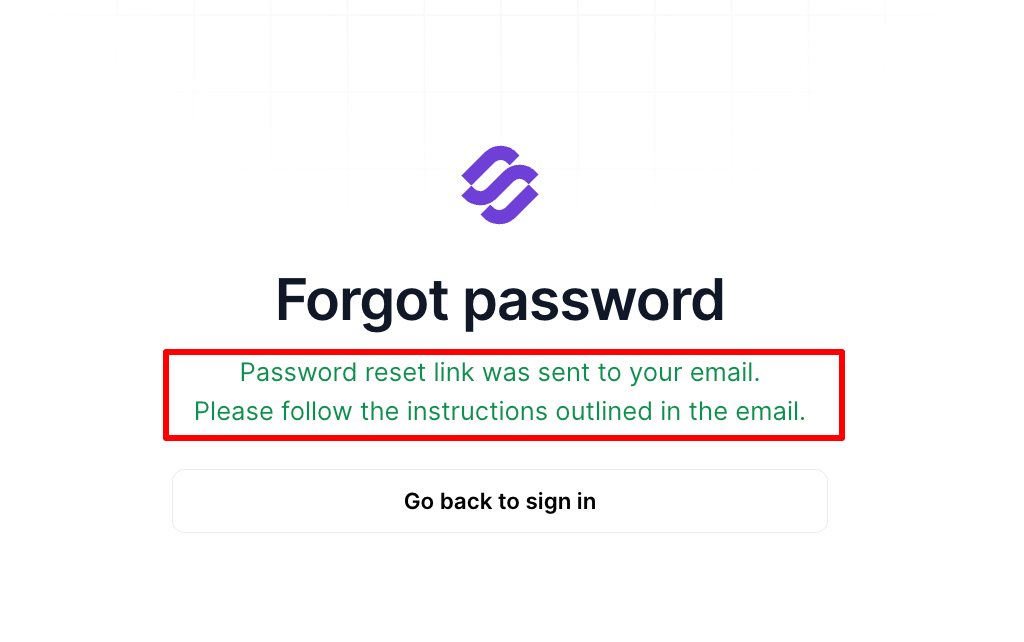
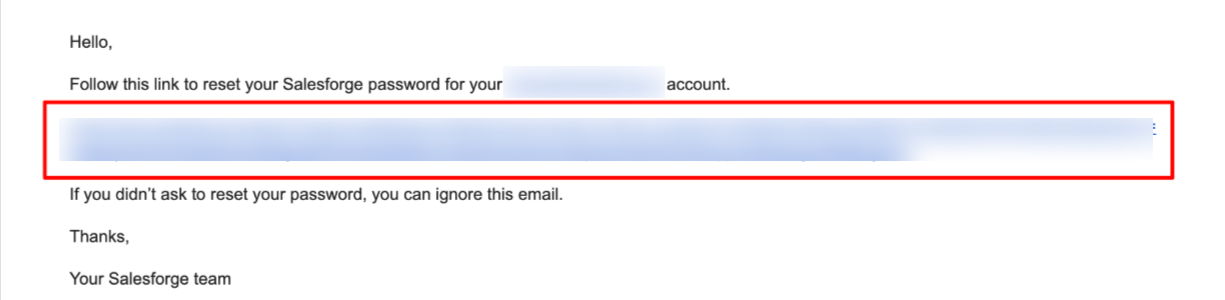
Click the link in the email and enter your new password. Save the changes and sign in with your new password.
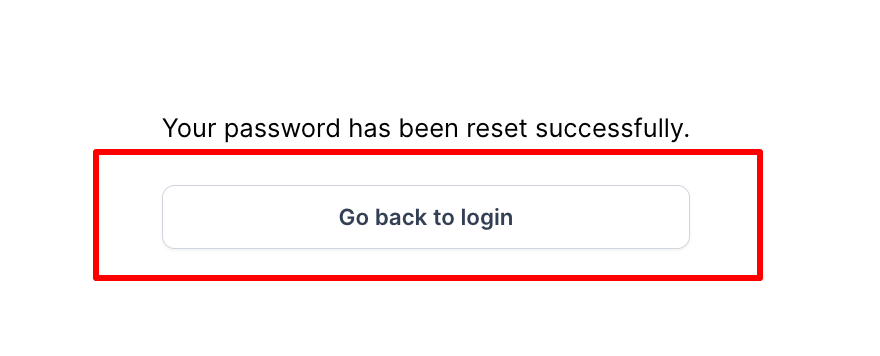
6. Your password is updated as soon as you save it. Head back to the login by clicking Go back to Login.
If you originally signed up with Google, you can add a password to your account using the same steps:
Open the login page for your product and click Forgot password?
Enter the email address of your Google account, then click Send Password Reset Link.
Open the reset email, click the link, and enter your new password.
Save the changes, then click Go back to Login.
After that, you can sign in either with your email and password or by clicking Log in with Google. Both options are enabled on the same account.
This article covers your account login password. To change the password of an individual mailbox in Mailforge, Infraforge, or Primeforge, see How to Change a Mailbox Password on Mailforge, Infraforge, and Primeforge.
Use a strong, unique password for better security.
If you still can't sign in, or you've forgotten the email address you use for your account, contact us through the live chat and we'll help you.
