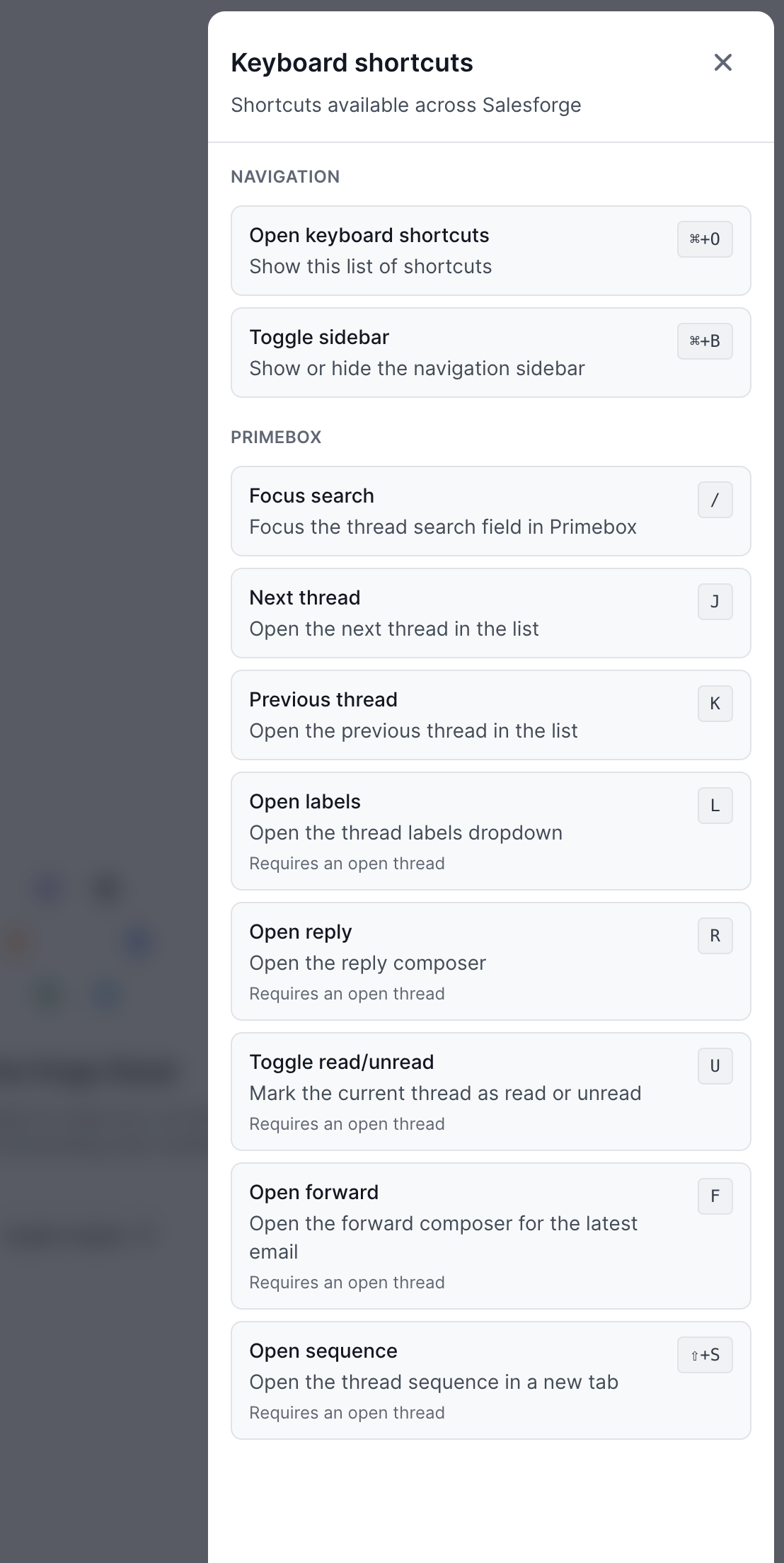
Primebox supports keyboard shortcuts that help you navigate conversations, search your inbox, and manage threads faster without reaching for your mouse.
Navigation
⌘ + 0: Open the keyboard shortcuts menu
⌘ + B: Show or hide the sidebar
Primebox
/: Focus the search bar
J: Open the next thread
K: Open the previous thread
L: Open the labels menu
R: Open the reply composer
U: Mark the current thread as read or unread
F: Forward the latest email
⇧ + S: Open the related sequence in a new tab
The shortcuts marked as requiring an open thread can only be used when a conversation is currently open:
L
R
U
F
⇧ + S
You can press ⌘ + 0 at any time to view the available keyboard shortcuts.