Enriching leads is an important step in preparing your prospect lists for outreach, but there may be times when you need to stop an enrichment after it has started.
Whether an enrichment was launched by mistake, the wrong leads were selected, or you simply need to prioritise a different list, Cancel Enrichment gives you the flexibility to stop an ongoing process without losing the work that has already been completed.
The feature is designed to ensure you only use credits for leads that have been successfully enriched.
You may want to cancel an enrichment if:
You accidentally started enriching the wrong list.
You selected more leads than intended.
You need to prioritise a different enrichment.
You no longer require the current results.
You want to preserve your remaining credits for another workflow.
While an enrichment is in progress, you can choose to cancel it at any time.
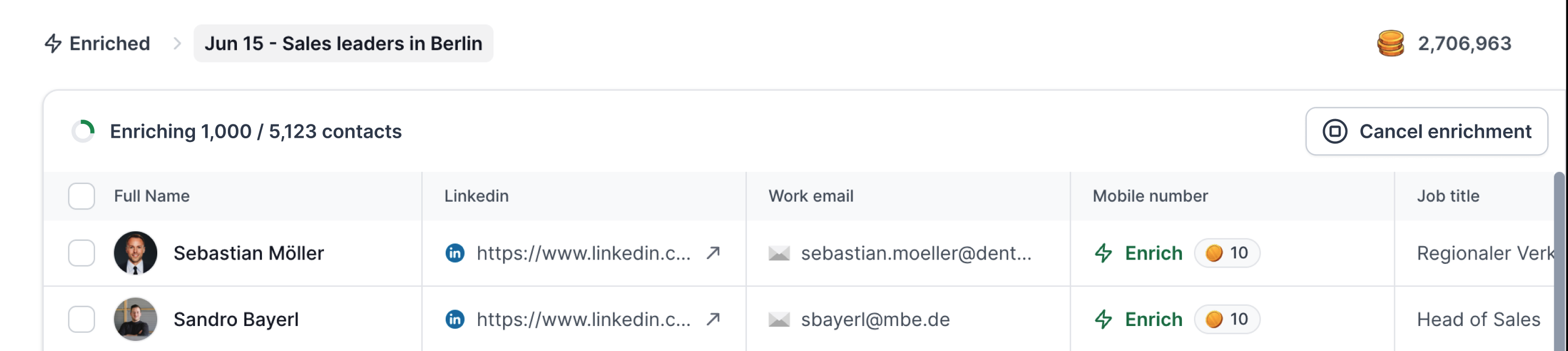
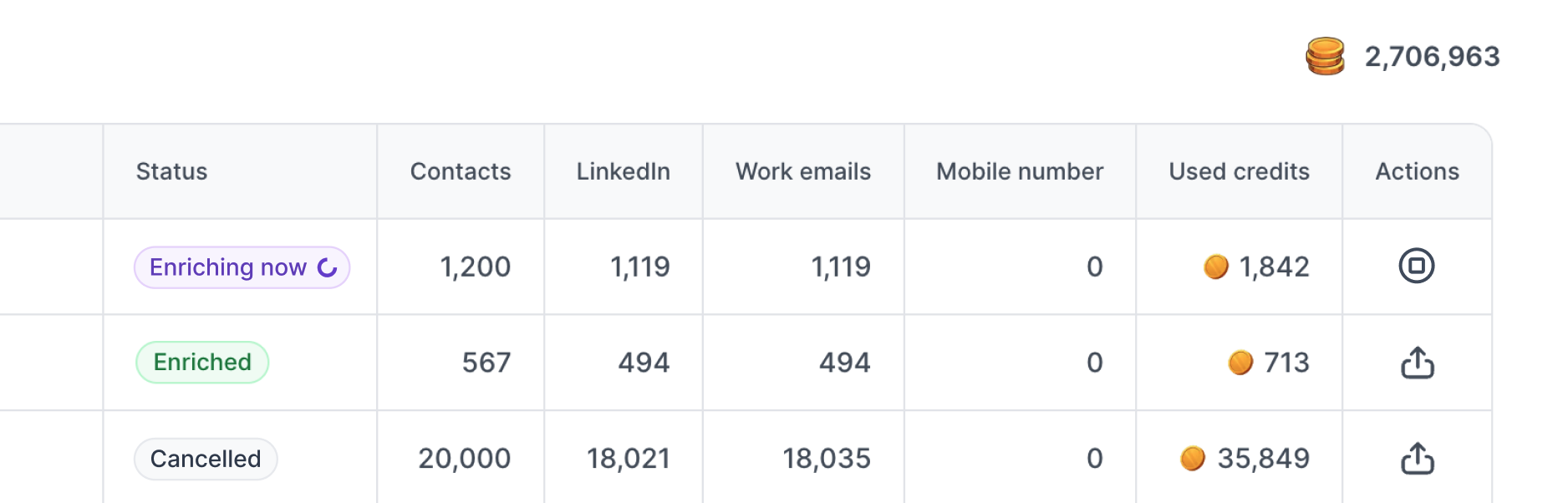
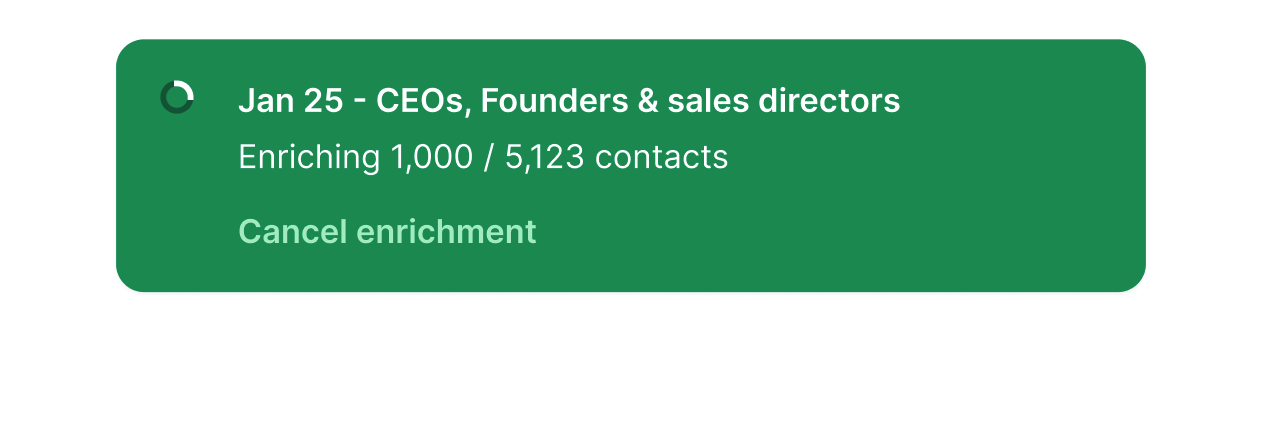

When the enrichment is cancelled:
Any leads that have already been successfully enriched are retained.
Credits are charged only for the leads that were successfully enriched before cancellation.
Leads that have not yet been processed are not charged.
Unprocessed leads remain available for enrichment later.
This ensures you only pay for completed work while maintaining the flexibility to stop the process whenever needed.
After an enrichment is cancelled, your leads are automatically separated based on their processing status.
Leads that completed enrichment before cancellation will:
Appear in the Enriched table.
Be ready for export or outreach.
Consume enrichment credits, as they were successfully processed.
Leads that were not processed before the cancellation will:
Remain in the Search table.
Stay in their original, pre-enrichment state.
Not consume any enrichment credits.
Be available to enrich again whenever you're ready.
This means you don't need to search for those leads again—they remain available exactly where you left them.
Credits are only deducted for leads that have been successfully enriched.
If you cancel an enrichment before all selected leads have been processed:
✅ Processed leads consume credits.
✅ Processed leads appear in the Enriched table.
❌ Unprocessed leads do not consume credits.
❌ Unprocessed leads remain in the Search table.
This ensures your credit usage accurately reflects the work that was completed.
To get the most out of this feature:
Double-check your lead selection before starting a large enrichment.
Cancel enrichments promptly if you realise the wrong leads were selected.
Monitor larger enrichment jobs if you're working with multiple prospect lists.
Resume enriching the remaining leads later if your priorities change.
Cancel Enrichment gives you greater control over your enrichment workflow in Leadsforge.
If an enrichment needs to be stopped, you can cancel it at any time. Successfully enriched leads are retained and charged as normal, while any remaining leads stay in the Search table, ready to be enriched again later—without consuming additional credits.
This makes it easier to manage your prospecting workflow while ensuring your enrichment credits are used efficiently.
