The Exact Match toggle gives you more control over job title filtering in Leadsforge and Agent Frank.
When sourcing leads, job title filters can either match broadly or match only the exact job title you enter. Exact Match is useful when you want stricter targeting and want to avoid unwanted title variations, synonyms, or translated versions of a role.
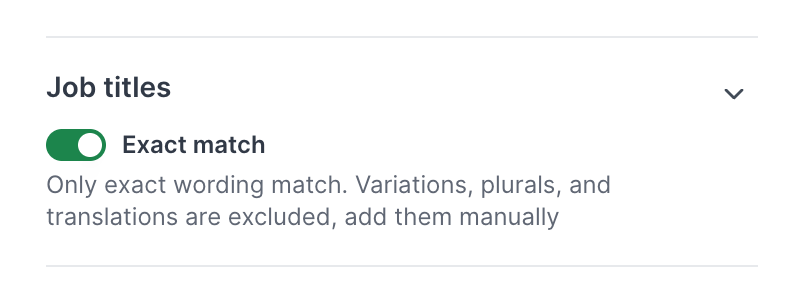
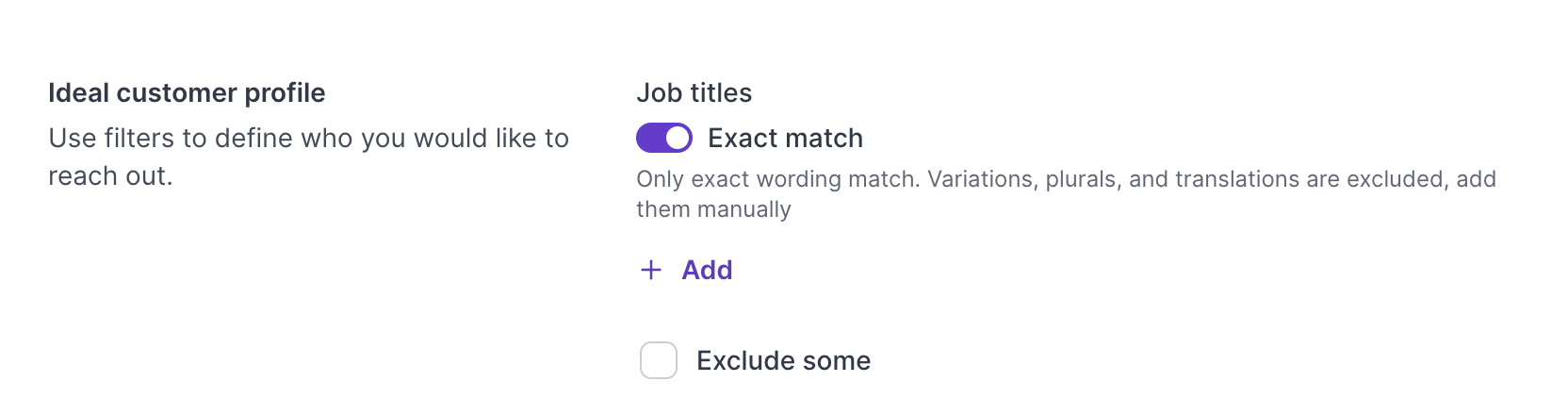
The Exact Match toggle is a filtering option available for job title filters.
When Exact Match is enabled, Leadsforge and Agent Frank will only match leads whose job title uses the exact wording you entered.
For example, if you search for:
Head of Sales
With Exact Match enabled, the system will look for that exact title wording.
It will not include broader variations such as:
VP of Sales
Sales Director
Head of Revenue
Commercial Director
Responsable Commercial
Leiter Vertrieb
This helps you keep your lead results more precise.
There are two ways job title filters can work:
When Exact Match is disabled, the system may include related job title variations.
This can help increase lead volume, but it may also include titles that are not an exact fit for your targeting.
For example, searching for Founder may also return similar or related titles depending on the match logic.
When Exact Match is enabled, only the exact job title wording is matched.
This means variations, synonyms, and translations are excluded.
Use Exact Match when accuracy is more important than volume.
Use Exact Match when you need strict targeting.
This is helpful when:
You only want contacts with a specific job title
Similar titles are not relevant to your campaign
Broad matching is returning too many irrelevant leads
Your campaign messaging is written for one specific role
Lead quality is more important than lead volume
You are targeting a narrow persona
For example, if your offer is only relevant to Chief Financial Officers, you may want to enable Exact Match instead of also including broader finance leadership titles.
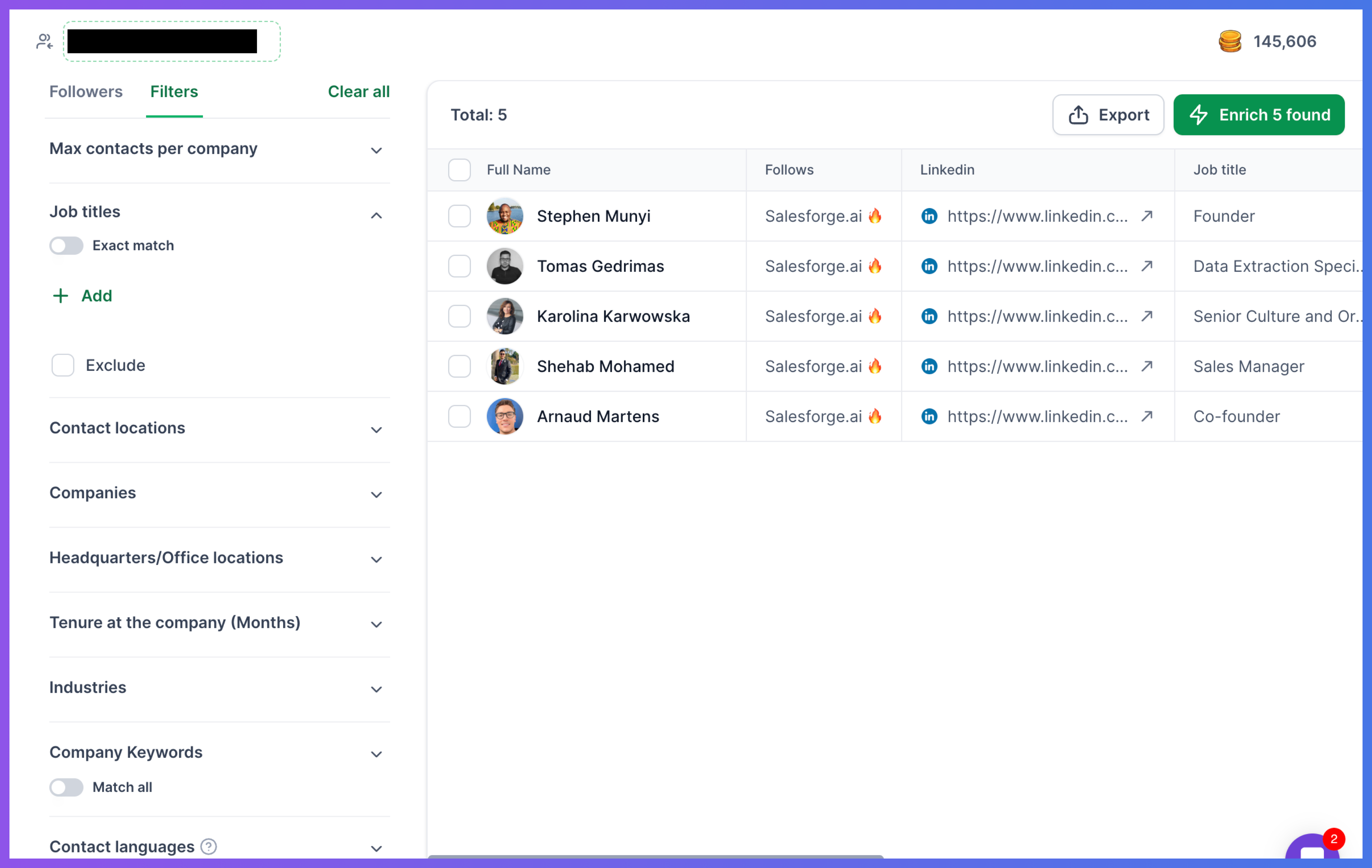
Keep Exact Match disabled when you want broader coverage.
This can be useful when:
You want more lead volume
You are targeting a general function, not one exact title
Similar roles are also relevant to your campaign
Different companies use different titles for the same role
You want the system to include related title variations
For example, if you are targeting sales leaders in general, you may want to keep Exact Match disabled so your search can include related roles like Head of Sales, VP Sales, Sales Director, or Revenue Leader.
Exact Match can improve lead quality by reducing unwanted job title variations.
Broad matching is useful when you want more results, but it can sometimes include contacts that are not the right fit for your campaign.
