Subsequences allow you to create reusable flows that can be triggered independently from your main sequences. This makes it easier to organize complex automation while keeping your primary sequence clean and manageable.
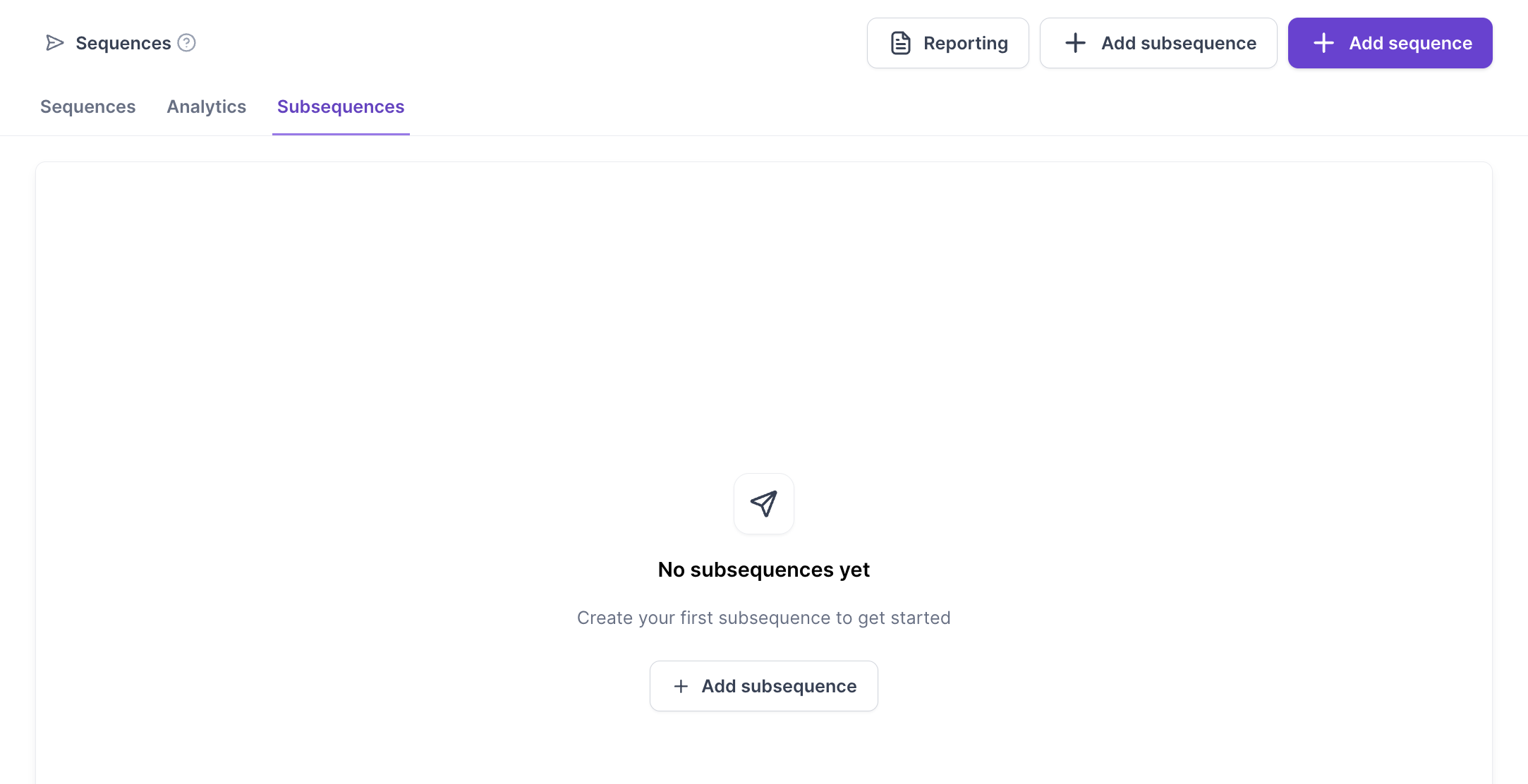
Multichannel now includes a dedicated Subsequences tab where you can:
Create new subsequences
Edit existing subsequences
Manage all subsequences separately from your main sequences
The subsequence builder includes the same functionality available in the main Multichannel builder.
You can use:
All supported nodes
Conditions and branching
Sequence settings
Delays and actions
Custom flow logic
Subsequences behave just like regular sequences, but are triggered independently.
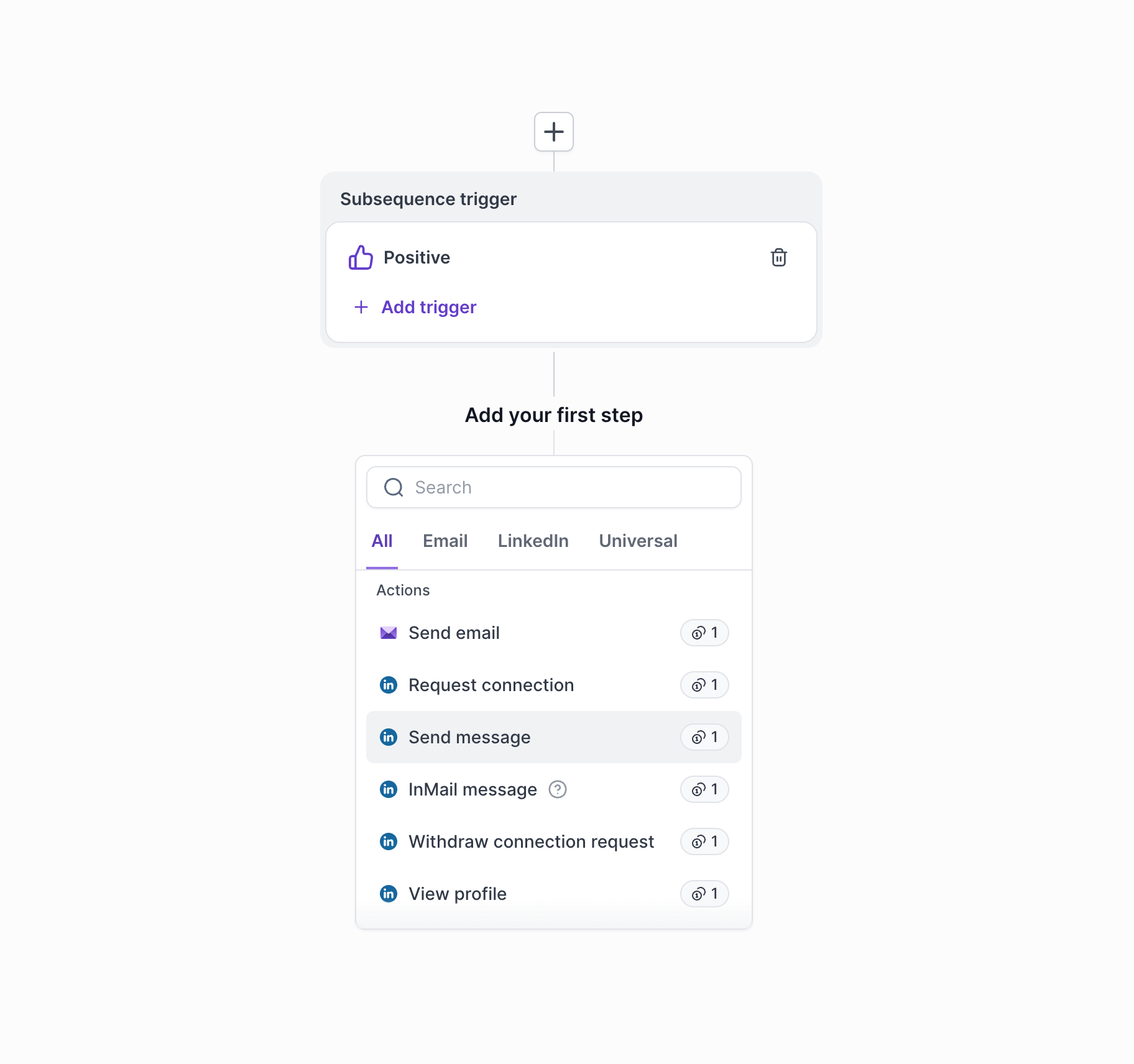
Subsequences can be triggered automatically using Primebox labels.
You can:
Trigger a subsequence when one or more labels are applied
Select existing labels from a dropdown
Create new labels directly within the builder
This allows you to automatically move contacts into the appropriate follow-up flow based on actions or outcomes.
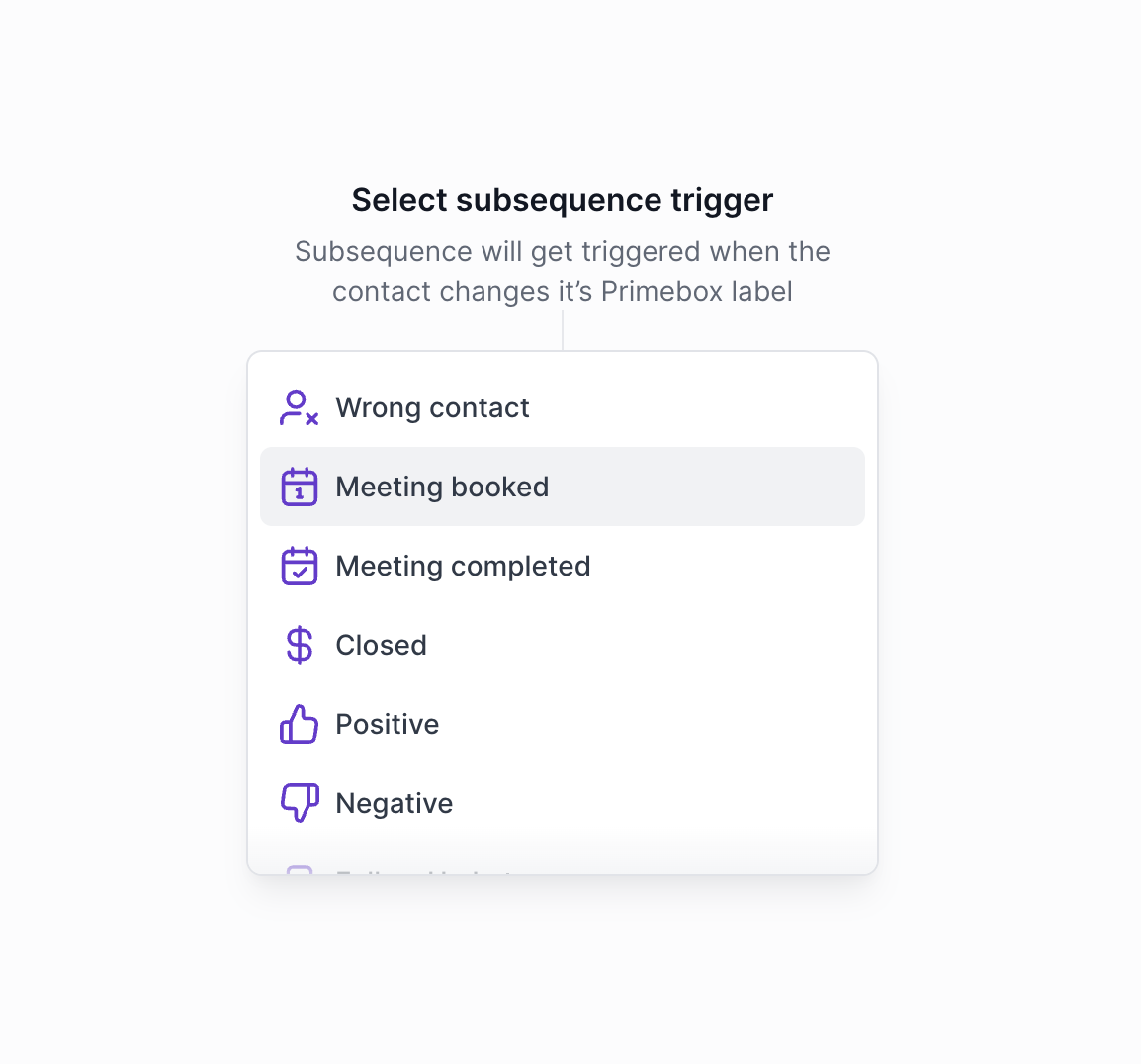
Subsequences can be attached to one or multiple parent sequences.
From within a sequence, you can:
Select an existing subsequence from the dropdown
Attach multiple subsequences to the same sequence
Create a new subsequence without leaving the builder
To improve visibility:
Each Sequence displays its linked subsequence(s)
Each Subsequence displays its parent sequence(s)
This makes it easy to understand how your flows are connected.
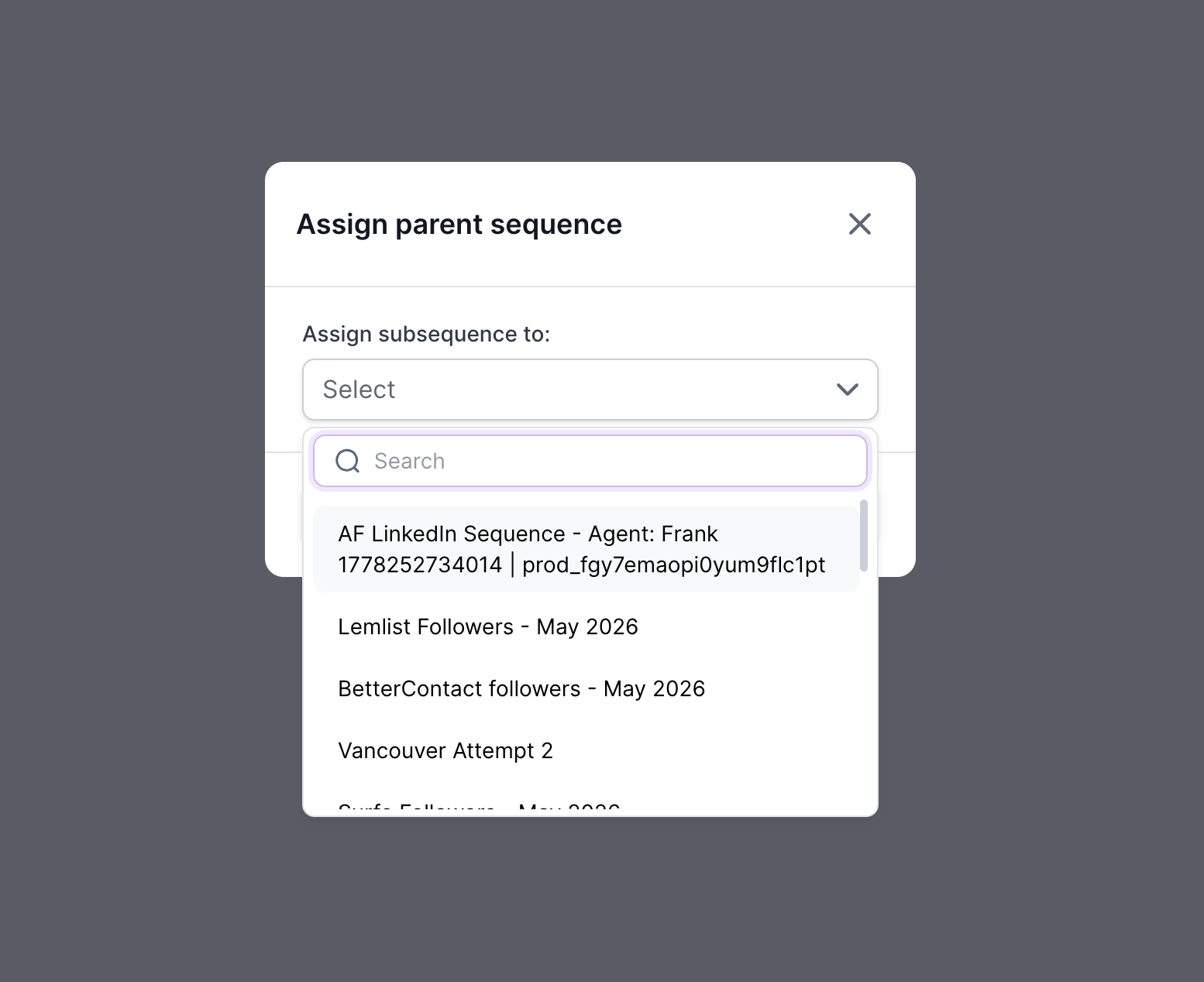
Each subsequence has its own dedicated analytics dashboard.
Performance is tracked independently from the parent sequence, allowing you to monitor:
Enrollment
Progress
Completion
Overall performance
This makes it easier to measure the effectiveness of individual follow-up flows without affecting your main sequence analytics.
