
You can edit various mailbox settings in Primeforge, including mailbox details, forwarding settings, passwords, profile images, and signatures.
Accessing Mailbox Settings
Navigate to the Mailboxes page in Primeforge.
Click on the mailbox you want to edit.
Make your changes in the available tabs.
Mailbox Tab
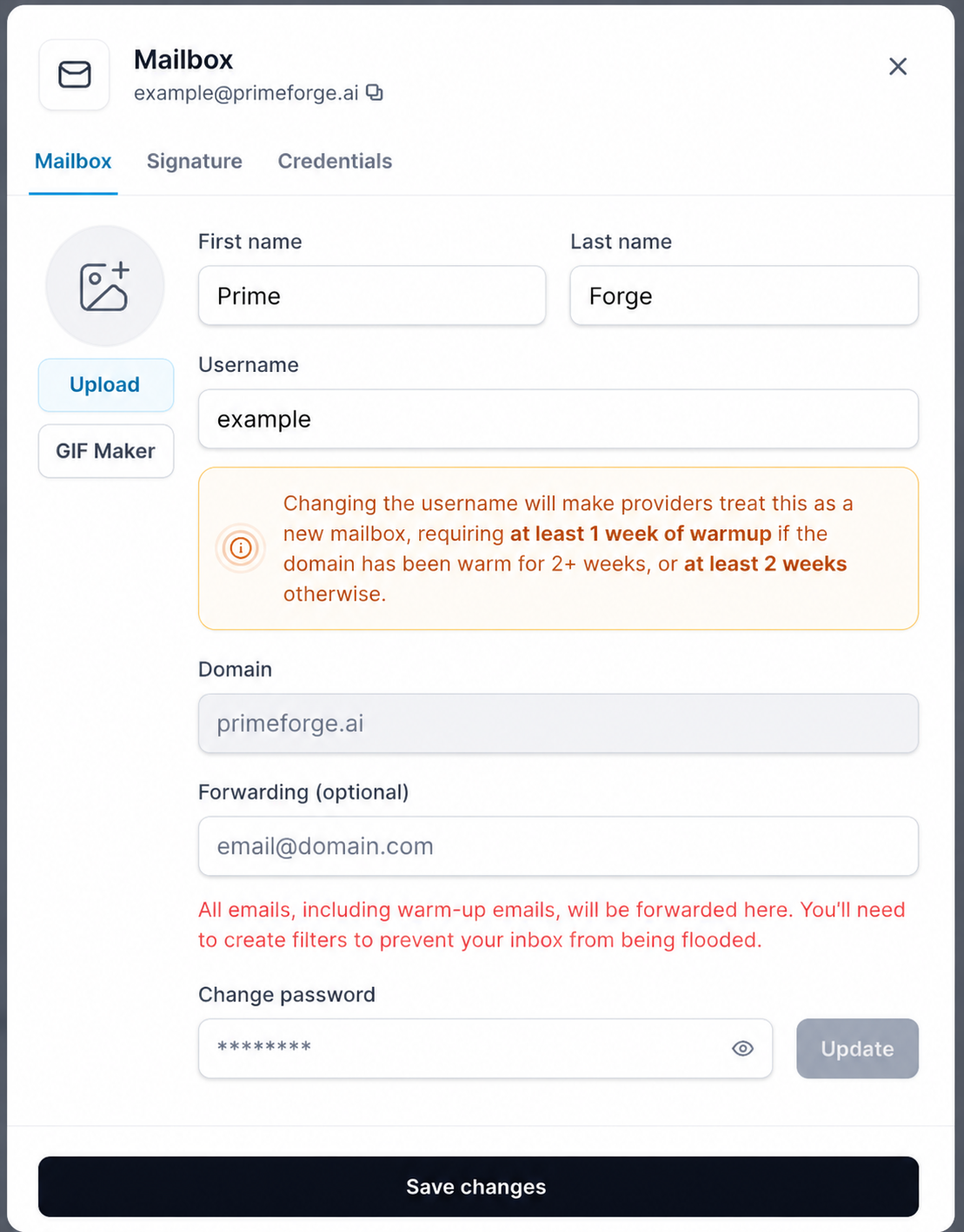
Within the Mailbox tab, you can update the following settings:
Profile Photo
You can:
Upload a custom profile photo.
Use the built-in GIF Maker to create an animated GIF profile image.
First Name and Last Name
You can update the mailbox owner's first and last name. These names are used to identify the mailbox and may be displayed to recipients.
Username
You can change the mailbox username, which is the portion of the email address before the @ symbol.
Example:
If your email address is:
The username is: “john”
Forwarding Email
You can add or update the forwarding email address where incoming messages should be forwarded.
Password
You can update the mailbox password directly from the mailbox settings.
Signature Tab
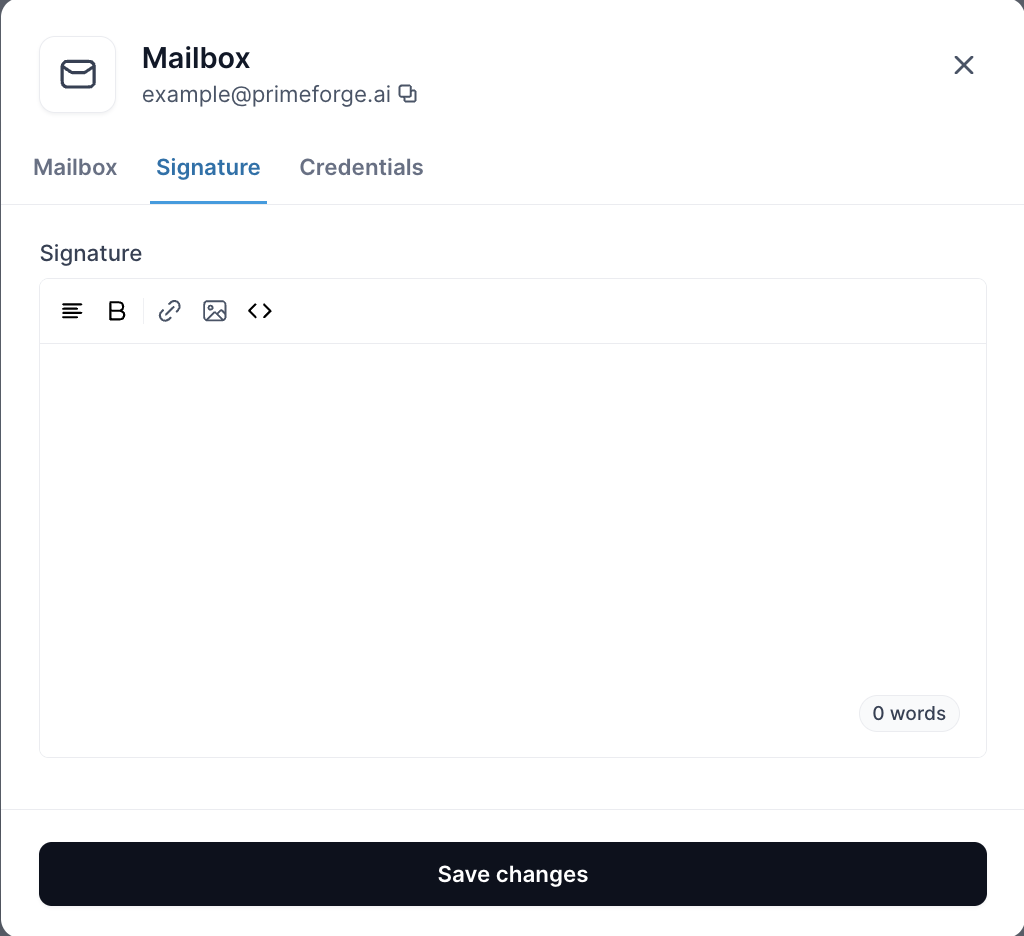
The Signature tab allows you to create, edit, or update the email signature used by the mailbox.
Save Your Changes
After making any updates, be sure to save your changes to apply them to the mailbox.