The new Bulk Company Search via File Upload feature allows you to:
Upload a list of companies in CSV format
Match those companies against our database
Automatically retrieve employee contacts from matched companies
Refine results further using existing ICP filters
This removes the need to manually enter companies one by one and significantly speeds up large-scale prospecting workflows.
File type: CSV
Maximum size: 1 file per search
Maximum rows: Up to 1,000 companies
For the best match accuracy, use:
Company domain (recommended)
Example:
Companies
You can also upload company names, but domain-based matching provides more reliable results.
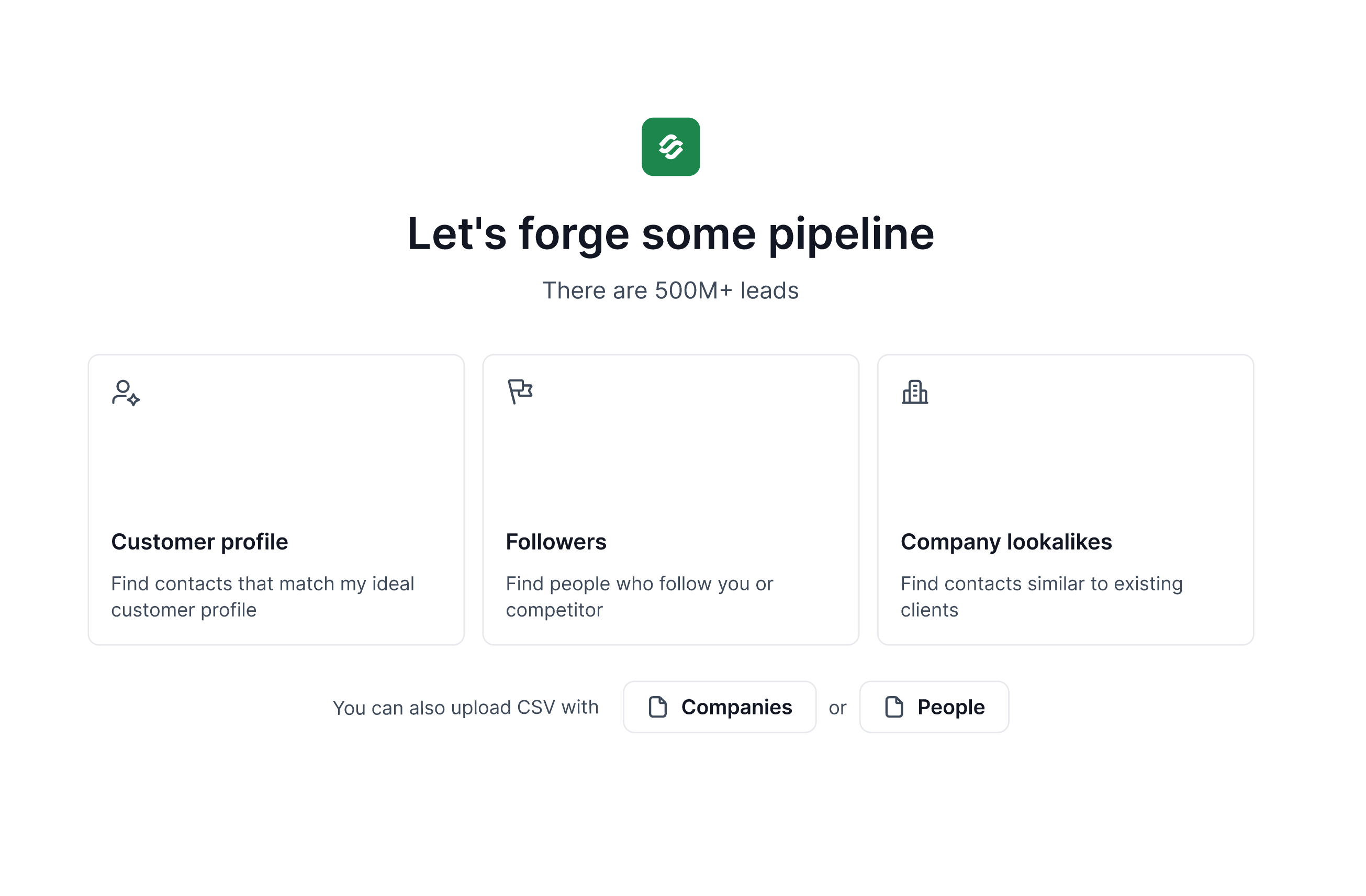
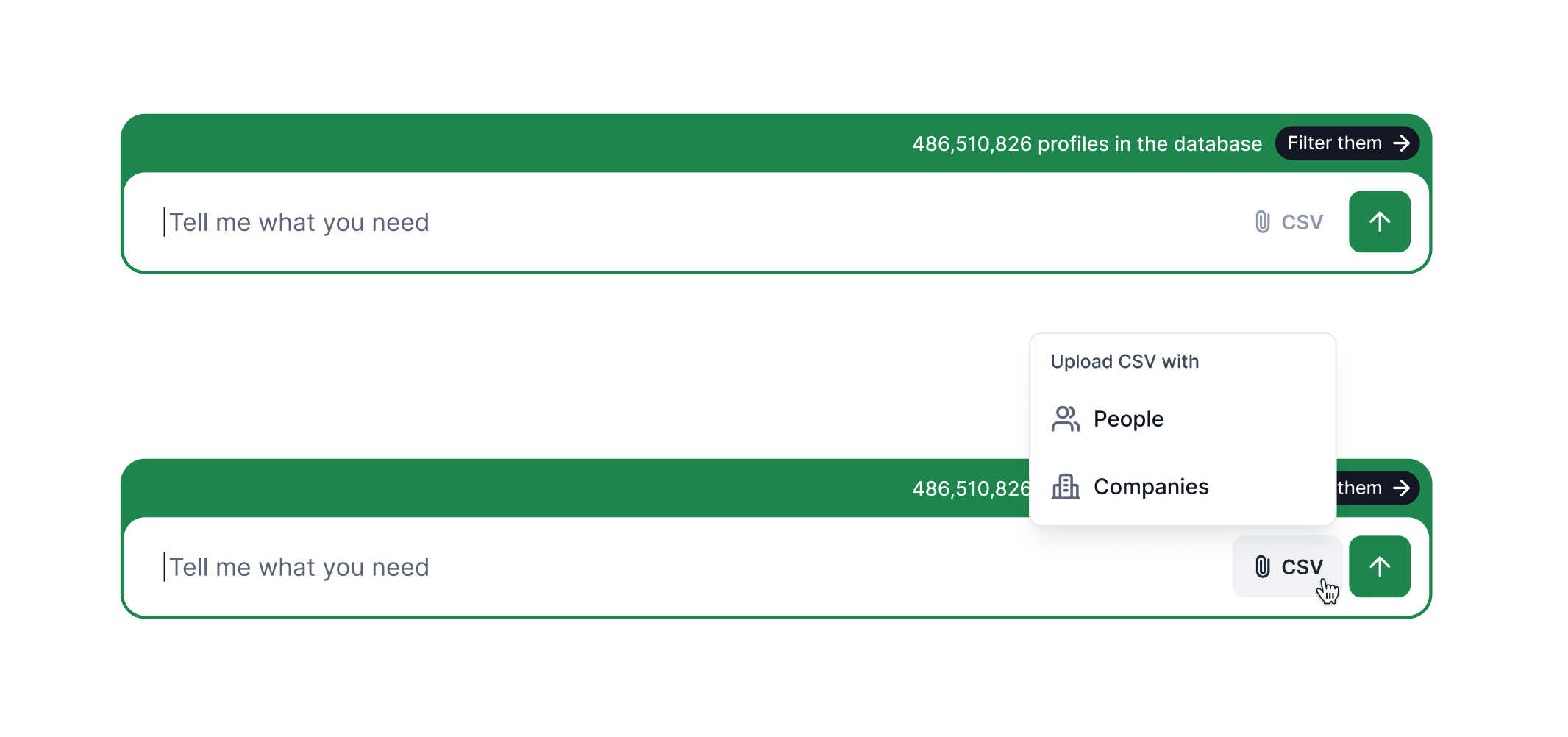
Start a new ICP search in Leadsforge and upload your CSV file containing the list of companies.
During the upload process:
Select the column that contains your company data
Map it to the “Companies” field
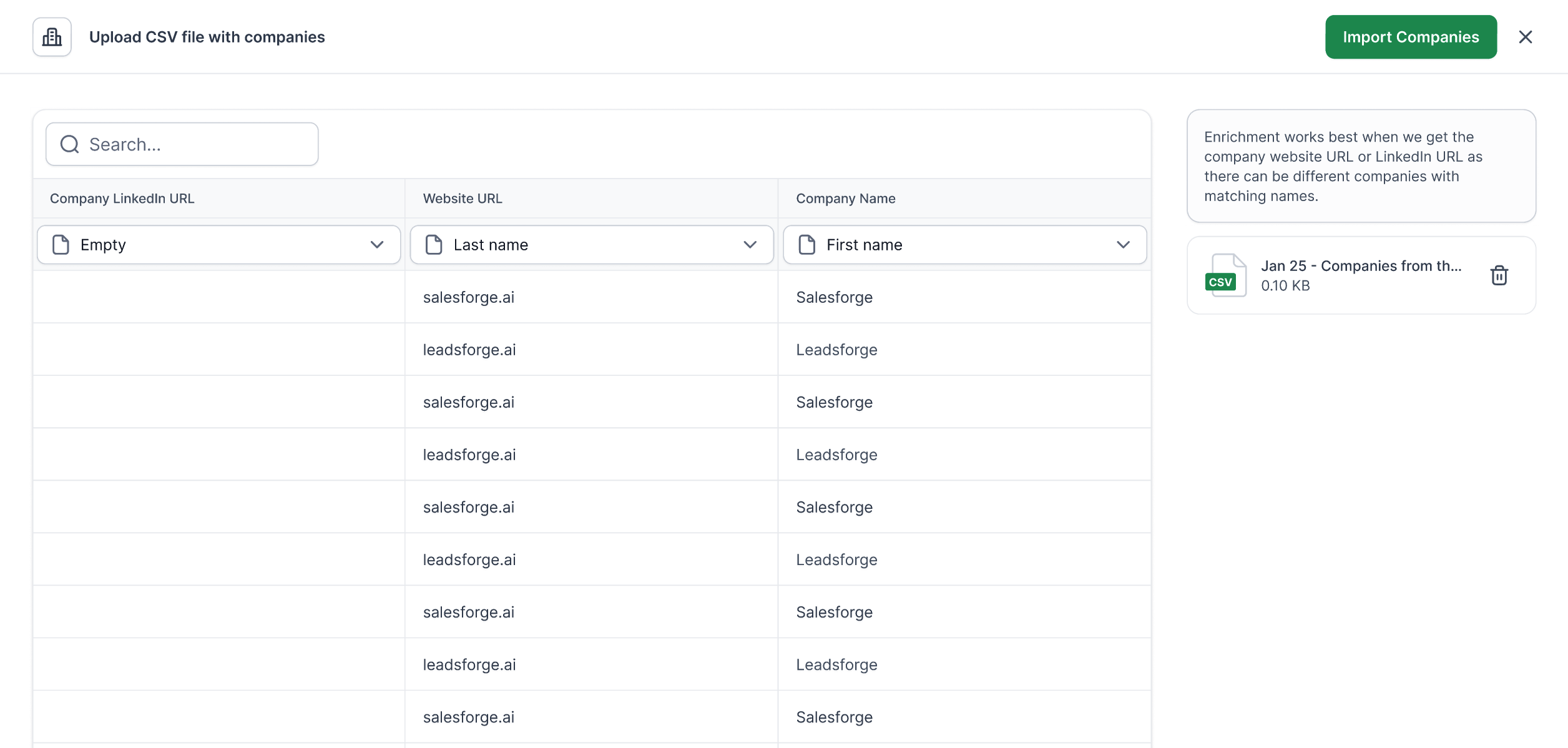
Once uploaded:
The system matches companies against our database
Matching employee contacts are returned automatically
After contacts are generated, you can apply standard ICP filters such as:
Job title
Seniority
Department
Location
Company size
Industry
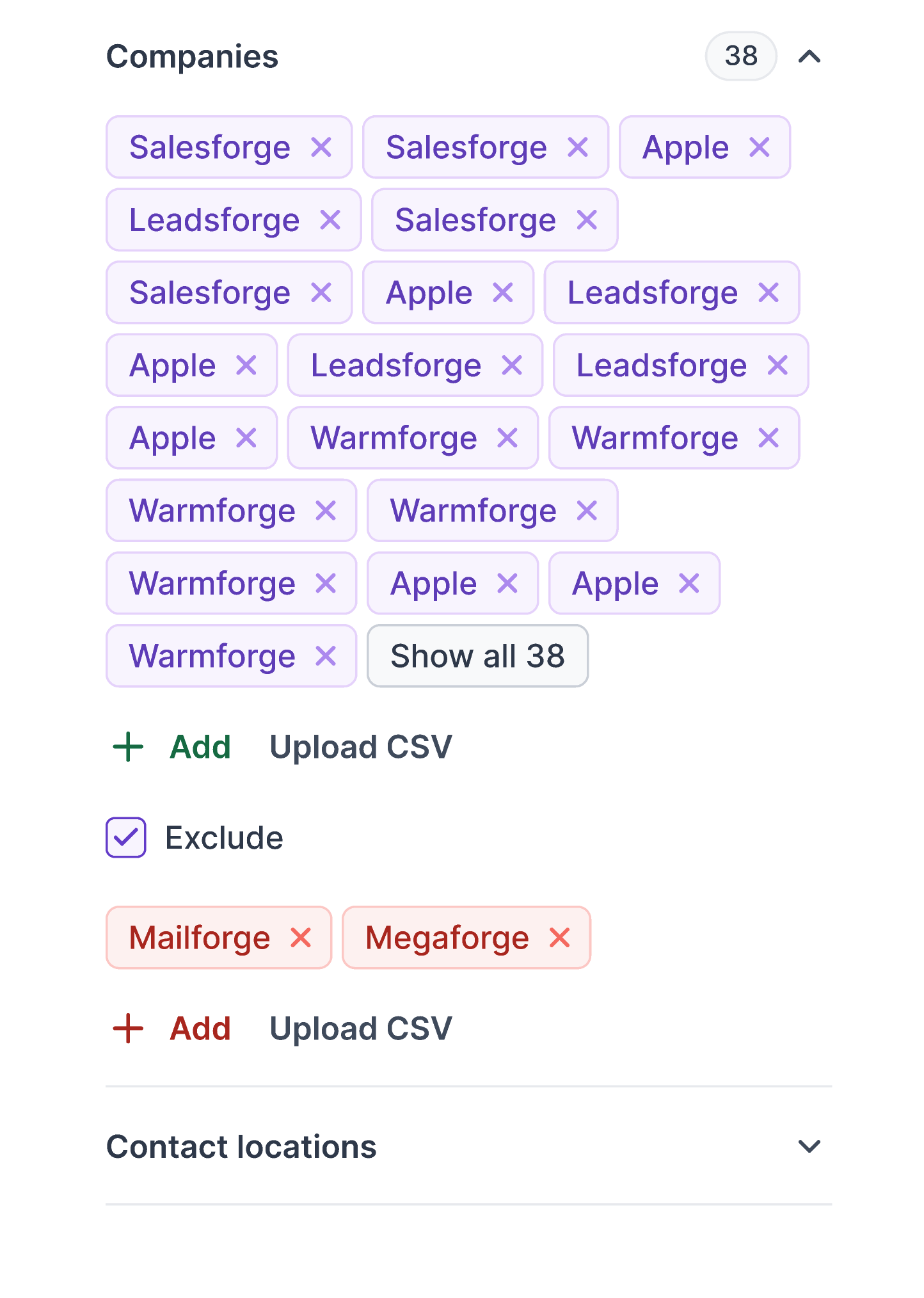
You can also upload a CSV file to exclude companies from your search results.
This is useful when you want to:
Avoid existing customers
Exclude competitors
Remove previously contacted accounts
Bulk Company Search can be triggered through:
Chat-based workflows
Path selection within ICP
To improve matching quality and reduce errors:
Use company domains whenever possible
Remove duplicate entries before upload
Keep files under the 1,000-row limit
Ensure the CSV contains a clear company column header
