Attachments in Primebox
Primebox supports attachments across supported communication channels, allowing you to send, receive, and download files directly within conversations.
Attached file when replying via Primebox:

Attached file when viewing a reply within Primebox:

Supported Features
You can:
Receive attachments directly in Primebox
Download received attachments
Send attachments within replies and conversations
Supported Channels
Attachments are supported for both emails and LinkedIn messages
Supported File Types
Primebox supports most common attachment formats, including:
Documents
PDF
Word
Excel
PowerPoint
TXT
EML
Images
All image formats
Video
MP4
MOV
Data Files
CSV
Attachment Size Limits
Email: up to 25 MB
LinkedIn: up to 20 MB
Voice Notes on LinkedIn
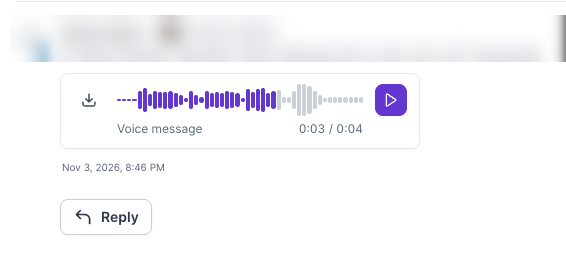
Voice notes are not regular attachments, but they work in Primebox LinkedIn conversations. A voice note a lead sends you appears in the thread as a Voice message player with a play button and a download button. You can also reply with a voice note using Send voice note in the reply box, either by recording one, uploading an audio file of up to 1:00 minute, or generating one with AI. See LinkedIn Voice Notes in Salesforge for the full steps.