The integration between Salesforge and Weezly allows you to generate and send personalized videos at scale directly within your outreach sequences. This helps you increase engagement by making every message more relevant, visual, and human.
With this integration, you can:
Generate personalised videos for every lead
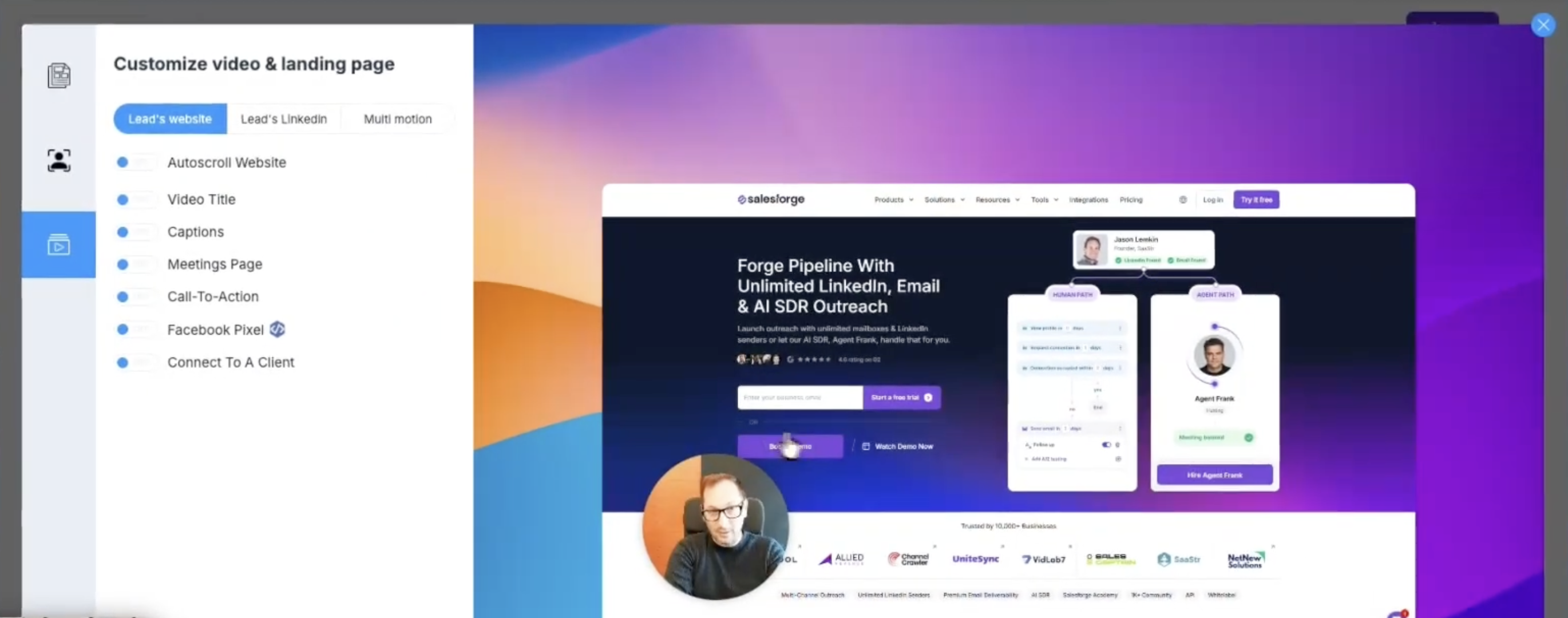
Use LinkedIn profiles and company websites as video inputs
Build advanced video flows using Multi-Motion
Add booking pages and dynamic video titles
Save and reuse video templates
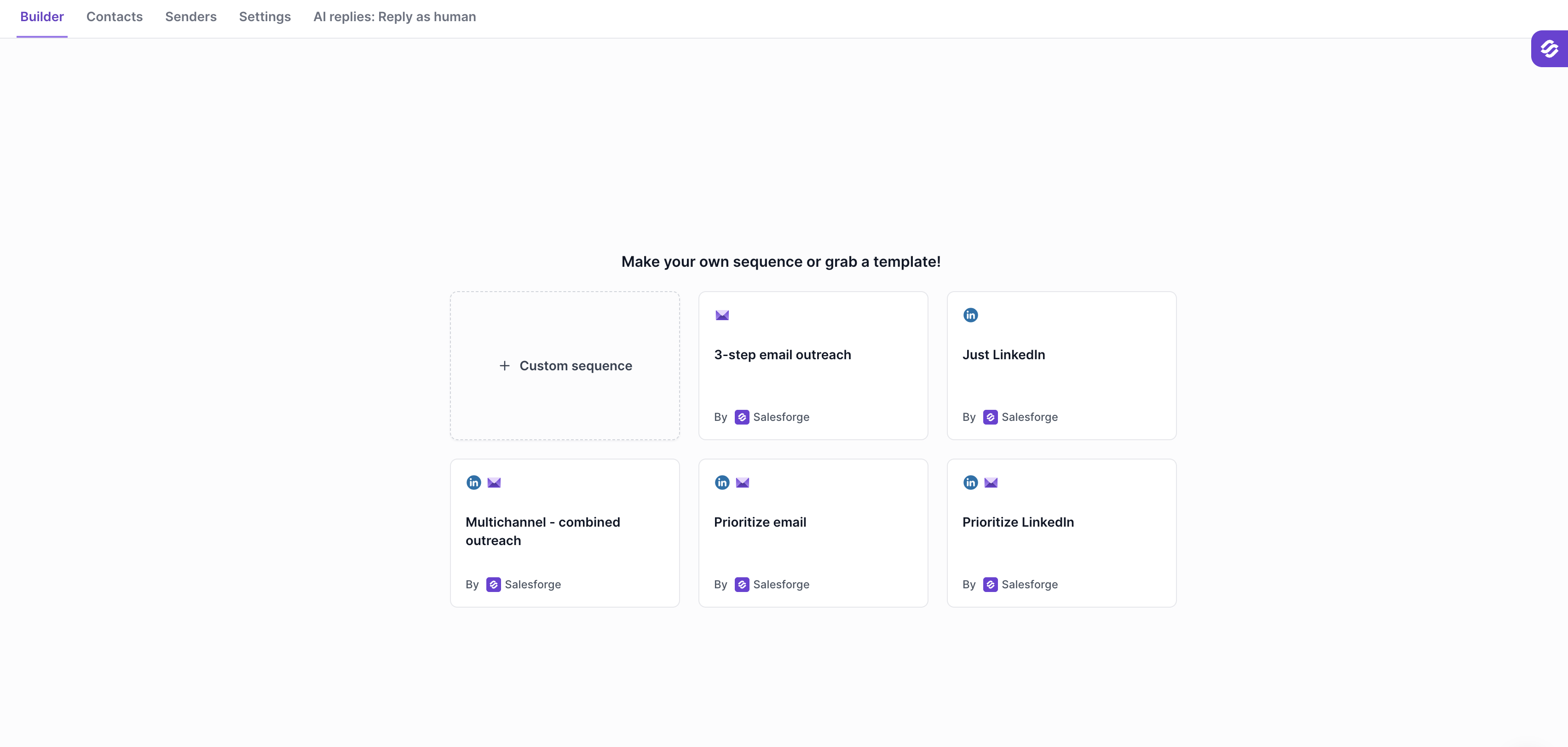
Insert videos directly into Salesforge sequences
Before getting started, ensure you have:
An active Salesforge account: https://www.salesforge.ai/
A Weezly account: https://weezly.com/
The Weezly Chrome Extension installed: https://weezly.com/chrome-extension-sales/
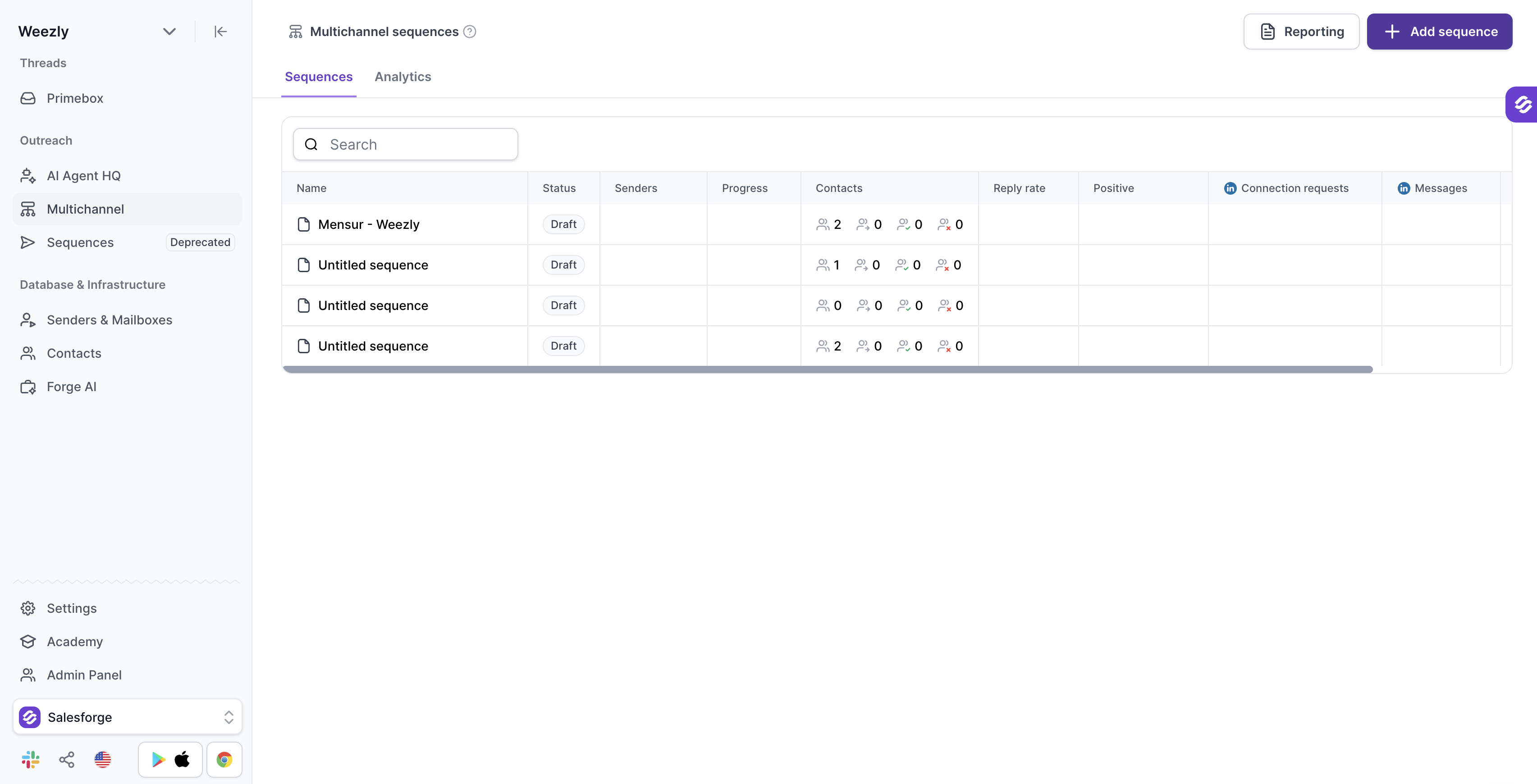
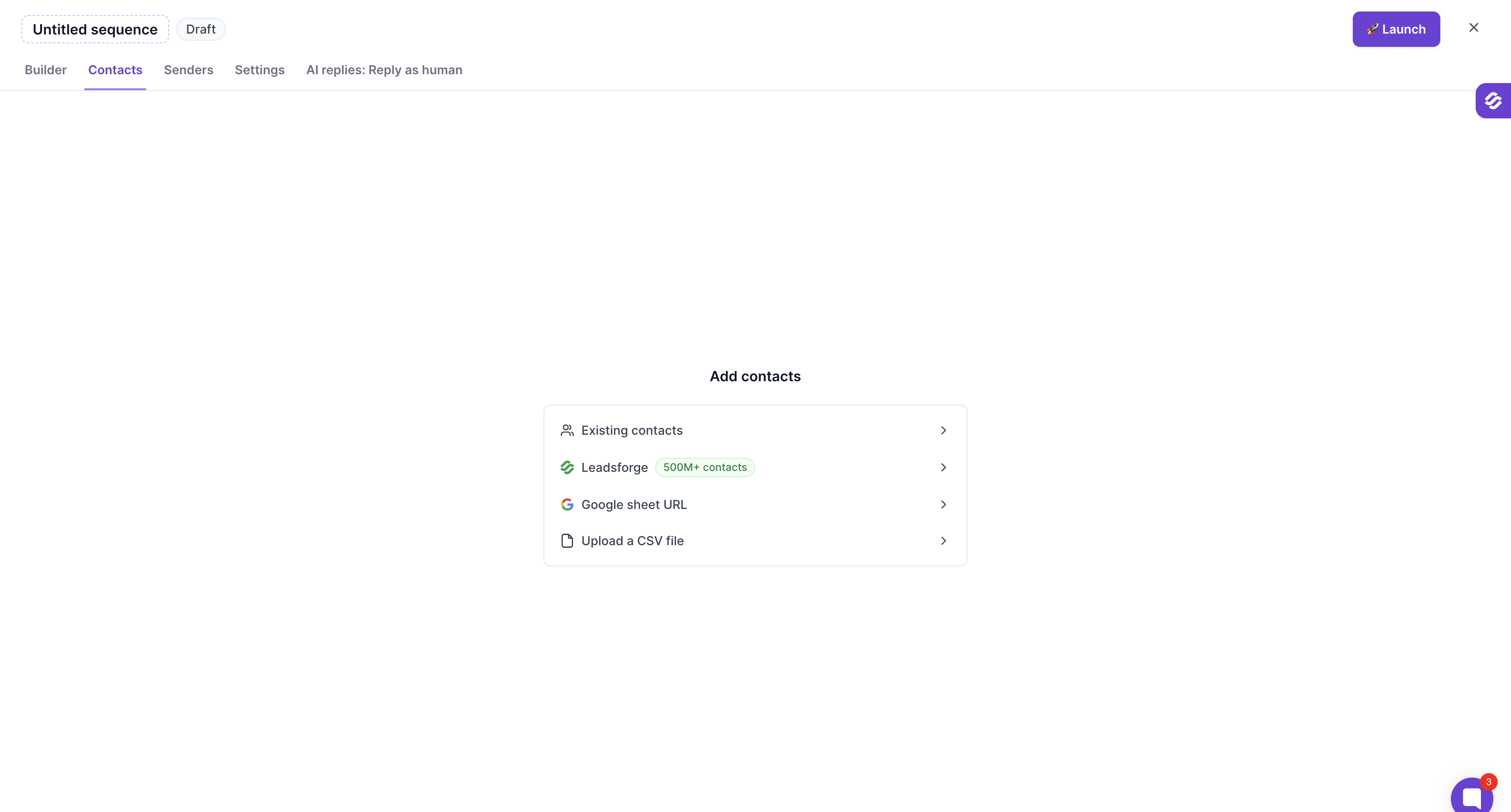
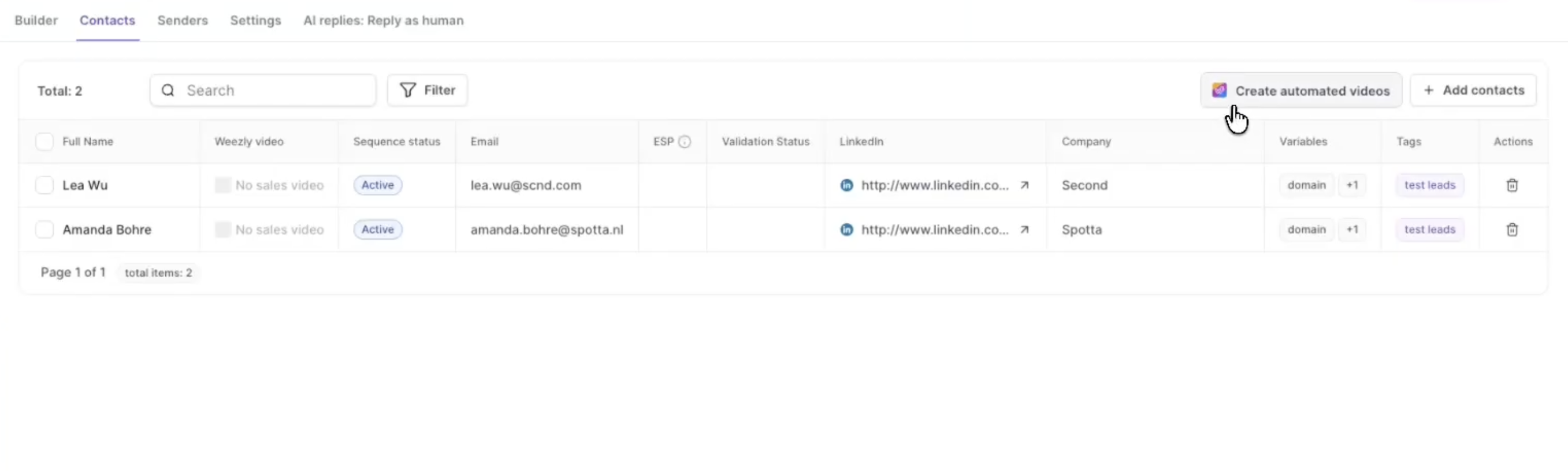
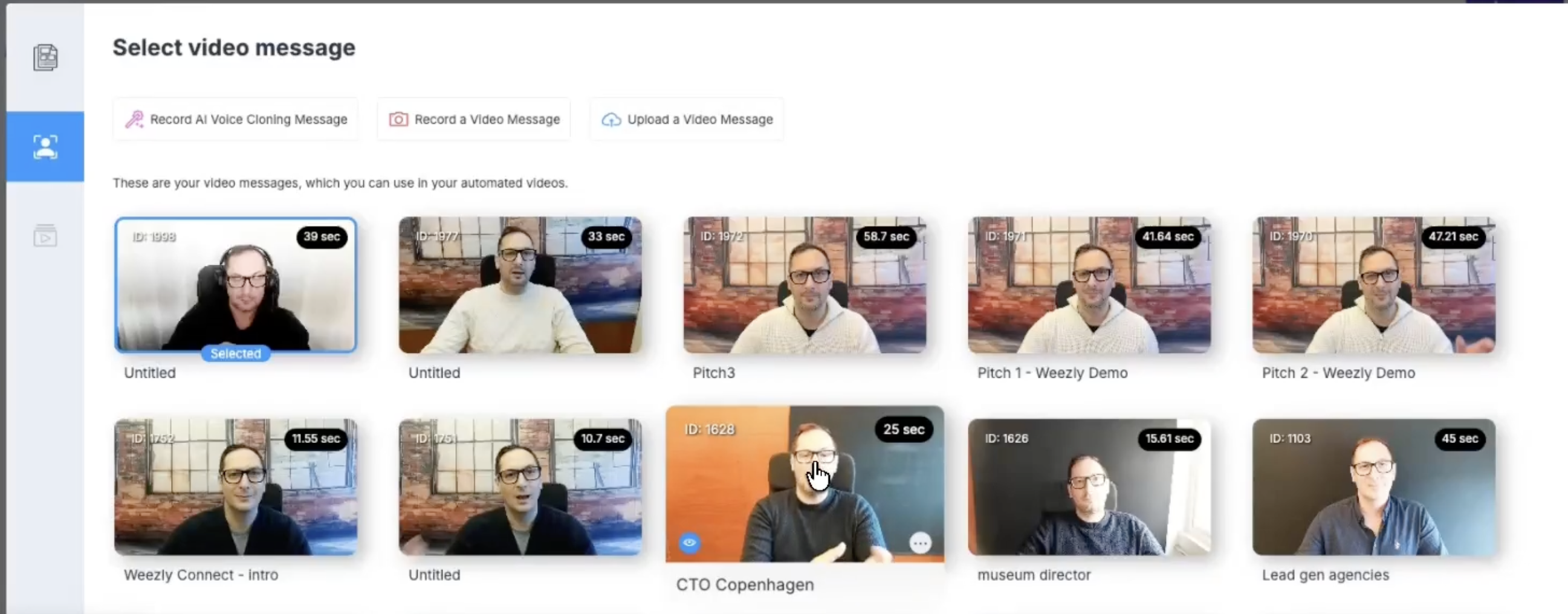
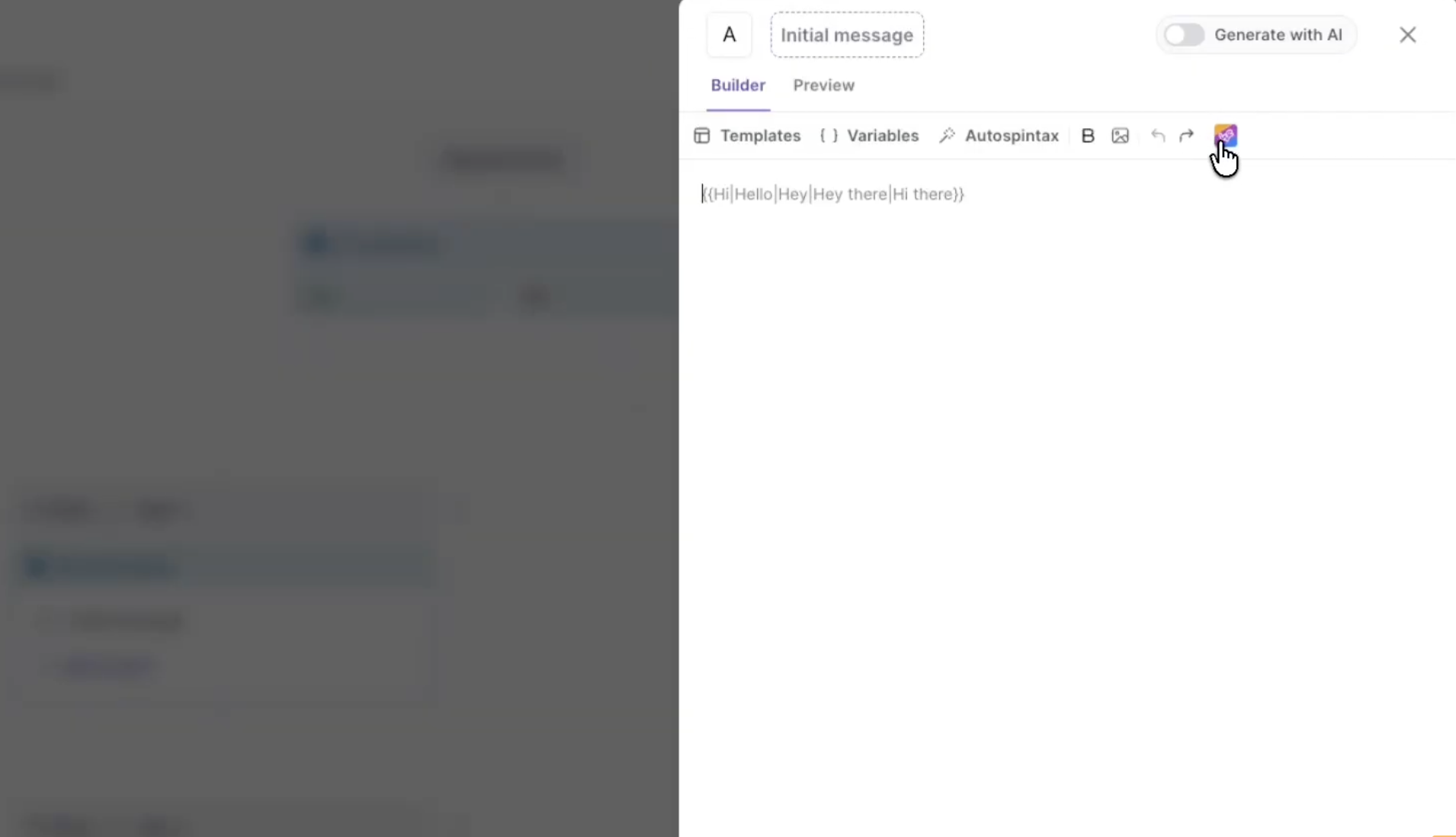
It will add the video preview link to the message, do not edit the link itself, you can add your own text before or after the Weezly link.
Segment your audience: Tailor videos to specific industries or personas
Keep videos short: Aim for 30–60 seconds
Use a clear CTA: Always include a next step (e.g., booking a call)
Test and optimize: Monitor performance and refine your approach
