The OutboundSync Webhook Receiver allows you to automatically sync real-time engagement data from Salesforge into your CRM (e.g. Salesforce, Hubspot).
Using webhooks, Salesforge sends event data (like email opens, replies, and clicks) to OutboundSync, which then maps and writes that data into your CRM.
Salesforge webhooks send HTTP POST requests to a URL whenever selected events occur.
With OutboundSync:
Salesforge triggers an event (e.g. email opened)
The webhook sends event data to OutboundSync
OutboundSync processes and maps the data
The data is written into your CRM (e.g. Contact, Account, Activities)
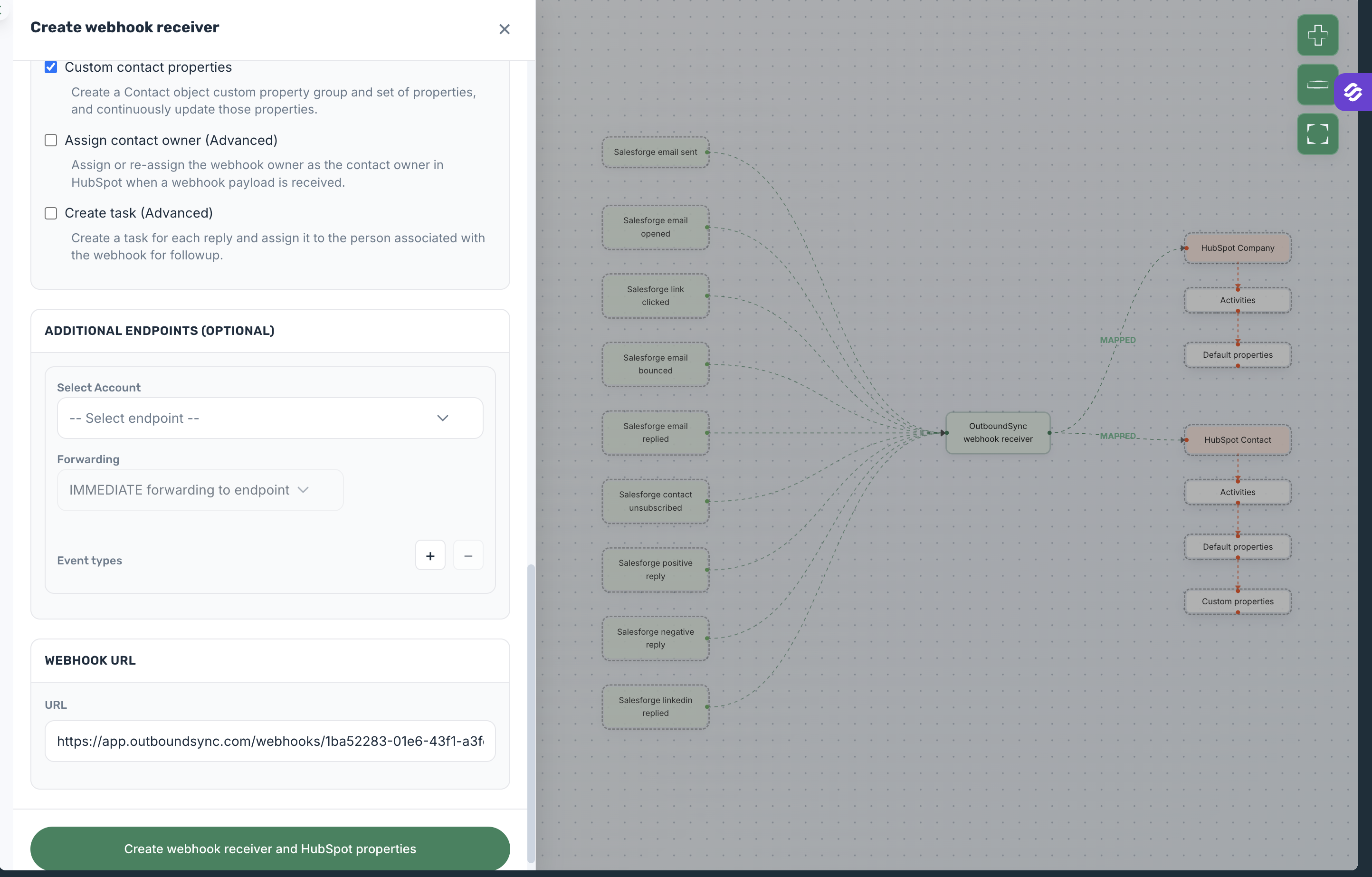
Supported events include:
Email sent
Email opened
Link clicked
Contact Unsubscribed
Email replied (positive/negative)
Email bounced
Unsubscribed
LinkedIn replied
Before setting up:
Admin access to Salesforge
Access to OutboundSync
A connected CRM to OutboundSync (e.g. Salesforce or Hubspot)
Salesforge Growth plan
Go to Create webhook in OutboundSync
Choose Salesforge as Sales engagement platform
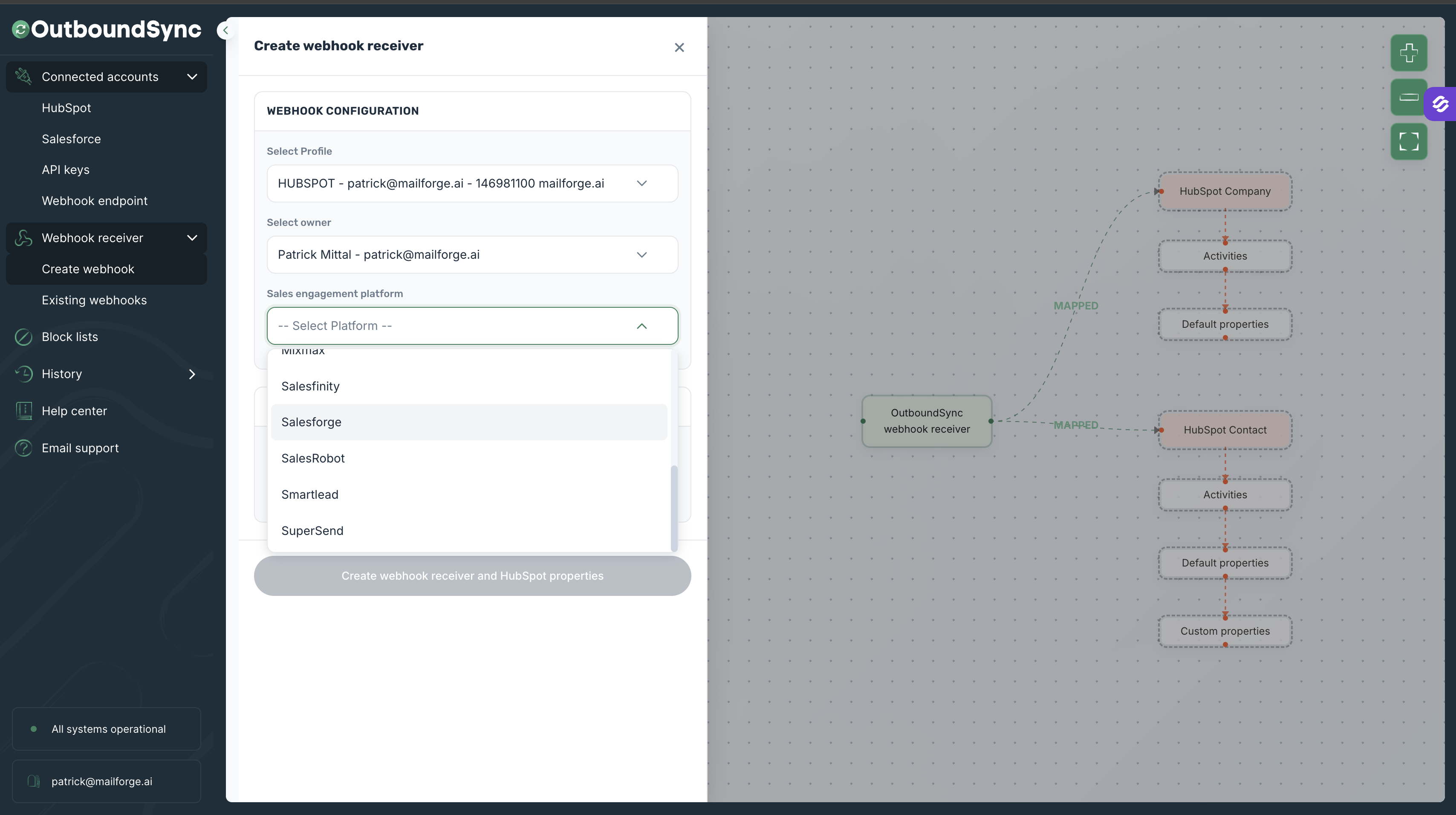
Adjust the settings as per your needs
Copy the webhook URL
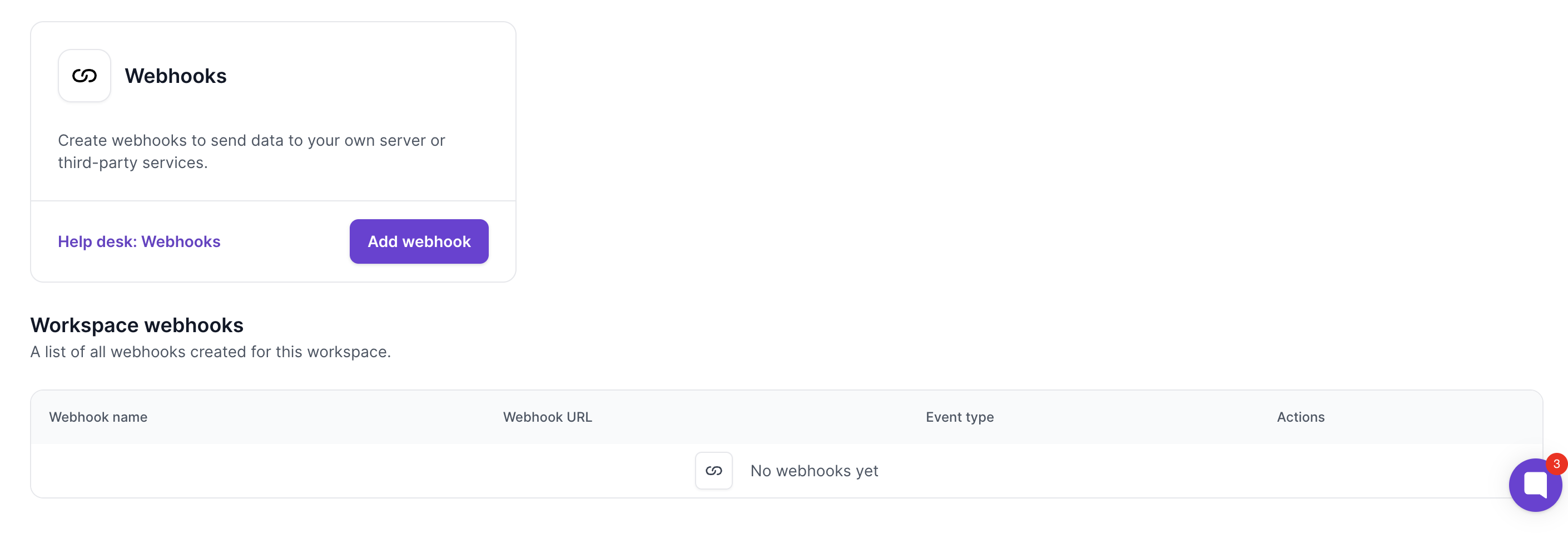
Go to Salesforge → Settings → Integrations → Webhooks
Click Add Webhook
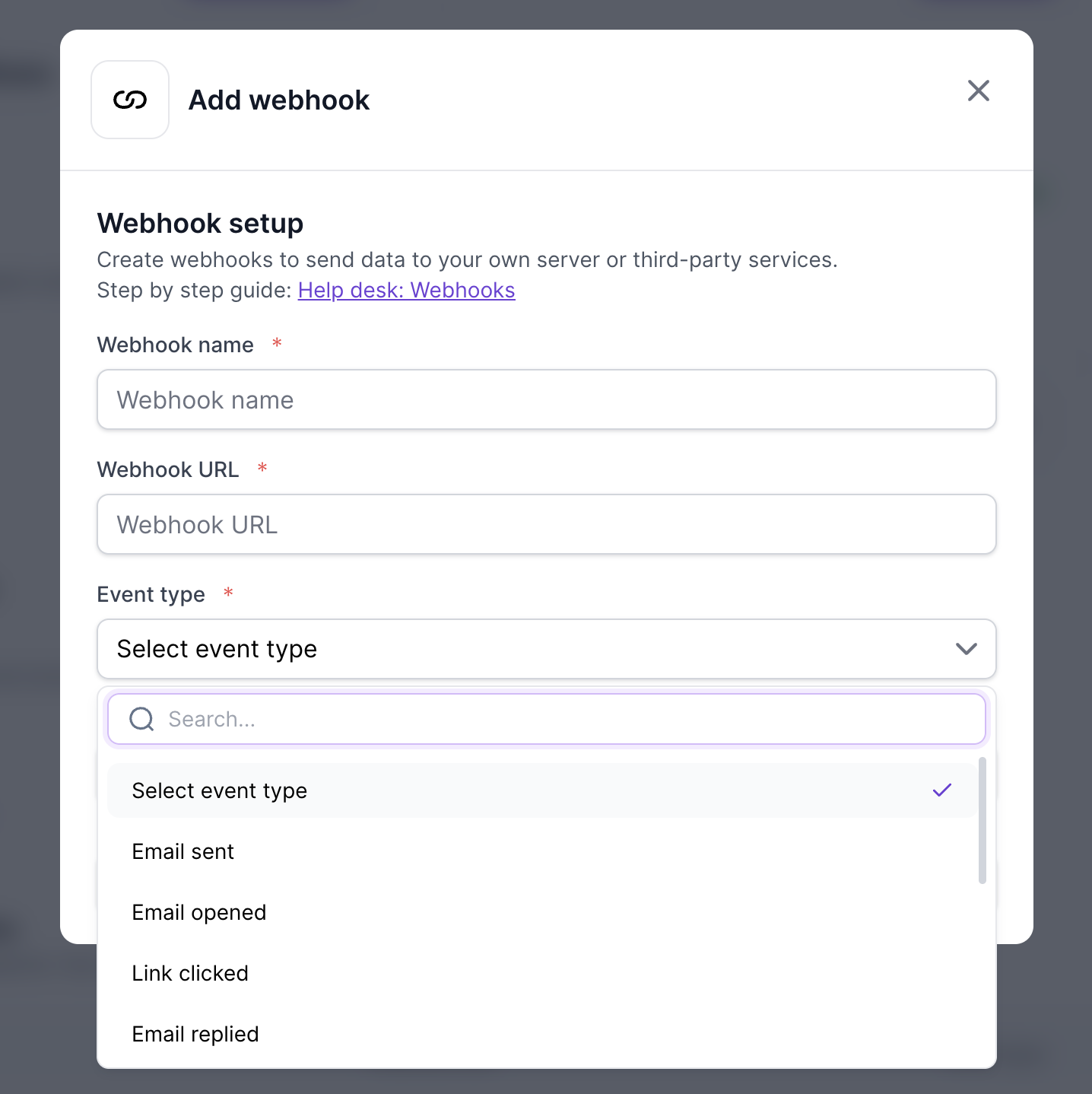
Setup webhook for each event you added and need in OutboundSync
Paste webhook URL from OutboundSync into Salesforge
Use Upsert to avoid duplicate records
Enable all events for full funnel tracking
Map activities to CRM timelines for visibility
Assign ownership rules for proper routing
Monitor webhook logs for failures
