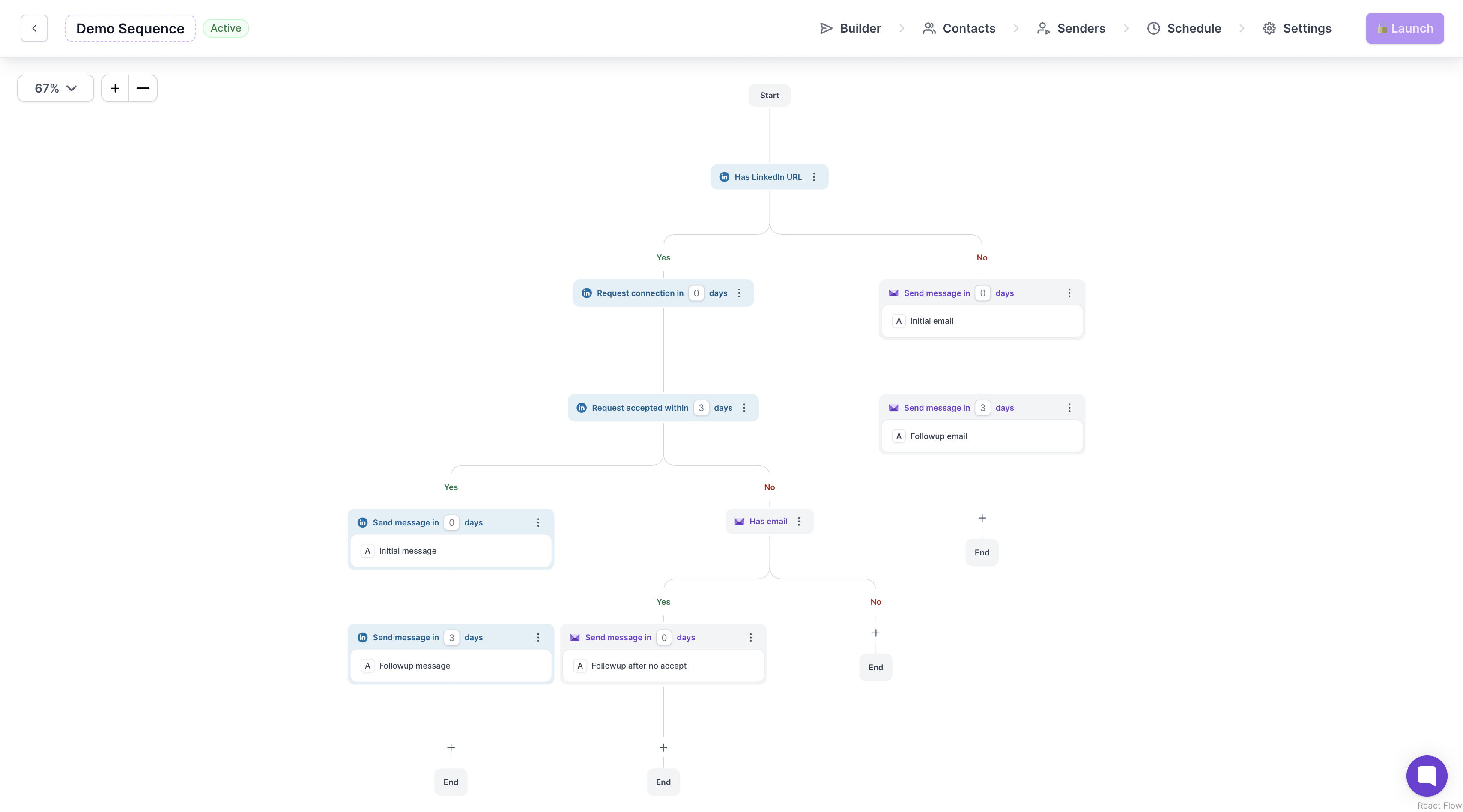
Introducing Salesforge Multichannel which allows you to reach out to your leads on LinkedIn and Email.
Head over to Salesforge and click on Multichannel in the left menu.
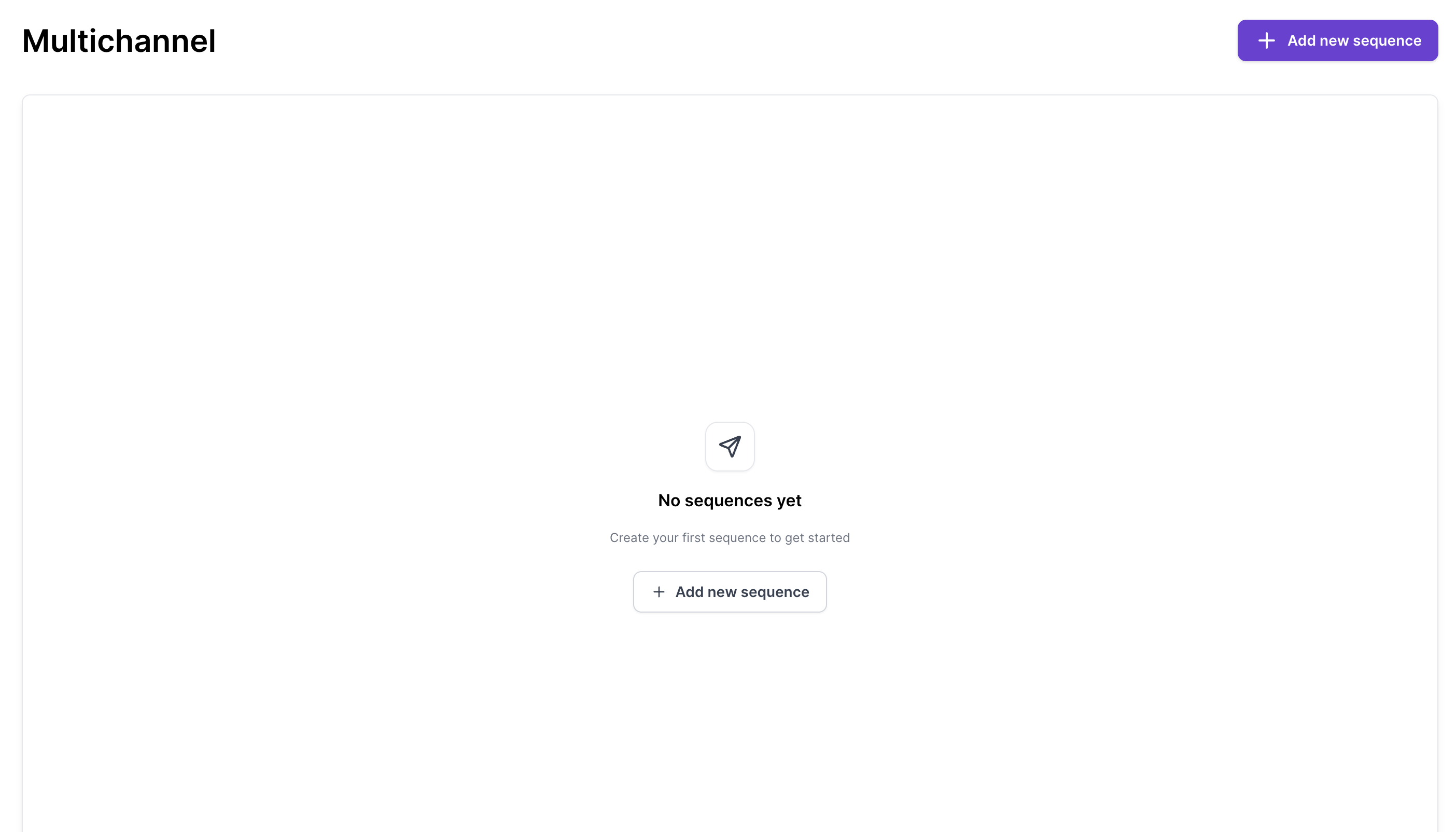
Click Add New sequence, you will be redirected to Builder page where you can build your outreach.
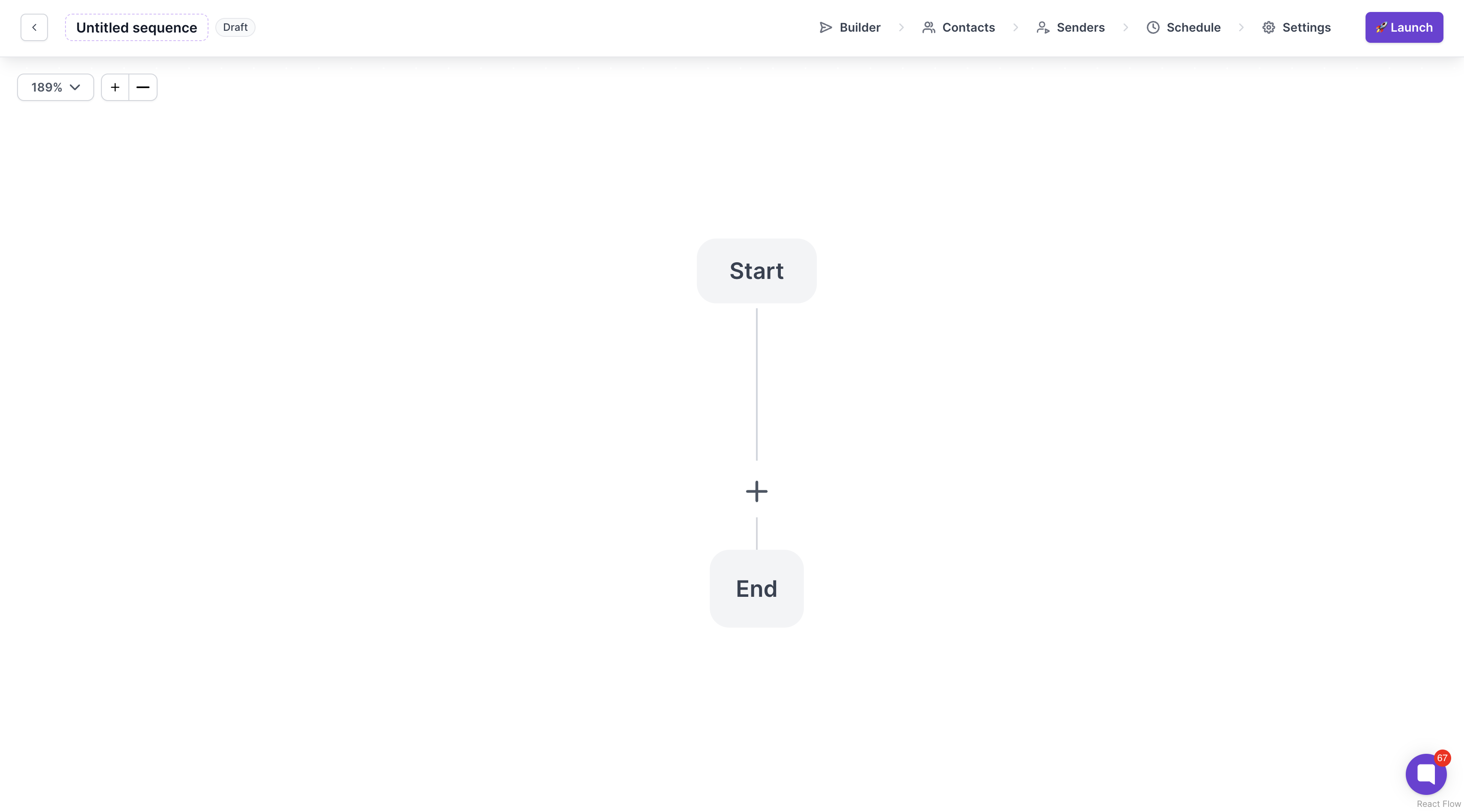
Click on + icon and start building your multichannel sequence

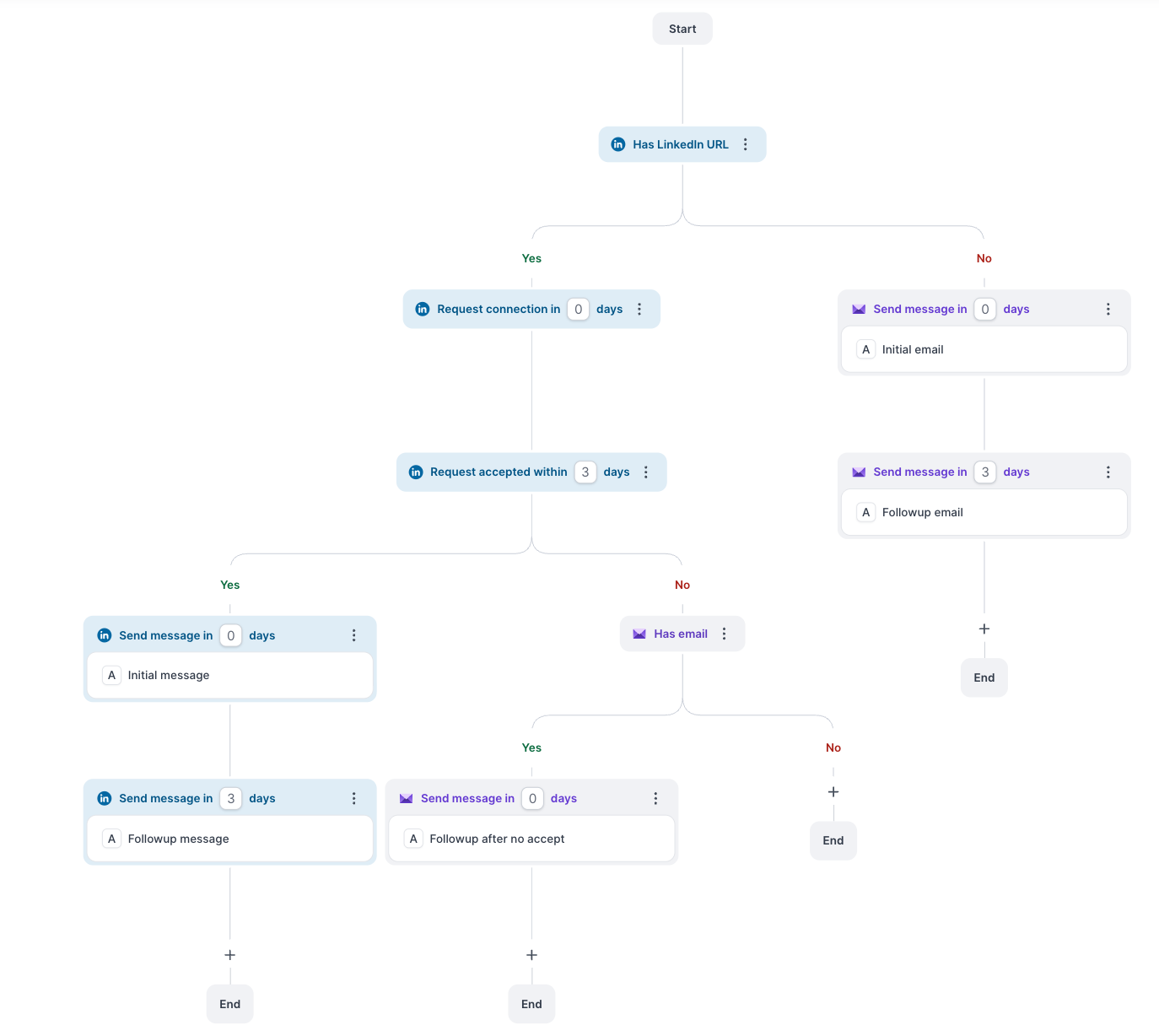
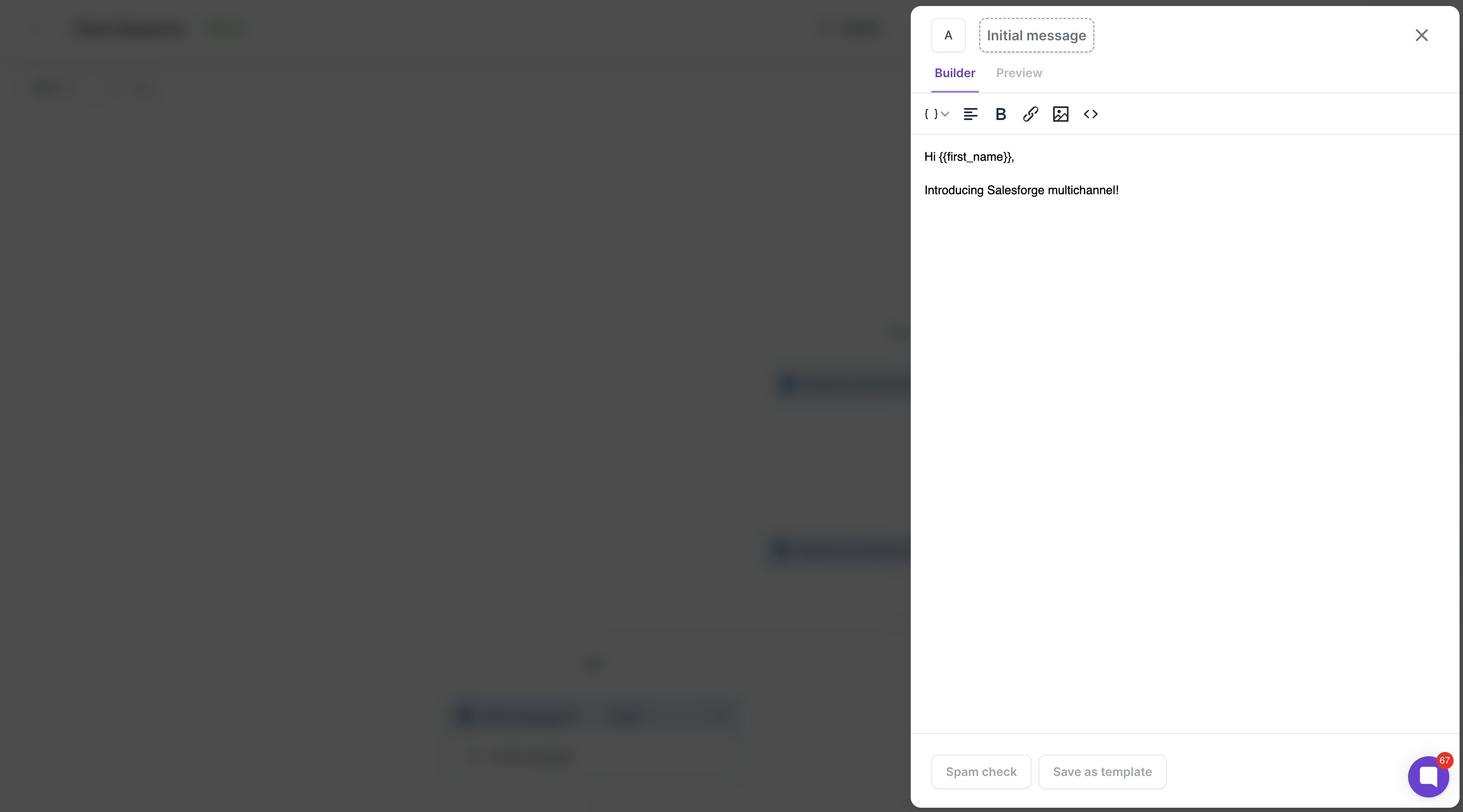
When selecting Send email or Send message option, you get to compose your message
Conditions do not use any credits
LinkedIn actions use 1 social action credit each. If you are sending multiple messages, each message will use 1 social action credit.
Email actions use 1 email credit for each email sent.
You are allowed to connect unlimited LinkedIn senders and unlimited email accounts for sending emails and LinkedIn messages.
You can now LinkedIn InMail inside your multichannel sequences - perfect for reaching high-value leads who aren’t 1st-degree connections.
What to know:
InMail can be sent by any connected sender profile; while Premium accounts unlock broader outreach, Free accounts can still deliver InMails to prospects with Open Profile enabled.
If a prospect has disabled InMail in their LinkedIn message preferences, the system will detect this and won’t send an InMail to them.
No double-messaging: you can’t send another InMail until the prospect replies (unless they have Open Profile).
The editor enforces LinkedIn’s limits: 200-character subject and 2,000-character body.
Send InMail will work in cases where:
Sender profile is Premium and InMail can be sent to:
Open profiles - will not cost an InMail credit on LinkedIn
Closed profiles or non-premium lead - it will cost an InMail credit
Sender profile is Free but the lead must have Premium and Open profile - it does not cost credit
Any lead can disable to receive the InMail in their LinkedIn settings and if that's the case - the message will always fail. We have condition check for Open profile to avoid fails
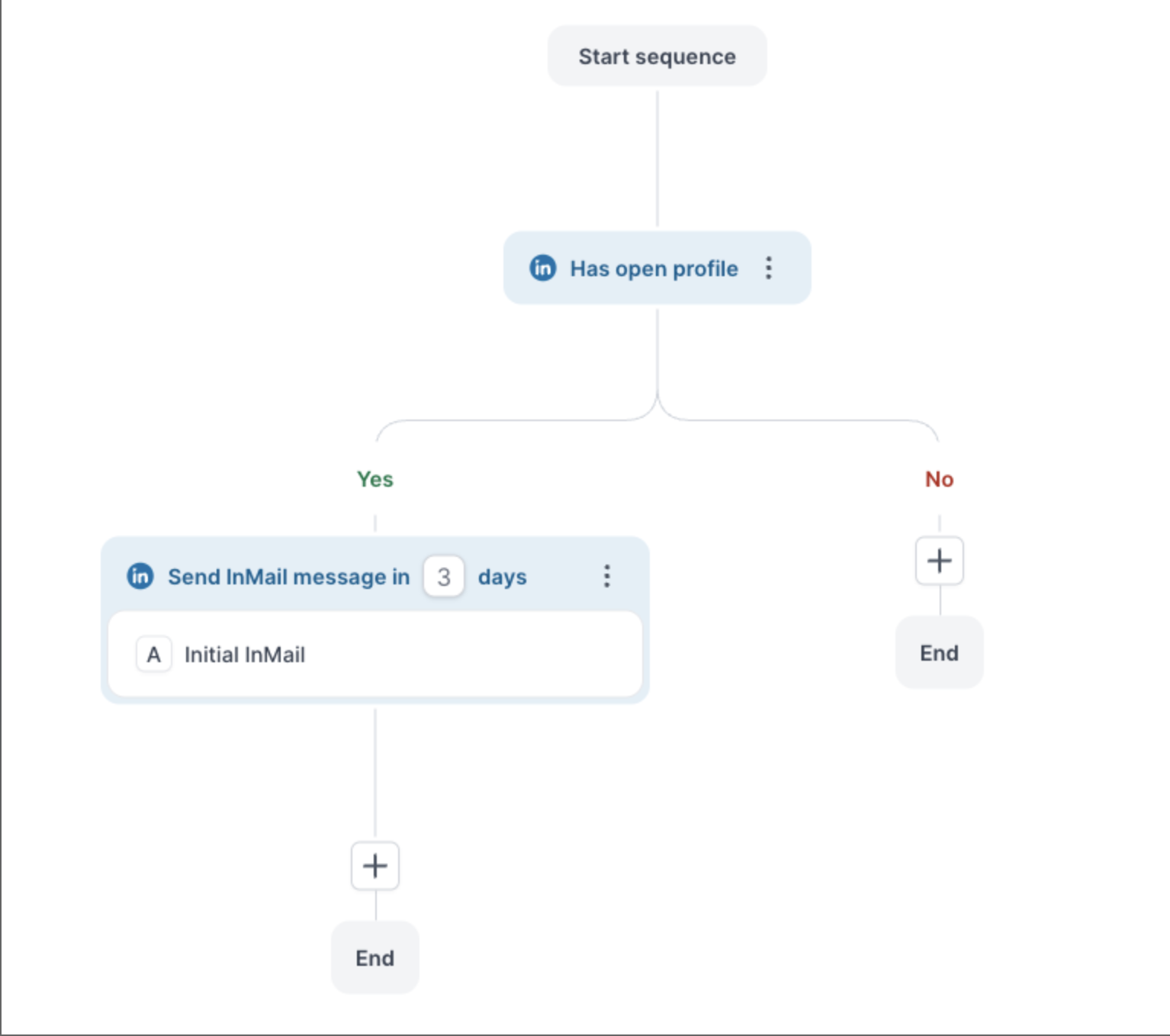
Note: Salesforge social actions credits will be used in case InMail is sent, above mentioned credit usage applies to LinkedIn account InMail credits
A simple way to cut through the noise and reach prospects beyond your network.
How Salesforge Protects Your LinkedIn Account
Salesforge Multichannel Setup
