
Description
Follow the steps by steps below for the instructions.
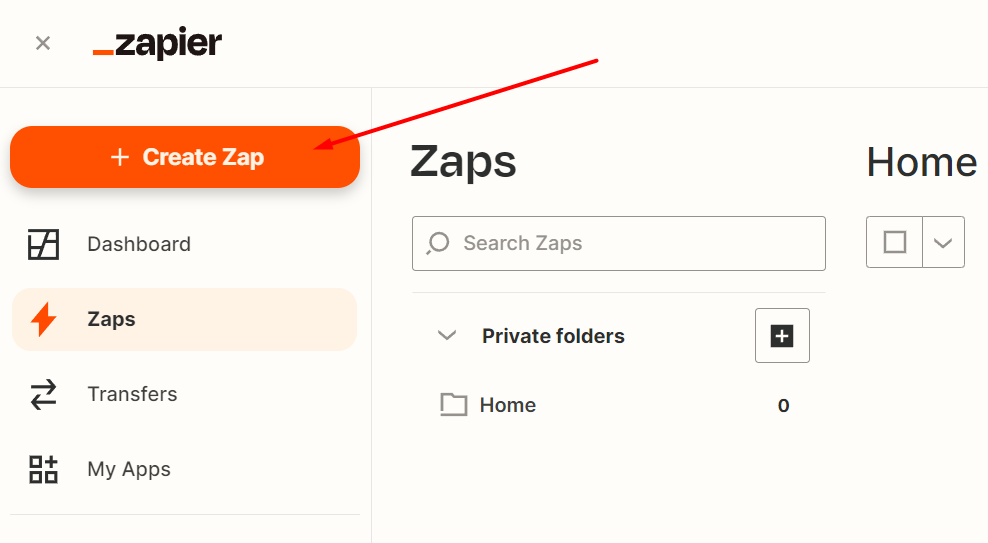
Go to your Zaps editor and click on Create a Zap:
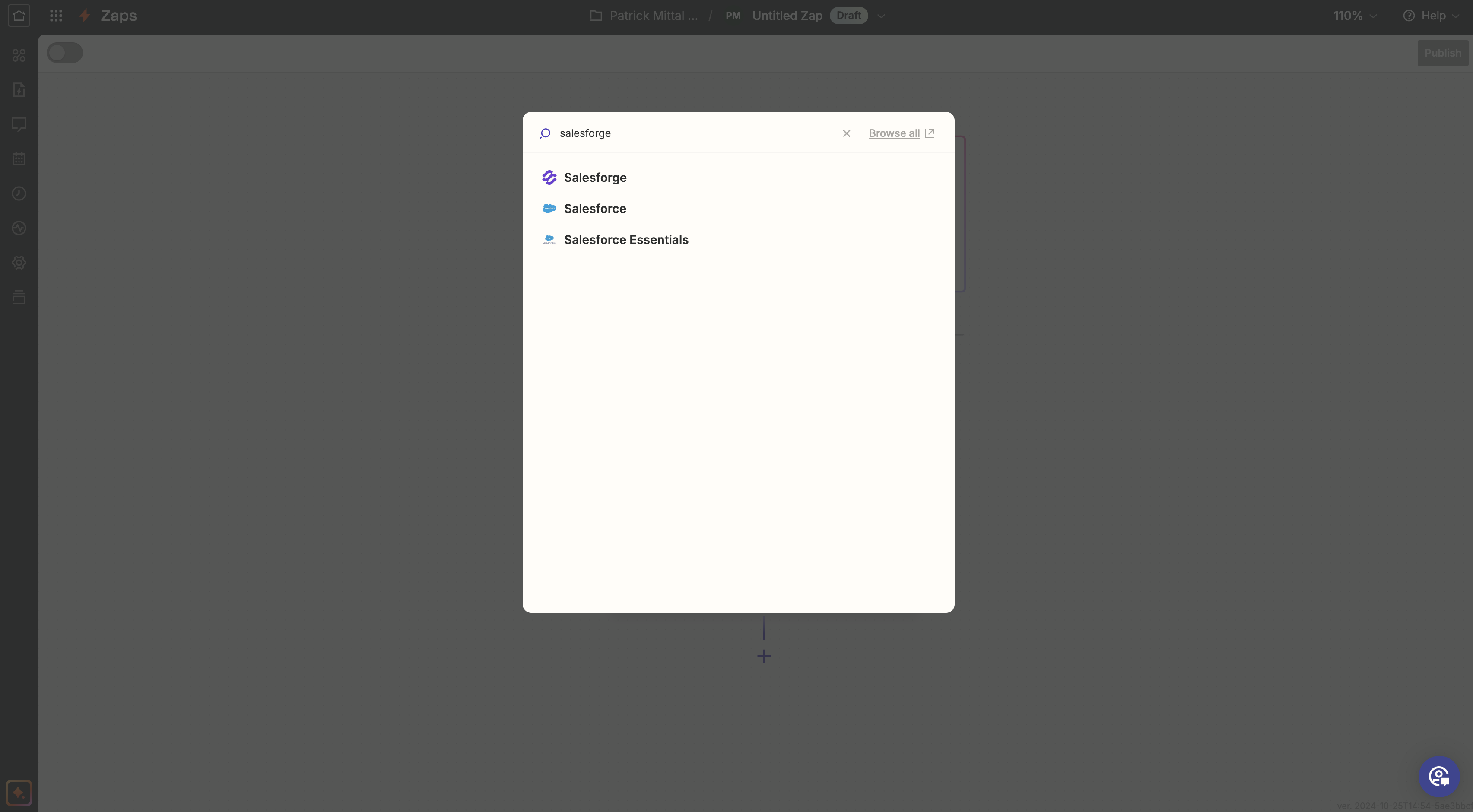
Type Salesforge in the search bar for Triggers and select it from the drop-down menu.
3. Choose Positive Reply in Trigger event
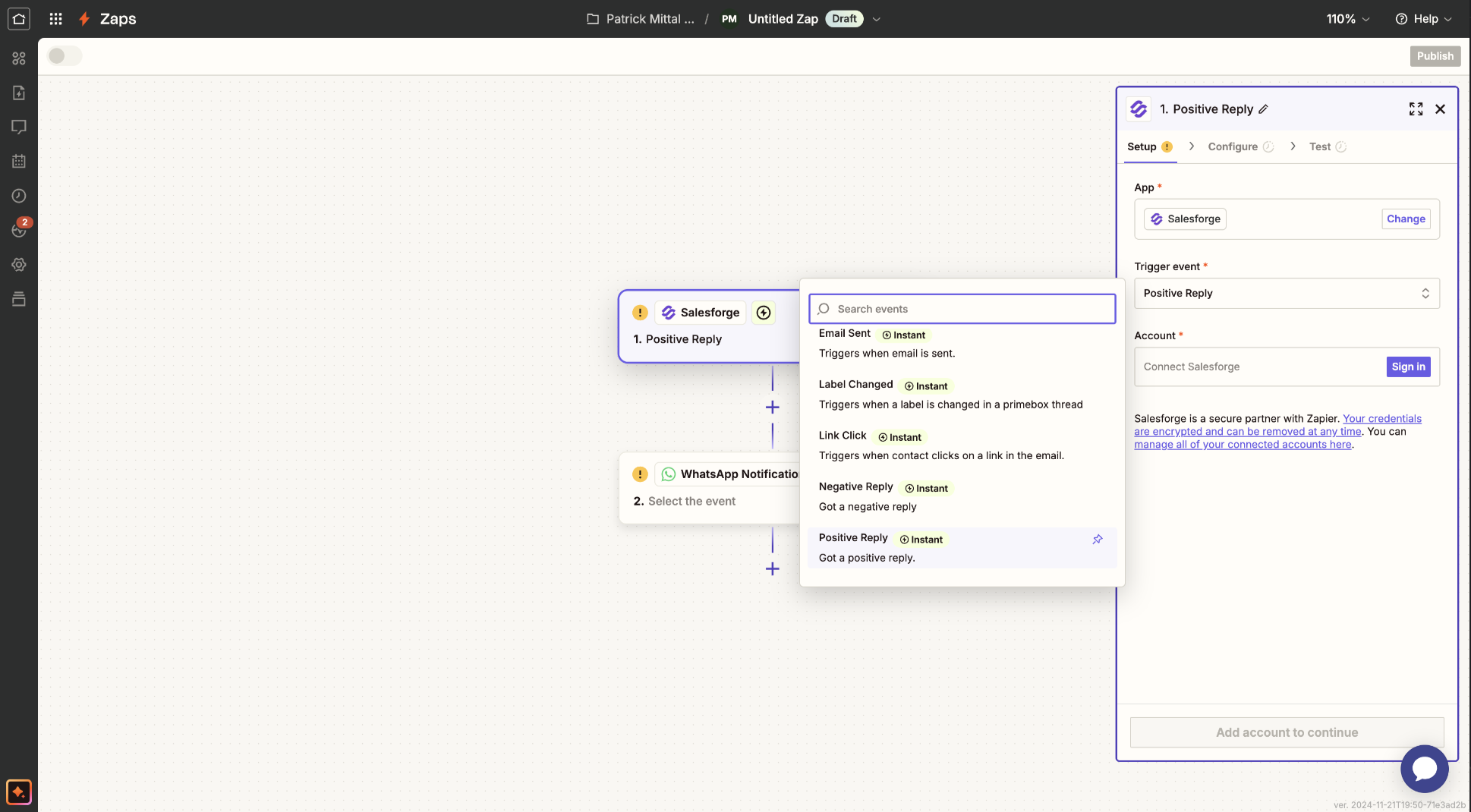
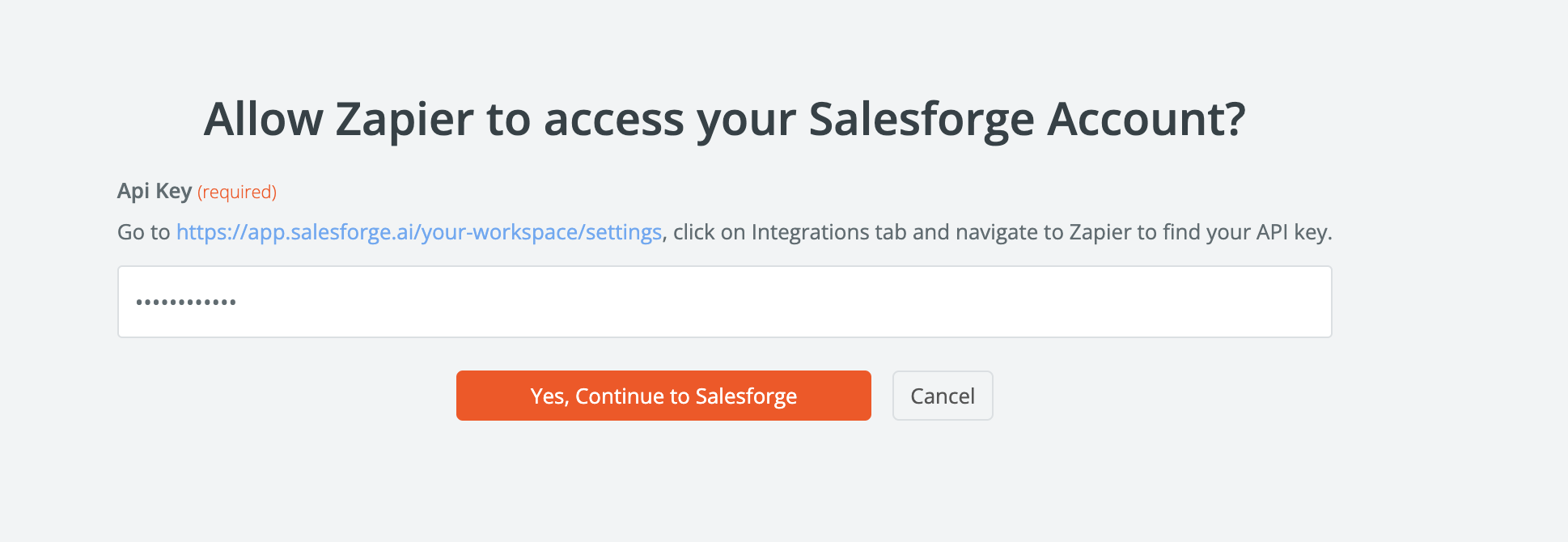
4. In Account, click Sign in, it will ask you for API key, for API key, go to Salesforge | 10x Pipeline | Programmatic Cold Email > settings > Integrations > Zapier > Get API key
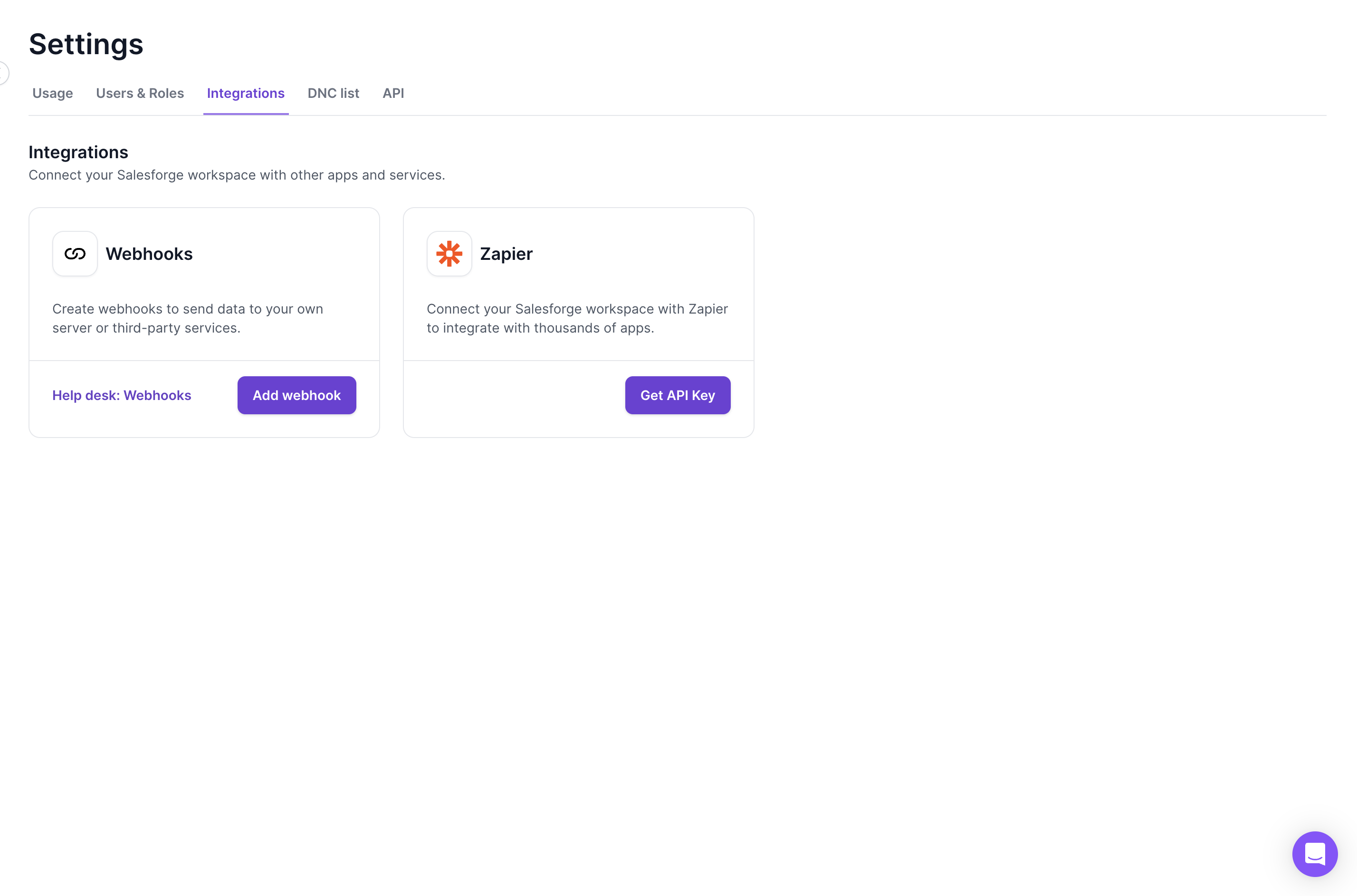
Once you have API key, you can input in Zapier to connect account
6. Once your account is connected,
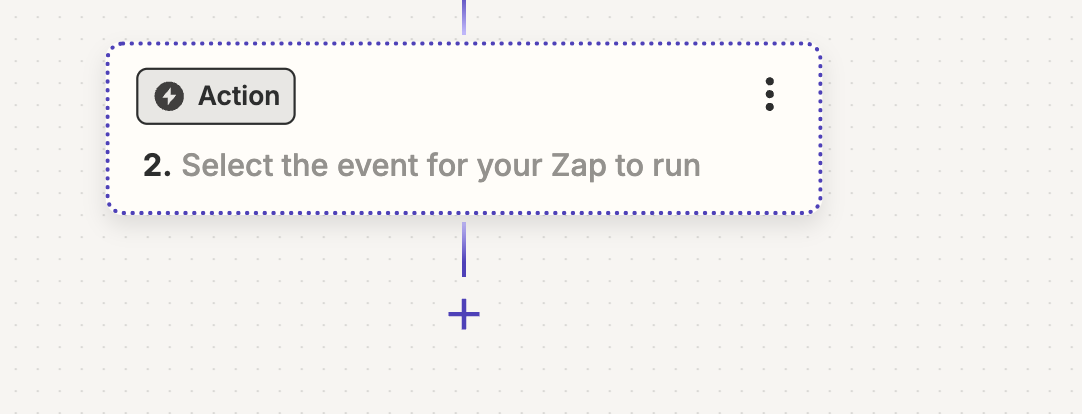
Click on action and search for Discord
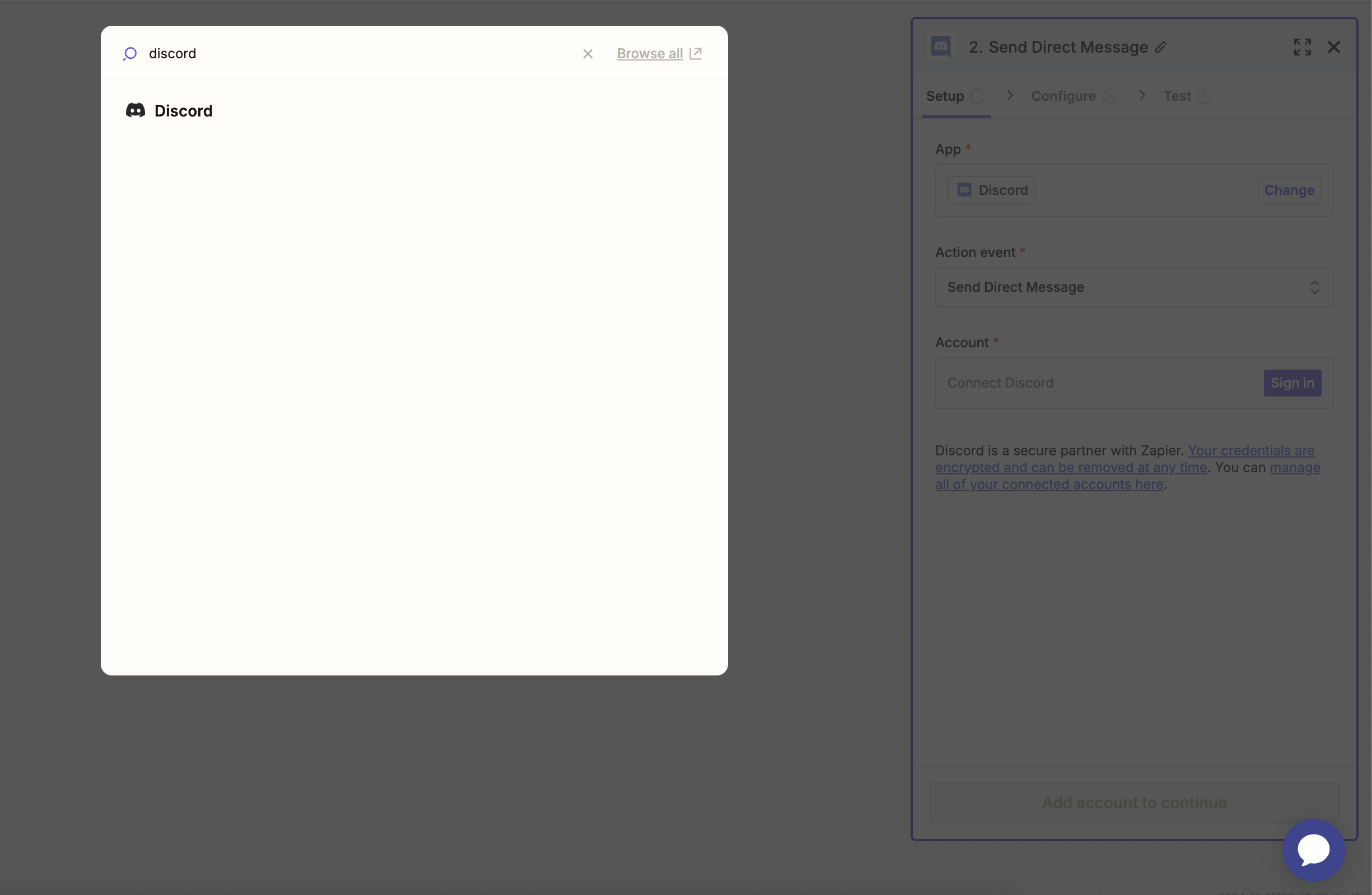
7.For Discord, choose Action event, Send Direct Message
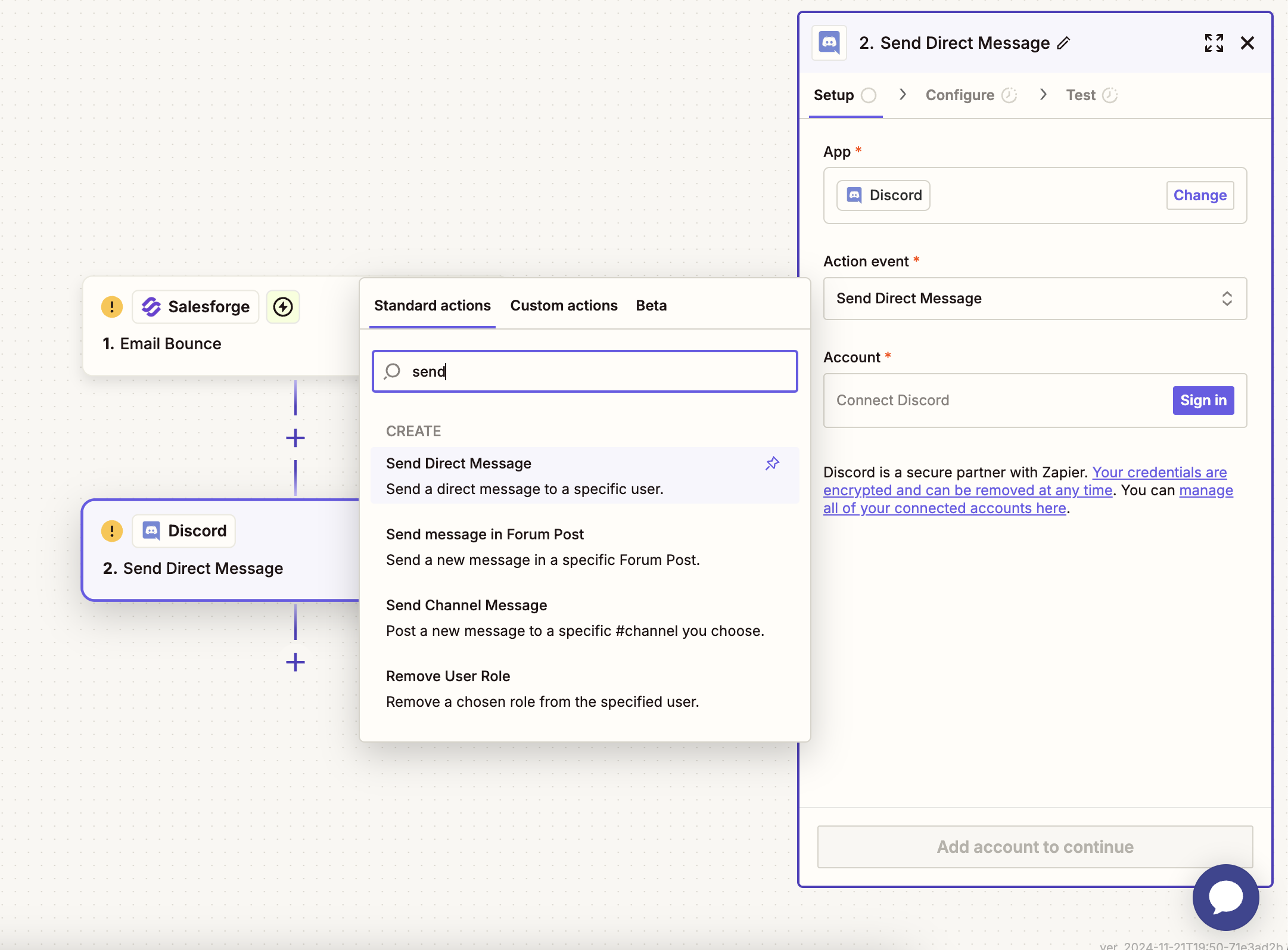
Connect your Discord account and save this Zap