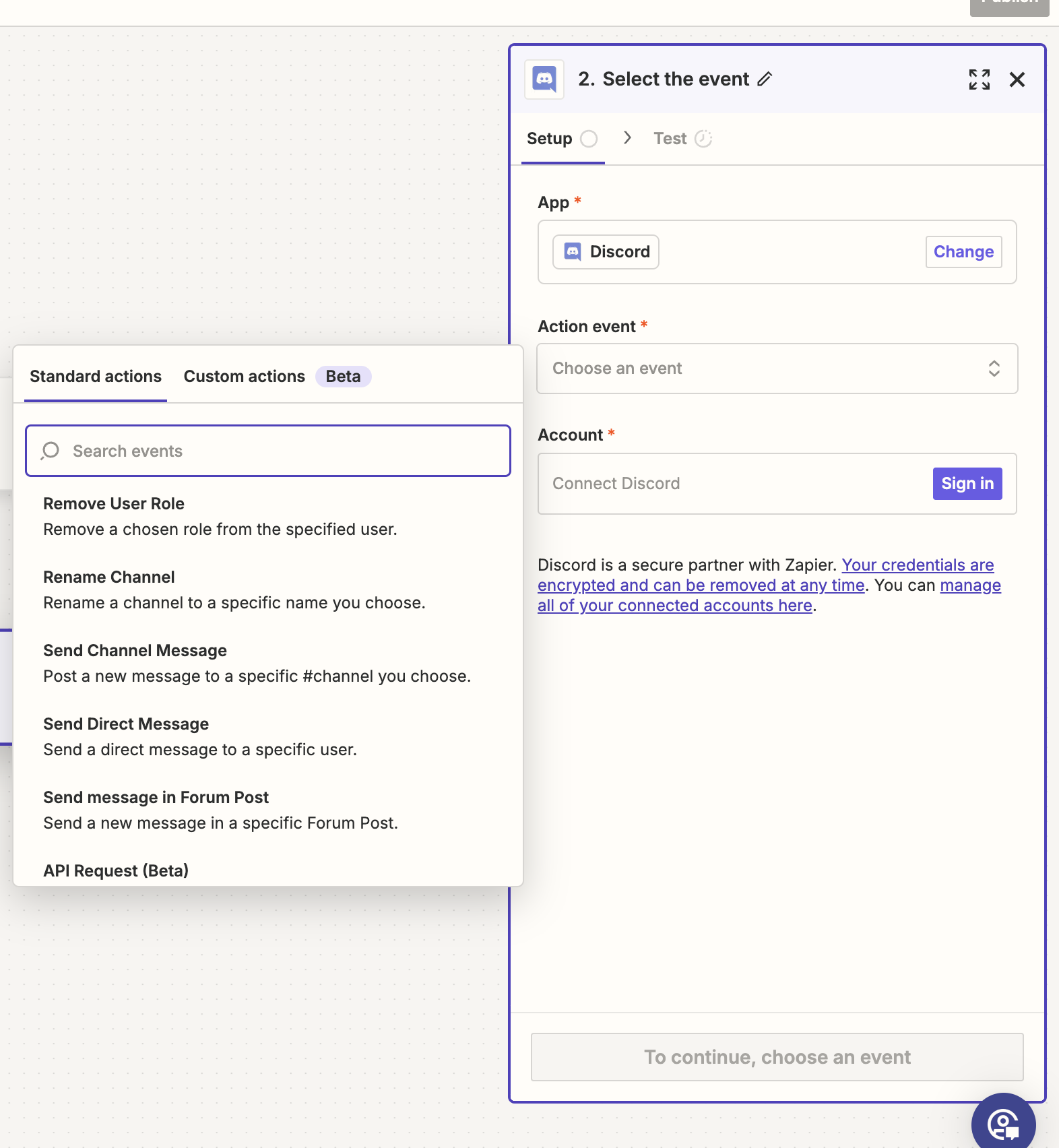
Use this template: https://zapier.com/webintent/create-zap?template=255646862
Or you can use this flow to create a Zap manually to send a message in Discord when a you get a reply in one of your Salesforge sequences.
Follow the steps by steps below for the instructions.
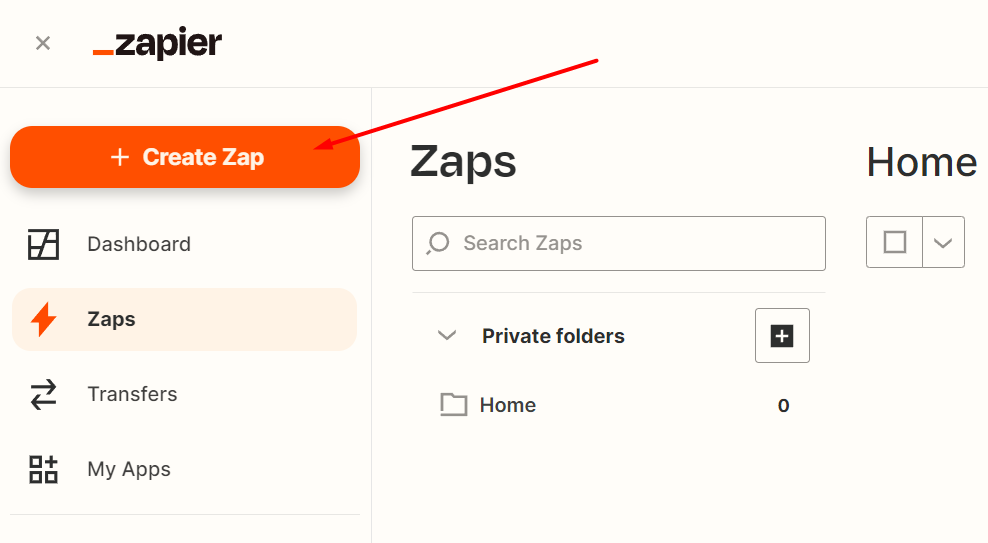
1. Go to your Zaps editor and click on Create a Zap:
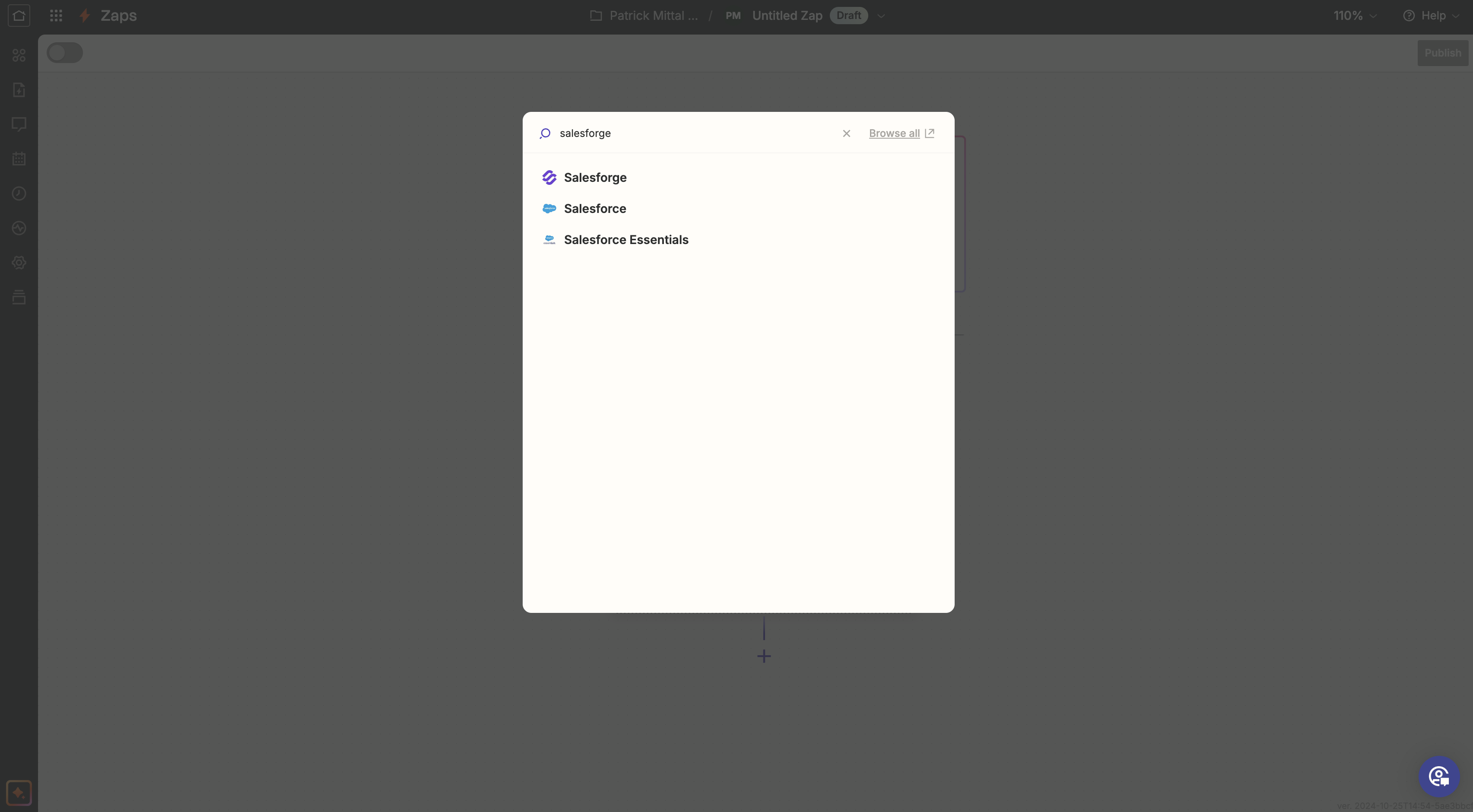
2. Type Salesforge in the search bar for Triggers and select it from the drop-down menu:
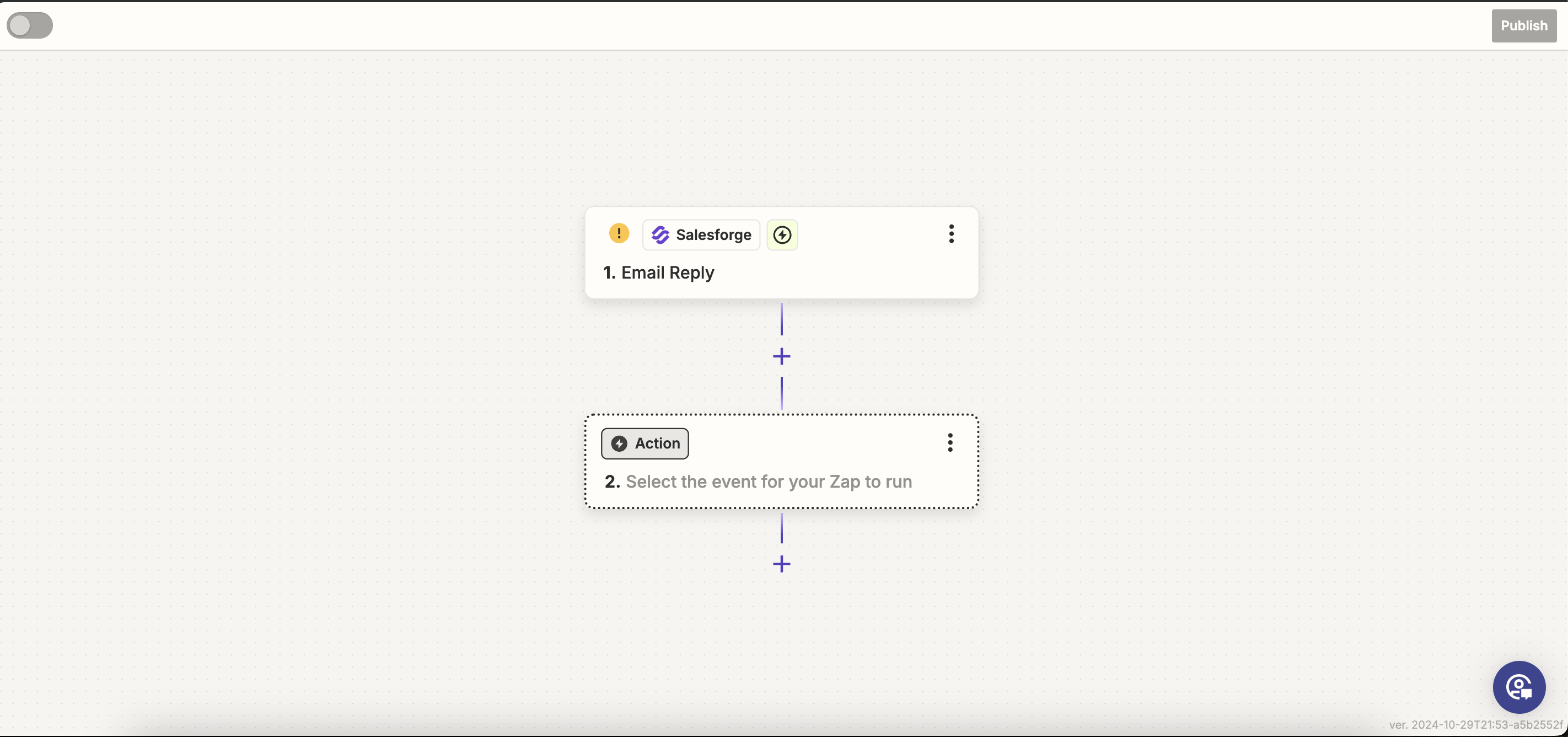
3. Choose Email Reply in Trigger event:
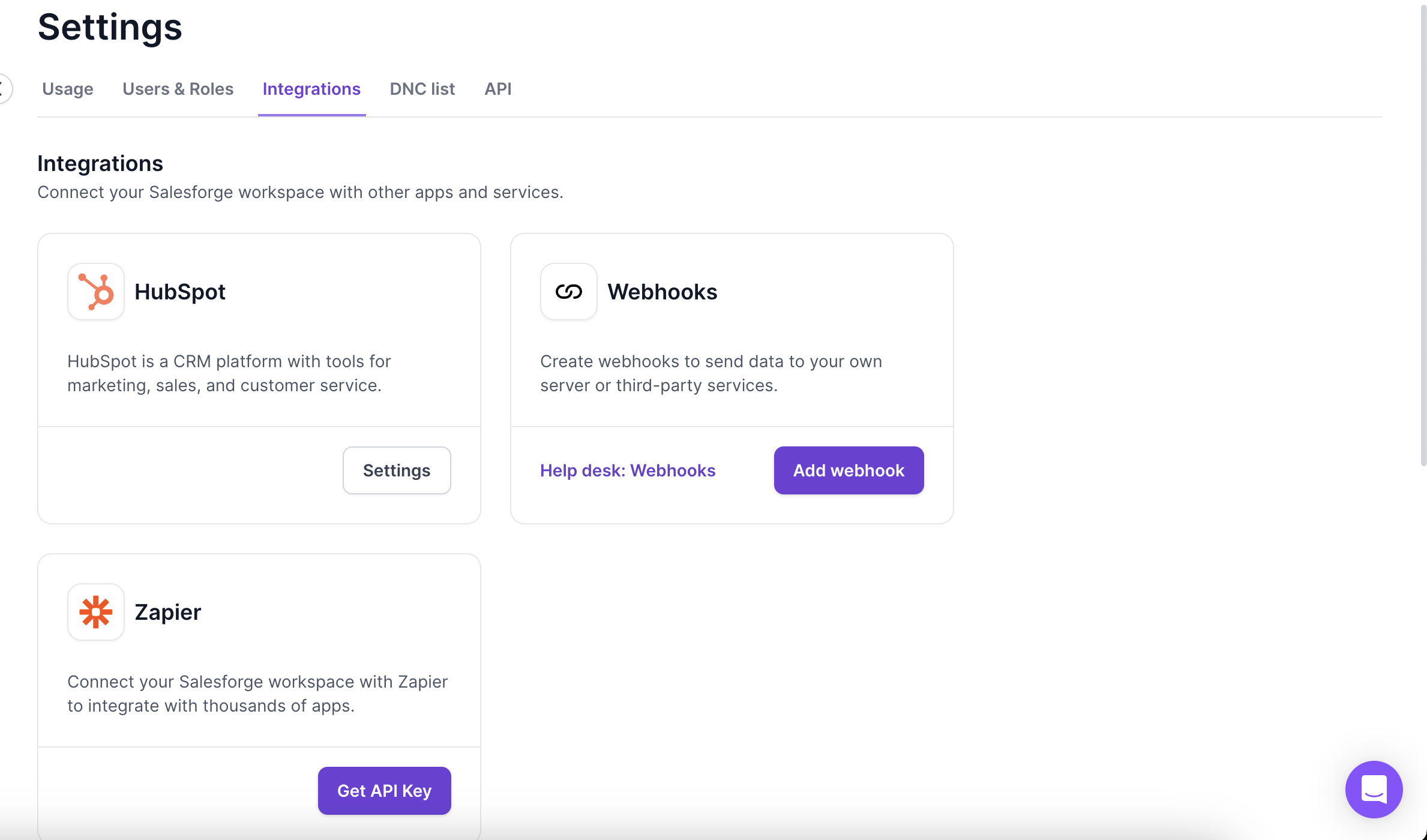
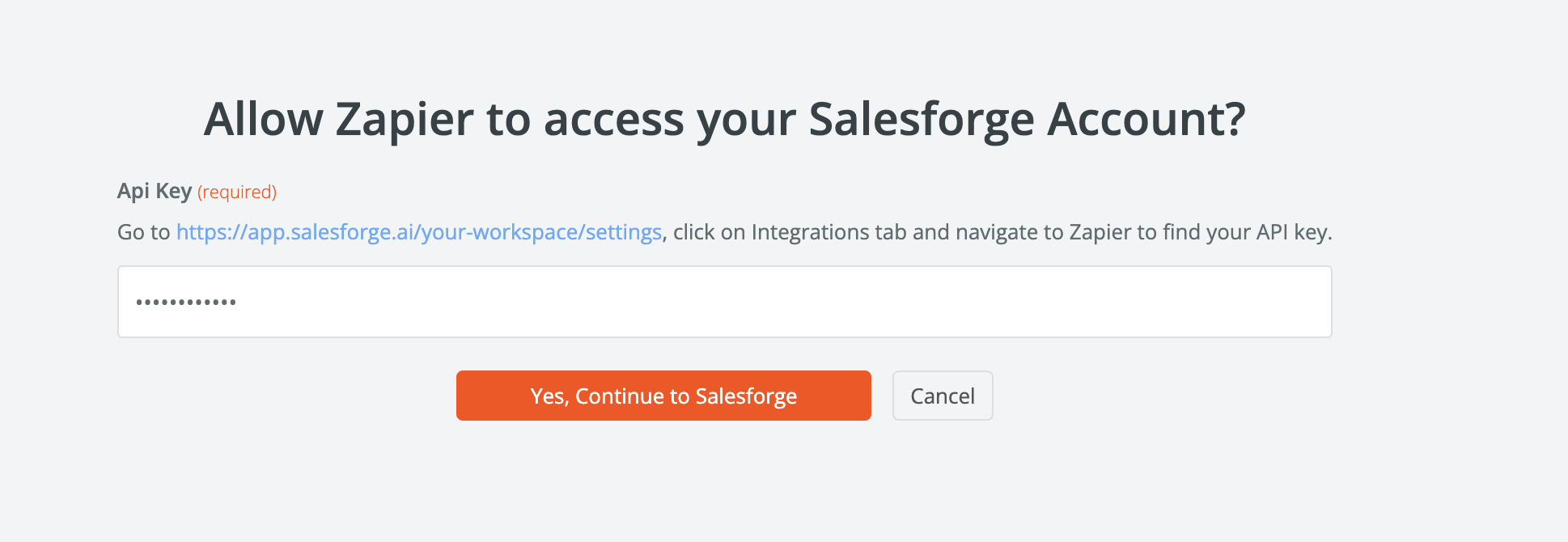
4. In Account, click Sign in, it will ask you for API key, for API key, go to Salesforge.ai > settings > Integrations > Zapier > Get API key:
Once you have API key, you can input in Zapier to connect account:
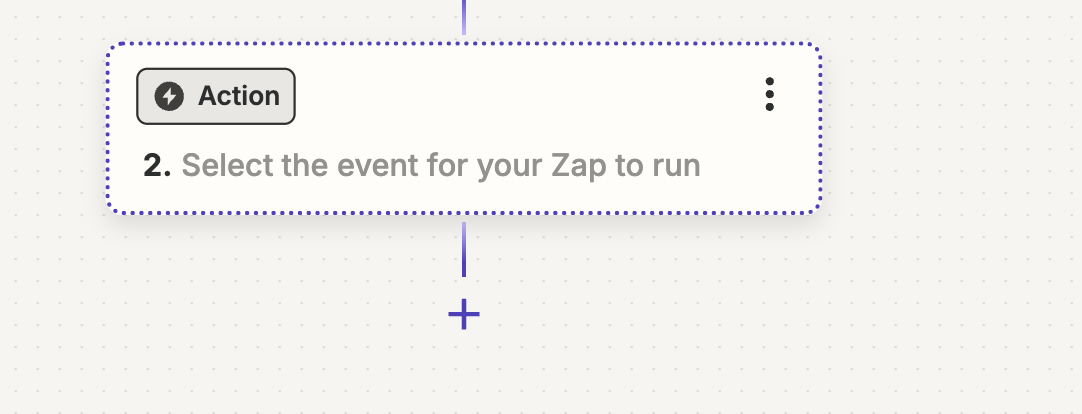
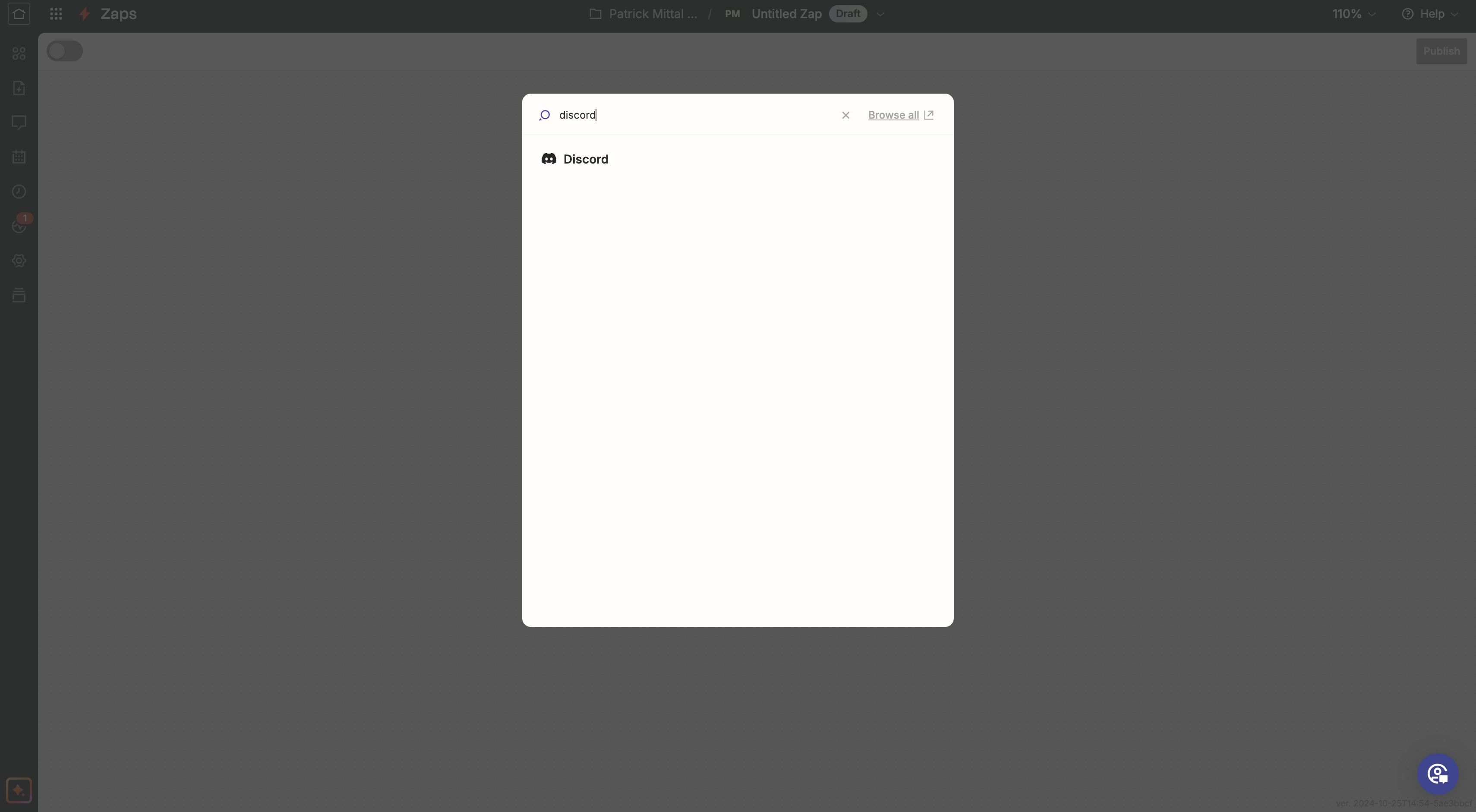
5. Once your account is connected, click on action and search for Discord:
6. For Discord, choose Action event, either Send Channel Message or Send Direct Message: