With this integration, you can receive real-time notifications directly into your Slack channels.
If you're managing leads, you know that timely follow-up is critical.
For this integration, you can go to Settings in Salesforge > Integrations > Slack > Connect
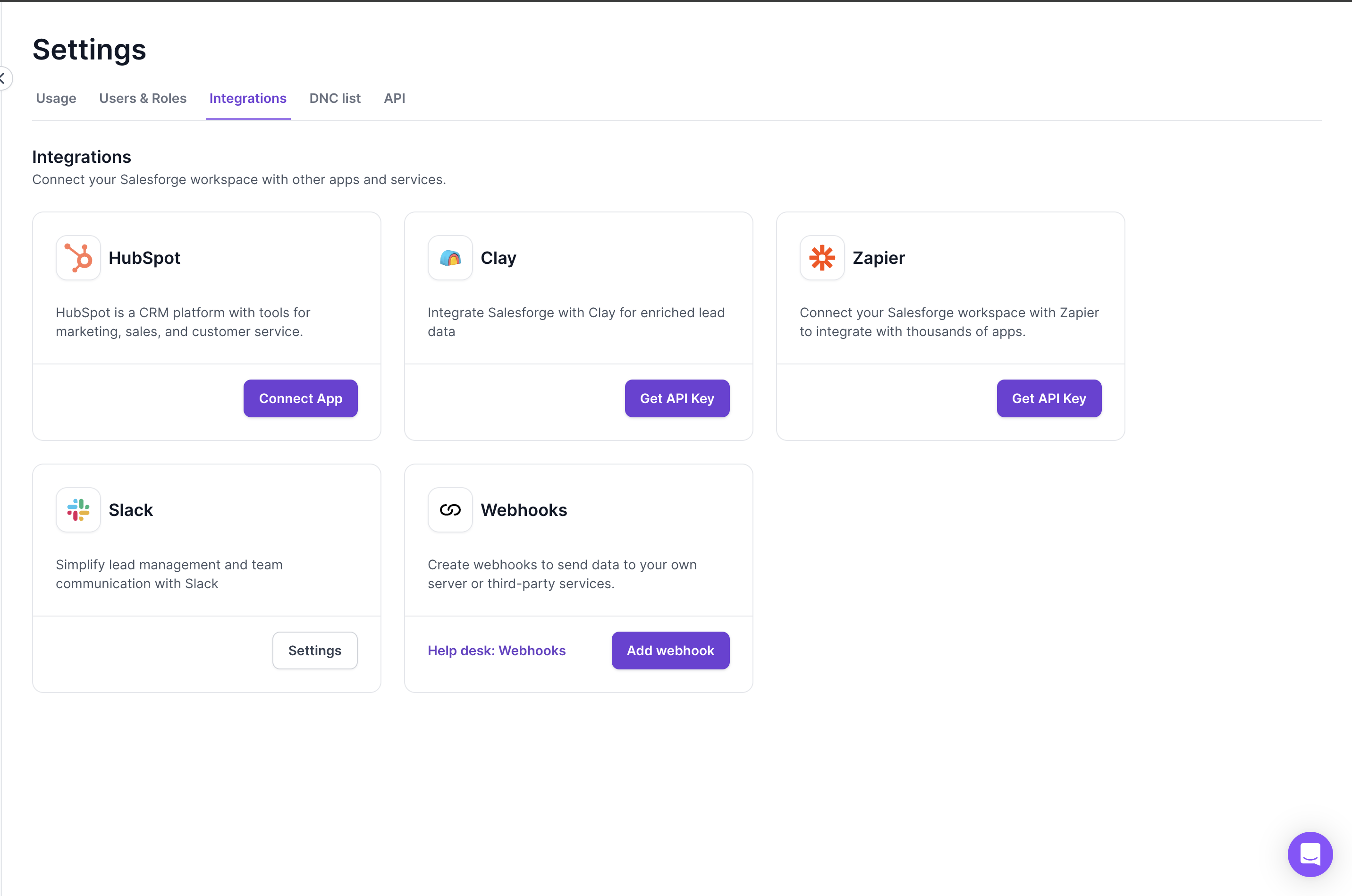
Once you click on Connect, it will ask you for permissions of your Slack and choose channel in which you want to receive updates
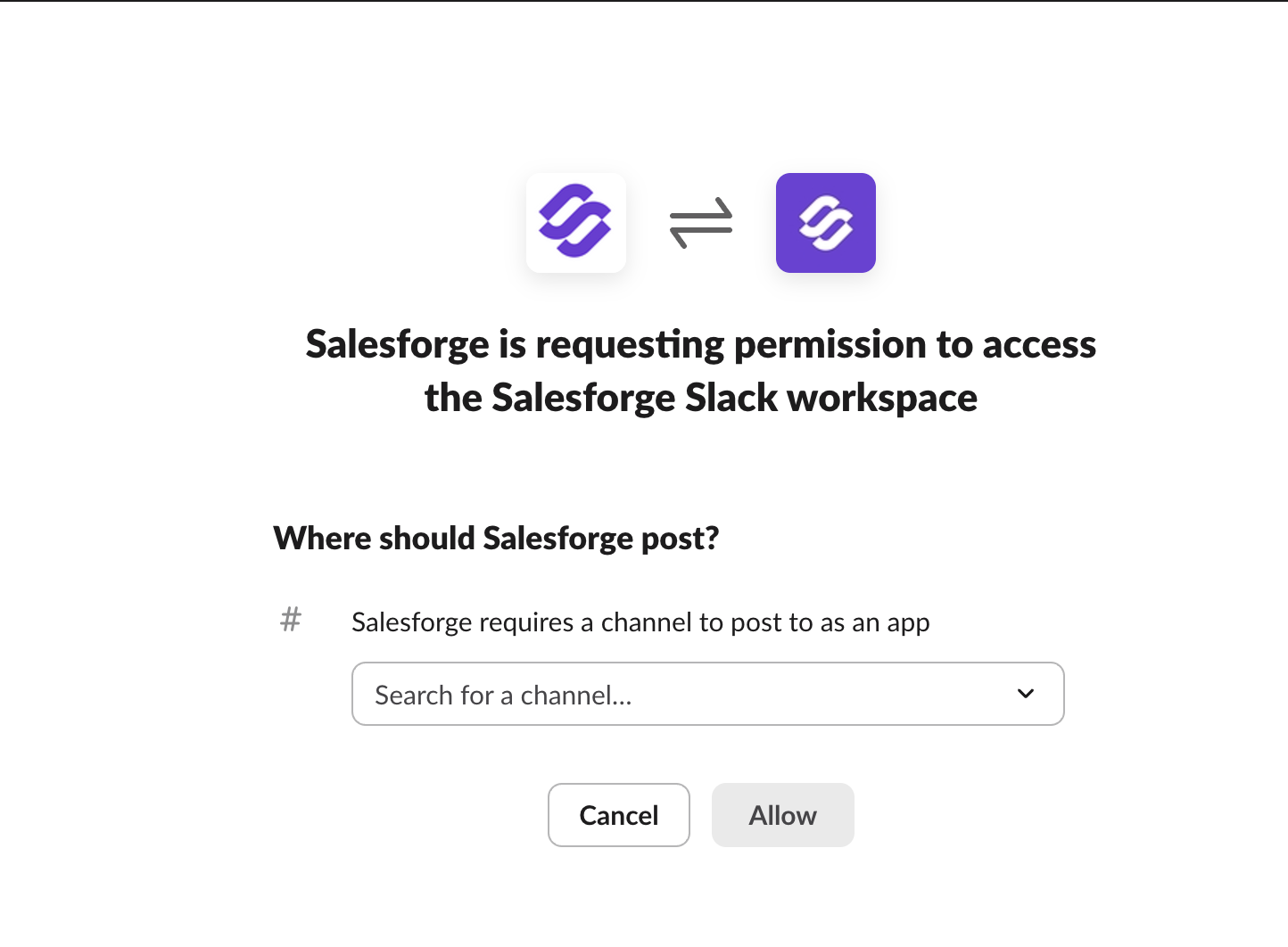
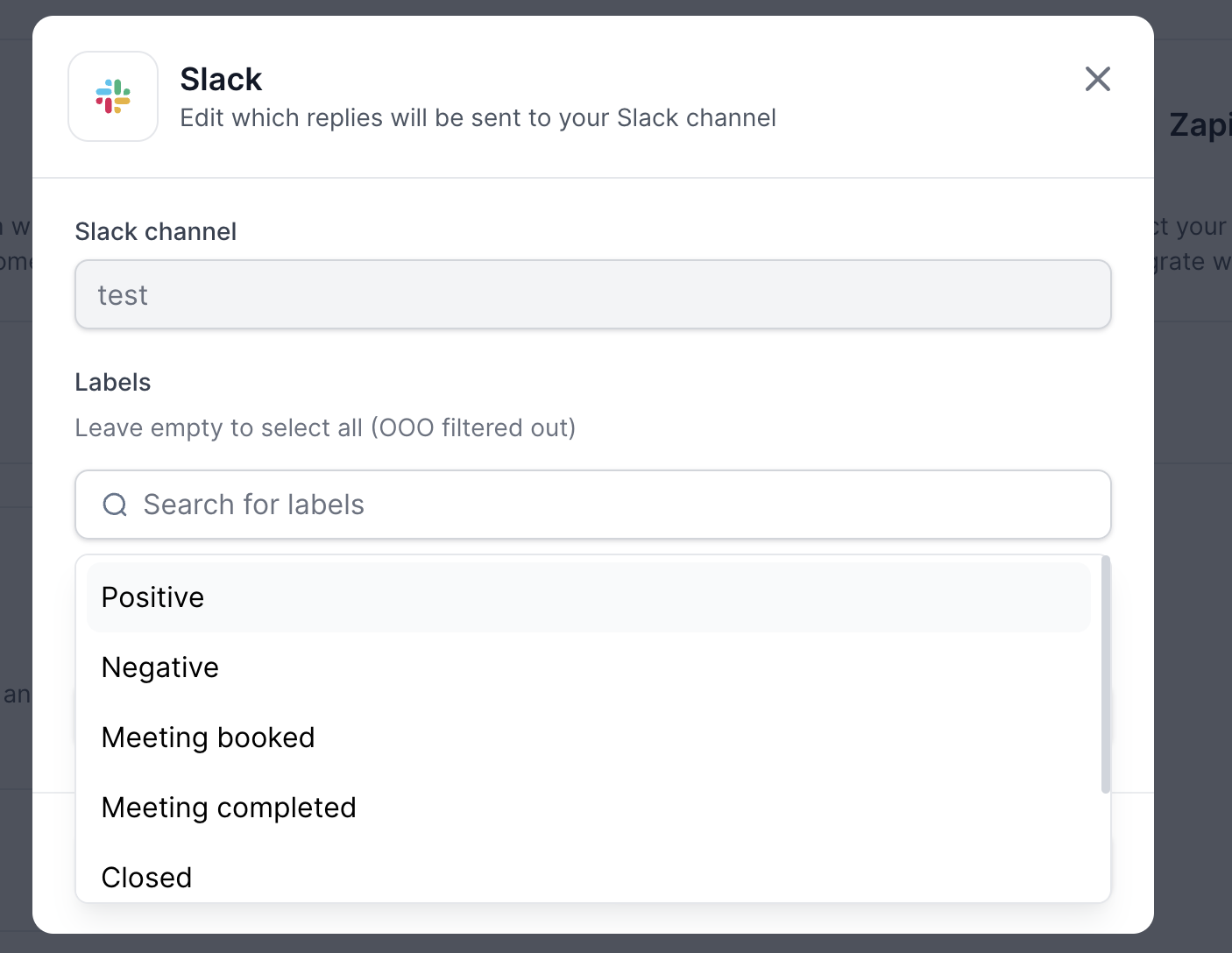
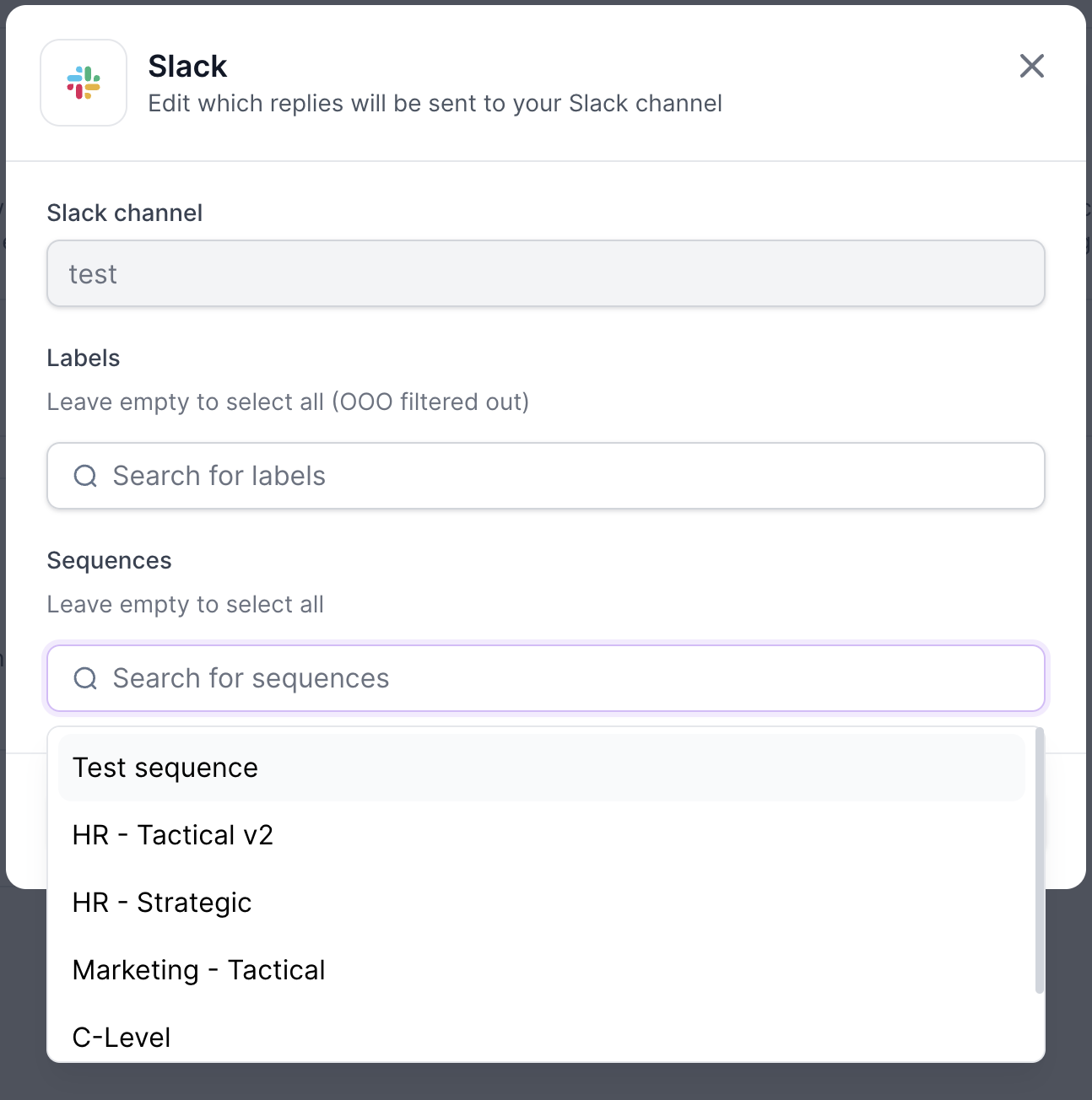
Once you choose channel and click allow, then you can select what kind of notifications you want to get in Slack
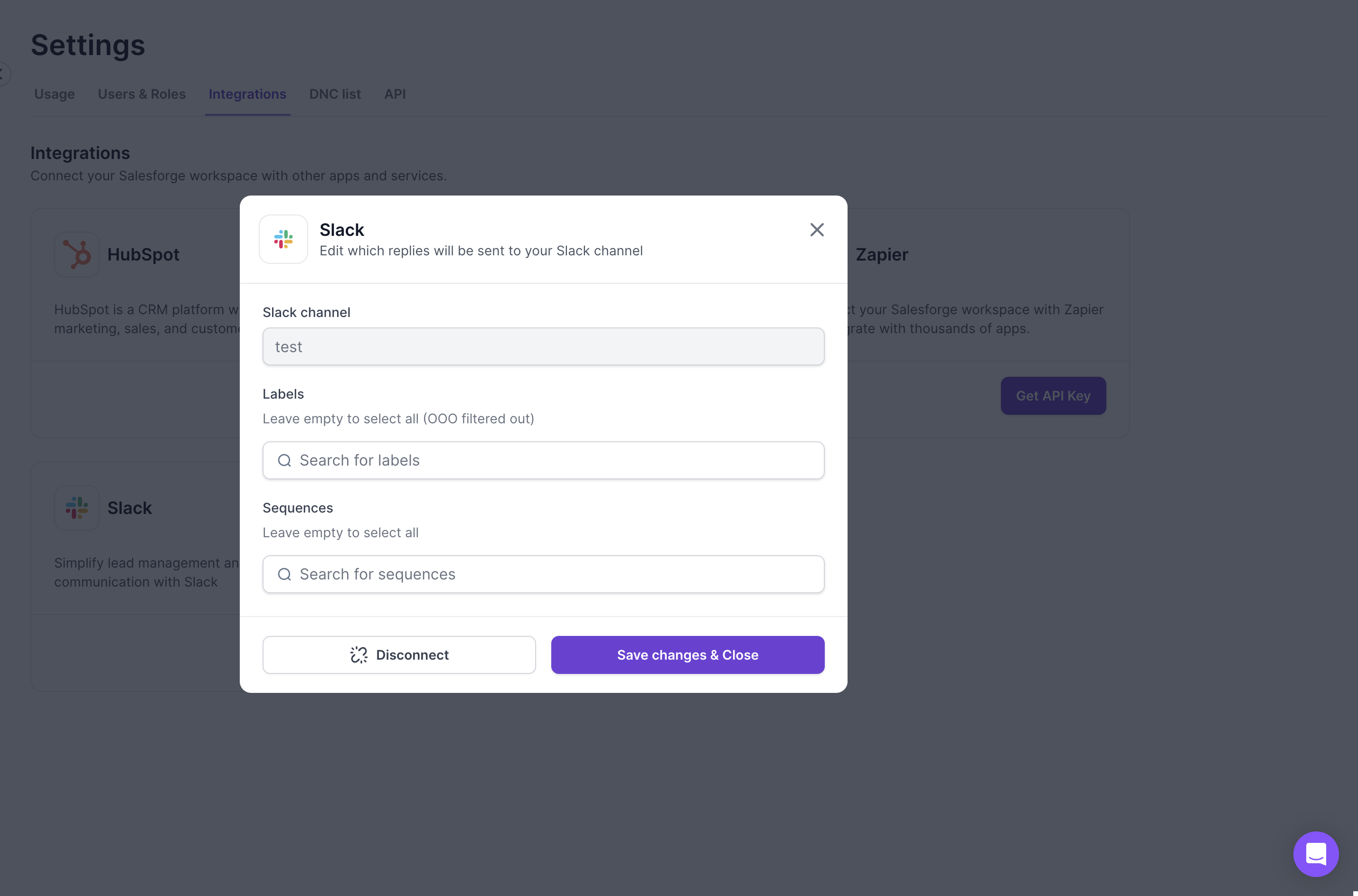
You can choose Primebox labels and Sequences